# 6 Best AI Deployment Tools for Applications in 2026
> Compare the best AI deployment tools for full-stack, backend, frontend, and serverless apps by automation, setup effort, pricing, scaling, and use case.
- **Author**: charan-achari
- **Published**: 2025-08-13
- **Modified**: 2026-09-14
- **Category**: AI & DevOps
- **URL**: https://kuberns.com/blogs/best-ai-tools-for-deployment/
---
Searching for "What are the best AI tools for deployment in 2026?". Here is the answer: the best AI tools for app deployment are Kuberns for full-stack and backend applications, Render for simple web services, Railway for fast prototypes, Fly.io for global multi-region apps, Vercel for frontend and Next.js projects, and Netlify for static sites and JAMstack apps.
AI deployment tools fall into two distinct categories. MLOps platforms such as AWS SageMaker, Google Vertex AI, TrueFoundry, BentoML, and MLflow are built to deploy trained machine learning models as serving endpoints. Application deployment platforms such as Kuberns, Render, Railway, Fly.io, Vercel, and Netlify are built to deploy the web applications, APIs, and backend services that run on top of those models, or any other code you ship.
Most production AI workflows need both layers. This guide focuses on application deployment platforms and compares how they handle application setup, supporting services, scaling, observability, and ongoing developer work. It does not rank AI coding assistants or model-serving platforms.
If you built an application with Cursor, Claude Code, Bolt, Windsurf, Lovable, or another coding tool, this guide helps you choose where to deploy the resulting code. [Kuberns](https://kuberns.com/) is the strongest option in this comparison for full-stack and complex backend applications when the team wants Agentic AI to reduce deployment configuration.
The market for AI deployment tools is getting crowded because AI coding tools have changed the pace of software development. Developers can generate a working app faster than before, but they still need to choose where the app runs, how builds happen, how secrets are handled, how SSL is issued, and how the service scales after launch.
That gap is what this guide addresses. AI can help you write code quickly, but deployment still decides whether that code becomes a working production app.
## What Type of AI Deployment Tool Do You Need?
Before comparing specific tools, it's worth being precise about which deployment problem you're solving. The term "AI deployment tools" means genuinely different things depending on who's searching.
| | **MLOps / Model Deployment** | **App / Service Deployment** |
| ------------------------- | ----------------------------------------------------------- | --------------------------------------------- |
| **What you're deploying** | Trained ML models, LLM endpoints, inference APIs | Web apps, backends, APIs, full-stack services |
| **Primary users** | Data scientists, ML engineers | Developers, startups, engineering teams |
| **Key concerns** | Model versioning, GPU serving, A/B testing, drift detection | CI/CD, scaling, HTTPS, cost, and configuration |
| **Example tools** | SageMaker, Vertex AI, TrueFoundry, BentoML, MLflow | Kuberns, Render, Railway, Fly.io, Vercel |
> **Already have a Python application ready? [Follow the Python application deployment guide](https://kuberns.com/blogs/how-to-deploy-python-app-with-ai/) for Flask, Django, and FastAPI projects.**
> **For the complete coding-to-production workflow, compare the [best tools to develop and deploy applications](https://kuberns.com/blogs/best-way-to-develop-and-deploy-projects/).**
## What Does One-Click AI Deployment Actually Mean?
One-click deployment does not mean that every production decision disappears. It means the platform can turn a prepared repository and required application values into a running service without asking the developer to assemble servers, deployment pipelines, routing, certificates, and observability tools manually.
There are three practical levels of deployment automation:
1. **Template deployment** starts from a predefined application and configuration.
2. **Framework detection** recognizes a supported stack but may still require build, start, port, resource, or scaling decisions.
3. **Agentic deployment** examines the repository, prepares supported configuration, exposes that configuration for review, and completes the deployment workflow.
The right level depends on the application. A static site may only need framework detection. A full-stack application with a backend, database, worker, and environment variables benefits more from an Agentic AI platform for deployment.
## TL;DR
- AI deployment tools include model-serving platforms and application-deployment platforms. This guide compares the second category.
- Kuberns is the strongest fit for full-stack and complex backend applications when reducing deployment configuration is the priority.
- Vercel and Netlify are strongest for frontend, static, and serverless-first workloads.
- Railway and Render provide accessible managed workflows for application services and supporting resources.
- Fly.io offers greater control over container placement and multi-region deployment, with more infrastructure decisions for the developer.
- Compare the complete application, current pricing, required services, and ongoing operational work before choosing.
> **Already built your application? [Try the Kuberns Agentic AI deployment workflow](https://dashboard.kuberns.com/) with the GitHub repository before choosing a production platform.**
## Quick Comparison of Popular Deployment Platforms
If you are choosing a platform to deploy your app, the decision usually comes down to ease of use, scalability, and how much infrastructure work you want to handle. This table gives you a clear comparison of popular platforms so you can quickly see what fits your use case, whether it is full-stack apps, frontend projects, or quick prototypes.
| **Platform** | **Best fit** | **Deployment approach** | **Supporting services** | **Scaling approach** |
| --- | --- | --- | --- | --- |
| **Kuberns** | Full-stack and complex backend applications | Agentic AI prepares supported deployment configuration from GitHub | Application resources and operational information remain in one workflow | Vertical and horizontal controls are available through the dashboard |
| **Render** | Managed web services, workers, and static sites | Git-based deployment with service configuration | Managed datastores and background workers are available | Manual and automatic scaling are available on applicable plans |
| **Railway** | Service-based applications and rapid iteration | GitHub, CLI, templates, and project services | Databases and application services can run in one project | Resources and replicas are configured per service and plan |
| **Fly.io** | Containerized applications requiring regional placement | CLI and configuration-driven deployment | Volumes, networking, and supporting services are configured explicitly | Machine resources and regional placement are developer-controlled |
| **Vercel** | Next.js, frontend, and serverless-first projects | Git-integrated framework deployment | Databases and persistent backend services commonly use integrations | Scaling follows the platform's serverless and edge model |
| **Netlify** | Static sites, JAMstack, and function-based applications | Git-based frontend deployment | Functions, forms, and integrations extend static applications | Scaling follows the CDN and function model |
## These are the Best AI Tools for Deploying Your Applications in 2026
We evaluated these platforms on what actually matters for developers shipping real applications: how much configuration is required, how well they handle the full stack (not just frontend), how their pricing behaves as apps scale, and what AI-specific automation they bring to the deployment process, not just "AI-branded" marketing.
### 1. Kuberns: Best AI Deployment Platform for Full-Stack and Backend Apps
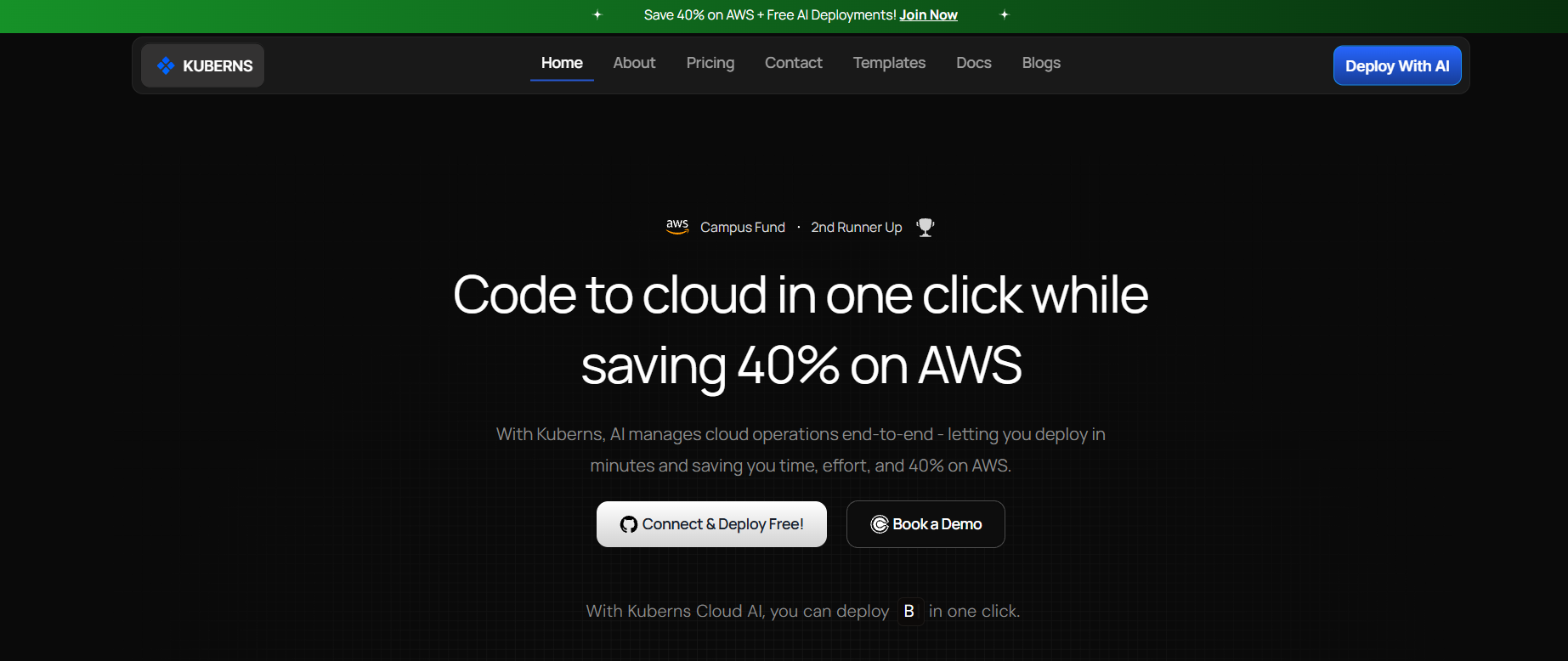
**What it is:** Kuberns is an [Agentic AI platform for deployment](https://kuberns.com/) for full-stack and complex backend applications. Connect a GitHub repository, select the branch and available region, add the required environment variables and resources, and start deployment. The agent examines the repository and prepares supported application configuration while keeping the resulting settings visible for review.
**Why it stands out in this comparison:**
Kuberns uses an agent to inspect the application rather than limiting the workflow to a fixed framework preset. That is most valuable when a repository contains a backend, multiple application services, background processes, or a less familiar stack. The dashboard keeps the detected configuration, deployment progress, logs, resources, and supported operational controls in one workflow.
The source code can come from an AI coding tool or a conventional development process. The relevant question is whether the repository and its required services are supported, not how the code was written.
**Key features:**
* Agentic AI inspects supported repositories and prepares framework, build, start, port, and resource configuration
* Supports full-stack and complex backend application workflows, including supporting resources where available
* Vertical and horizontal scaling controls are available through the dashboard
* Git-based CI/CD supports repeatable deployments after the initial setup
* Real-time logs, build history, and monitoring from a single dashboard
* SSL automatic, custom domains from the dashboard, environment variables encrypted at rest
* Managed infrastructure without requiring you to configure cloud accounts, IAM policies, or networking by hand
* Simple pricing with plans starting at $7, plus a Trial Option for testing deployments before committing
**Best for:** Developers and teams that want to reduce deployment configuration for full-stack applications, backend services, and projects generated or assisted by AI coding tools.
> **Build the application with the tools you prefer, then use Kuberns Agentic AI to move the GitHub repository into a managed deployment workflow.**
[Deploy with Agentic AI on Kuberns](https://dashboard.kuberns.com)
### 2. Render: Best for Heroku Migrations and Simple Web Services
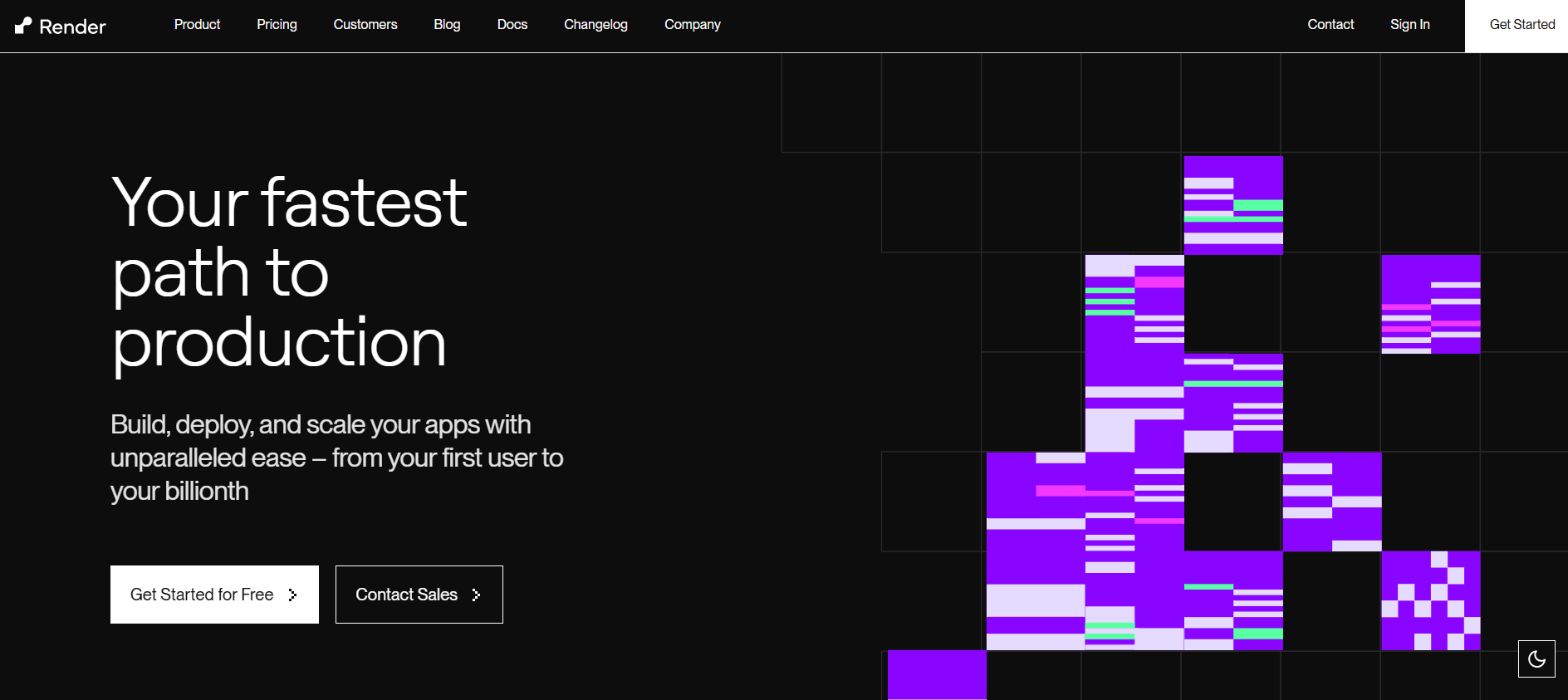
**What it is:** A developer-friendly PaaS that made a name for itself as the natural Heroku replacement when Heroku killed its free tier in 2022. Render connects to your GitHub repo, detects your stack, and deploys with a clean dashboard and minimal configuration.
**Key features:**
* Auto-detects Node.js, Python, Ruby, Go, Rust, Elixir, and Dockerfile-based projects
* Git-push deploys on every commit, CI/CD is built in
* Managed PostgreSQL and Redis databases alongside app deployments
* Preview environments for pull requests
**Honest cons:**
* Free web services can spin down after inactivity, so teams should review current limits before using them for latency-sensitive production APIs
* Scaling is rules-based; you configure CPU/memory thresholds manually
* Pricing can increase significantly once you move beyond the starter instance type; multiple services add up quickly
* Application services and supporting resources contribute separately to the complete workload cost
**Pricing:** Render offers free web services that spin down after inactivity, and paid web service plans vary by instance type. Verify the current behavior in Render's free service documentation and follow its first deployment guide.
**Best for:** Teams migrating from Heroku, developers who want a familiar Heroku-style workflow, and projects with a mix of web services and managed databases.
> 💡 Comparing Render vs Kuberns for your project? See our best [Render alternatives guide](https://kuberns.com/blogs/best-render-alternatives/) for a full feature and pricing breakdown.
### 3. Railway: Best for Prototypes and Fast Experimentation
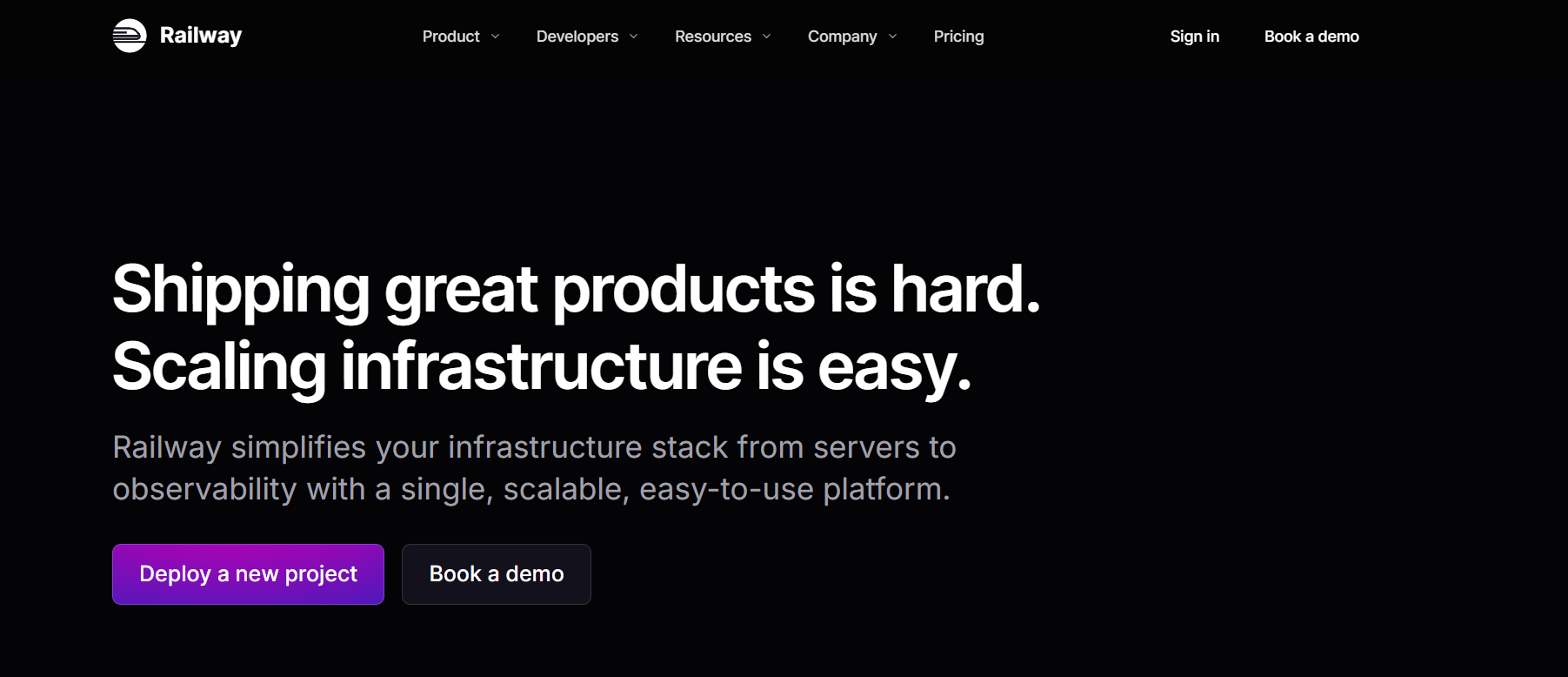
**What it is:** One of the fastest ways to go from code to a running app. Railway is built around simplicity: connect a repo, and Railway infers your stack and deploys it. No configuration files for most projects. Extremely fast for getting something live during a hackathon, demo, or early validation.
**Key features:**
* Nixpacks build system automatically detects most modern frameworks
* Instant deployments with minimal configuration
* Deployment templates for popular stacks (Next.js, Django, Redis, PostgreSQL)
* GitHub integration with automatic redeploys on push
* Simple environment variable management
**Honest cons:**
* Credit-based billing surprises teams: background workers and scheduled jobs consume credits in ways that aren't obvious upfront
* Scaling capability and limits vary by plan, service configuration, and selected resources
* Teams should test whether the available logs and metrics meet their production troubleshooting requirements
* Some developers report Railway to be a prototype-to-production stepping stone rather than a final home
**Pricing:** Railway uses a subscription plus resource-usage model. Verify current plans in the Railway pricing documentation and review its project usage documentation.
**Best for:** Solo developers, side projects, hackathon demos, and rapid experiments where you need something live in minutes and aren't optimising for production reliability.
> **If Railway no longer fits the workload, compare [Railway alternatives for developers and startups](https://kuberns.com/blogs/best-railway-alternatives/) by deployment workflow, scaling, and complete cost.**
### 4. Fly.io: Best for Global Multi-Region Deployment

**What it is:** A container-based deployment platform that runs your applications close to users worldwide. Fly.io is genuinely powerful for globally distributed applications; apps run on Fly's edge network across dozens of regions, delivering low-latency responses to users anywhere.
**Key features:**
* Multi-region deployment across the locations documented in Fly.io regions
* Supports any language or framework via Docker containers
* WireGuard-based private networking between services
* Persistent storage via volumes attached to VMs
* Strong community with excellent documentation for Go and Rust deployments
**Honest cons:**
* Requires understanding the fly.toml configuration file
* More complex to set up than Render or Railway; it expects developers to think about regions, instances, and resource allocation
* Billing model requires careful monitoring; it's easy to accumulate costs across multiple regions and instances
* Docker is recommended for most deployments; it adds friction for developers who don't want containers
**Pricing:** Fly.io uses resource-based billing across compute, storage, networking, and support options. Verify current charges in the Fly.io pricing documentation.
**Best for:** Teams that need global performance, Go and Rust backend services, applications where latency to the user matters significantly, and developers comfortable with container-based workflows.
> 💡 Need global deployment without the Docker and fly.toml complexity? See our [Fly.io alternatives guide](https://kuberns.com/blogs/fly-io-alternatives-2025/) for platforms that handle multi-region deployment with less configuration.
### 5. Vercel: Best for Frontend and Next.js Deployment

**What it is:** A frontend-focused deployment platform with close integration for Next.js, preview deployments, and Git-based workflows.
**Key features:**
* First-party Next.js support from the company that develops and maintains the framework
* Edge functions run globally at low latency, close to users
* Preview deployments on every pull request, shareable URLs for every branch
* Vercel AI SDK for building AI applications
* Excellent developer experience: fast builds, instant deployments, clean dashboard
**Honest cons:**
* Backend and full-stack API support is limited compared to Kuberns, primarily optimised for frontend workloads
* Can get expensive for teams with heavy server-side rendering or many concurrent serverless functions
* Database and complex backend services require third-party integrations
* Free tier limits are easy to hit on production traffic
**Best for:** Frontend developers, Next.js applications, static sites, and teams prioritising frontend performance and developer experience over backend flexibility.
> 💡 Using Vercel for your frontend, but need a backend deployed alongside it? See our best [Vercel alternatives](https://kuberns.com/blogs/best-vercel-alternatives/) guide. Kuberns handles the backend and full-stack services that Vercel isn't designed for.
### 6. Netlify: Best for Static Sites and JAMstack

**What it is:** A pioneering frontend deployment platform that defined the JAMstack movement. Connect a Git repository and Netlify builds and hosts your static site or SPA with global CDN delivery, automatic HTTPS, and instant rollbacks.
**Key features:**
* Git-based continuous deployment for static sites and SPAs, covered in Netlify's deployment documentation
* Global CDN with automatic HTTPS on every deploy
* Form handling, serverless functions, and edge middleware
* Build a plugins ecosystem for popular frameworks (Gatsby, Hugo, Eleventy, Astro)
* Generous free tier for static workloads
**Honest cons:**
* Not designed for backend APIs or dynamic server-side applications, Flask, Django, Express, FastAPI, and similar frameworks require serverless function workarounds that add complexity
* Serverless function cold starts can cause latency for API-heavy applications
* Limited scaling controls for high-traffic dynamic workloads
**Best for:** Marketing sites, documentation, landing pages, static blogs, JAMstack frontends. Not the right choice for full-stack or backend-heavy applications.
> 💡 Trying to deploy a Flask or Django app on Netlify? It's not built for that. See our best [Netlify alternatives](https://kuberns.com/blogs/best-netlify-alternatives/) guide for platforms that handle Python backends natively.
## Which AI Deployment Tool Fits Your Application?
The best platform depends on the workload that must reach production, not the number of features on a pricing page.
| Application requirement | Strong option to evaluate | Why it belongs on the shortlist |
| --- | --- | --- |
| Full-stack application with a persistent backend | Kuberns | Agentic AI reduces setup decisions across the application workflow |
| Backend service with rapidly changing supporting resources | Railway or Render | Both provide managed application and datastore workflows |
| Next.js or frontend-first application | Vercel | Deep framework integration and preview deployments |
| Static site or JAMstack application | Netlify | Git-based static deployment and CDN delivery |
| Containerized application requiring regional placement | Fly.io | Explicit control over machines, containers, and regions |
| AI-built application with an unfamiliar or mixed stack | Kuberns | Repository analysis reduces the need to identify every deployment setting manually |
Agentic deployment produces the most value when the repository is unfamiliar, contains multiple application layers, or would otherwise require repeated configuration across many projects. A conventional framework preset may be enough for a standard frontend. Test the complete workload, including its database, workers, storage, traffic, logs, and expected operating cost before deciding.
## Why Kuberns Is the Best Choice When You Want AI to Handle App Deployment
Kuberns is the strongest choice in this comparison when the team wants Agentic AI to reduce configuration for a full-stack or complex backend application. The workflow starts with three main user actions: connect the GitHub repository, add the required environment variables and resources, and click Deploy.

The agent reads supported repository files, detects the application stack and relevant configuration, and shows the resulting settings in the deployment workflow. The user can review what was detected without turning that visibility into another infrastructure setup project. The current process is documented in the Kuberns getting-started guide.
Watch it in real time: AI detecting the project, running the build, and delivering a live HTTPS URL:
### How Kuberns Reduces Deployment Security Work
No deployment platform makes an application secure by itself. Application authorization, dependency safety, data handling, secret rotation, and production access still belong to the team. Kuberns reduces the infrastructure configuration developers would otherwise perform manually:
* Isolated containers per deployment: Each app runs in its own container with strict network policies; no shared runtime between projects
* Environment variables encrypted at rest: Secrets never appear in build logs or deployment output
* Automatic SSL on every deployment: HTTPS from the first request, certificates managed and renewed automatically
* Managed infrastructure: Infrastructure setup and maintenance are handled behind the scenes
* No cloud credential exposure: You do not need to provide AWS keys, IAM policies, or cloud account credentials to deploy
Compared with a manually configured VPS, a managed workflow reduces the number of server, certificate, and secret-handling tasks that each developer must reproduce. Teams should still verify the controls required by their application and organization before production use.
### How the AI Actually Makes Deployment Decisions
Beyond stack detection, the agent can identify framework files, dependency files, ports, build commands, process commands, environment-variable names, Dockerfiles, and supporting resources. The generated configuration remains visible so the developer can verify what the platform intends to build and run.
> **Interested in how CI/CD fits into this workflow? Compare [automated deployment tools](https://kuberns.com/blogs/best-auto-deployment-tools/) and learn [how to eliminate manual CI/CD steps](https://kuberns.com/blogs/how-to-eliminate-manual-steps-in-ci-cd-workflow/).**
## Conclusion: Ship Faster with Agentic AI Deployment
Each tool in this guide has a clear use case. The decision should follow the application architecture: frontend-first projects, static sites, managed services, container placement, or a complete full-stack workflow.
For full-stack and complex backend applications, Kuberns is the best option in this comparison when reducing deployment configuration is the priority. Connect the GitHub repository, add the required values and resources, deploy, and then verify the application using its real production requirements.
[Deploy with Agentic AI on Kuberns](https://dashboard.kuberns.com)
## Frequently Asked Questions on AI Deployment Tools
### What are the best AI tools for application deployment in 2026?
Kuberns, Render, Railway, Fly.io, Vercel, and Netlify are useful application-deployment platforms to compare. Kuberns is the strongest fit for full-stack and complex backend applications when reducing configuration through Agentic AI is the priority. The other platforms serve distinct frontend, static, service-based, or container-placement requirements.
### What is the difference between an AI deployment tool and a CI/CD tool?
A CI/CD tool runs build, test, and release steps defined by the team. An AI deployment platform can inspect an application and prepare supported deployment configuration in addition to running the delivery workflow. The exact boundary varies by product, so teams should verify which decisions remain manual.
### Can an AI tool deploy an application from GitHub?
Yes. With Kuberns, the main user actions are connecting the GitHub repository, adding the required environment variables and resources, and clicking Deploy. The agent examines the repository and prepares supported configuration that remains visible for review.
### How is an AI deployment platform different from a PaaS?
A PaaS provides managed application infrastructure and deployment primitives. An AI deployment platform adds repository analysis and decision support to reduce the configuration developers perform themselves. Kuberns combines managed deployment with an Agentic AI workflow for full-stack and complex backend projects.
### Does a deployment platform make an application secure?
No. A managed platform can reduce server, certificate, and secret-handling work, but application authorization, dependency security, data protection, access control, and secret rotation remain the team's responsibility. Evaluate the platform controls against the application's actual security requirements.
### Is Kuberns suitable for applications that use AI APIs?
Yes. Applications such as chatbots, writing tools, and recommendation systems can store their model-provider credentials as environment variables and deploy their application services through Kuberns. Teams should verify current resource and workload support before production deployment.
### How does Kuberns compare with Render for full-stack applications?
Both provide Git-based managed deployment workflows. Kuberns emphasizes Agentic AI that prepares supported configuration from the repository, while Render uses a conventional service configuration model. Test both with the complete application, database, workers, traffic, logs, scaling needs, and expected cost.
### Which deployment tool fits applications created with AI coding tools?
The deployment platform should be selected from the generated application's architecture, not the coding tool's name. Kuberns is a strong option for unfamiliar or mixed-stack repositories because its agent examines the code and prepares supported deployment configuration for review.
### Do AI deployment tools handle scaling automatically?
Scaling differs by platform, service type, and plan. Kuberns provides supported vertical and horizontal scaling controls through its dashboard. Other platforms combine resource selection, replicas, serverless scaling, or configurable autoscaling. Verify current limits and test the expected traffic pattern before choosing.
---
- [More AI & DevOps articles](https://kuberns.com/blogs/category/ai-devops/1/)
- [All articles](https://kuberns.com/blogs/)