# These are the top 10 PaaS Providers of 2026
> The 10 best PaaS providers compared. Kuberns, Render, Railway, DigitalOcean, Vercel, Heroku alternatives. Which is best in 2026 for developers.
- **Author**: charan-achari
- **Published**: 2025-12-21
- **Modified**: 2026-04-05
- **Category**: Alternatives
- **URL**: https://kuberns.com/blogs/best-paas-providers/
---
Choosing the[ right PaaS provider ](https://kuberns.com/)is one of the most important decisions for any business running applications in production.
Something shifted in the PaaS Providers market in early 2026 that changed the comparison entirely.
In February 2026, Heroku, the platform that defined what developer-friendly cloud deployment meant for a decade, announced it was moving into a sustaining engineering model. No new features. No new enterprise contracts. Salesforce, which acquired Heroku for $212 million in 2010, is redirecting investment elsewhere. The era of Heroku as the default starting point for production deployments is over.
That shift matters for this comparison because it reshapes what "best PaaS" means. Thousands of teams that defaulted to Heroku are now actively evaluating alternatives. At the same time, a new category of AI-powered PaaS has emerged, platforms where the deployment intelligence is built in, not bolted on. Kuberns sits in that category.
This guide covers 10 PaaS providers across the full range: managed cloud platforms, frontend-focused CDN-backed options, global edge deployment, self-hosted alternatives, and the new AI-native tier. Each includes honest pricing, specific use cases, and a clear "choose this if" recommendation.
**The short answer for teams that want to skip to it: **
> *For one-click AI-native deployment across any stack: Kuberns. For pure Next.js/frontend: Vercel. Migrating off Heroku, Railway, Render, Fly.io, Northflank, or Coolify? Kuberns is the single platform that handles the full lifecycle without bringing over the operational complexity. For enterprise Kubernetes with BYOC: Northflank. For static sites only: Netlify.*
## What to Look for When Evaluating PaaS Providers
Before comparing platforms, it helps to know what signals to evaluate. The PaaS market has matured to the point where nearly every platform handles the basics, Git-based deployments, HTTPS, and basic scaling. The differences that actually matter at production:
**Deployment model:** Git-native, Docker-centric, or hybrid? If your application relies on custom runtimes or private registries, Docker support matters more than polished onboarding.
**Day-two operations:** how does the platform behave six months after launch, when you have real traffic, need to debug a production incident, and want to understand your cloud bill? Logs, metrics, and rollback capabilities matter more than first-deploy speed.
**Pricing structure:** per-seat, per-service, usage-based, or compute-only? Per-seat pricing compounds quickly for small teams. Per-service billing makes multi-service apps expensive. Credit-based models can create unexpected shutdowns.
**Scaling approach:** manual rules, rules-based autoscaling, or AI-driven autoscaling? The ceiling on manual scaling becomes painful at growth.
Self-hosted vs managed: do you want the platform to own the infrastructure, or run on your own cloud account? Bring-Your-Own-Cloud (BYOC) is increasingly important for compliance, cost control, and avoiding vendor lock-in.
## Quick Comparison: 10 Best PaaS Providers in 2026
| **Provider** | **Best for** | **Starting price** | **Pricing model** |
| ----------------------------- | --------------------------------------- | -------------------------- | ------------------------------------ |
| **Kuberns** | Agentic AI-native deployment, any stack | $7 to get $14 credits (2X) | Compute-only and No per user pricing |
| **DigitalOcean App Platform** | Budget-conscious teams, simple apps | $5/month | Per app/tier |
| **Render** | Heroku migrations, full-stack | $7/service/mo | Per service |
| **Railway** | MVPs, side projects, prototypes | $5/month | Per usage |
| **Northflank** | Enterprise, Kubernetes-backed | Custom | Per compute |
| **Heroku** | Legacy apps, Heroku-familiar teams | $5/dyno/mo | Per dyno |
| **Vercel** | Next.js, frontend-first | $20/month Pro | Per seat + usage |
| **Netlify** | Static sites, JAMstack | $19/month Pro | Per seat + usage |
| **Fly.io** | Global low-latency, multi-region | \~$3/month | Per compute |
| **Coolify** | Self-hosted, cost-sensitive | \~$6/month VPS | Self-hosted |
## The 10 Best PaaS Providers in 2026
### 1. [Kuberns](https://www.g2.com/sellers/kuberns): Best PaaS for Full-Stack Deployment With Agentic AI Capabilities
There is a meaningful difference between a PaaS platform that has added AI features and one where AI is the deployment engine itself. Kuberns is the second type.
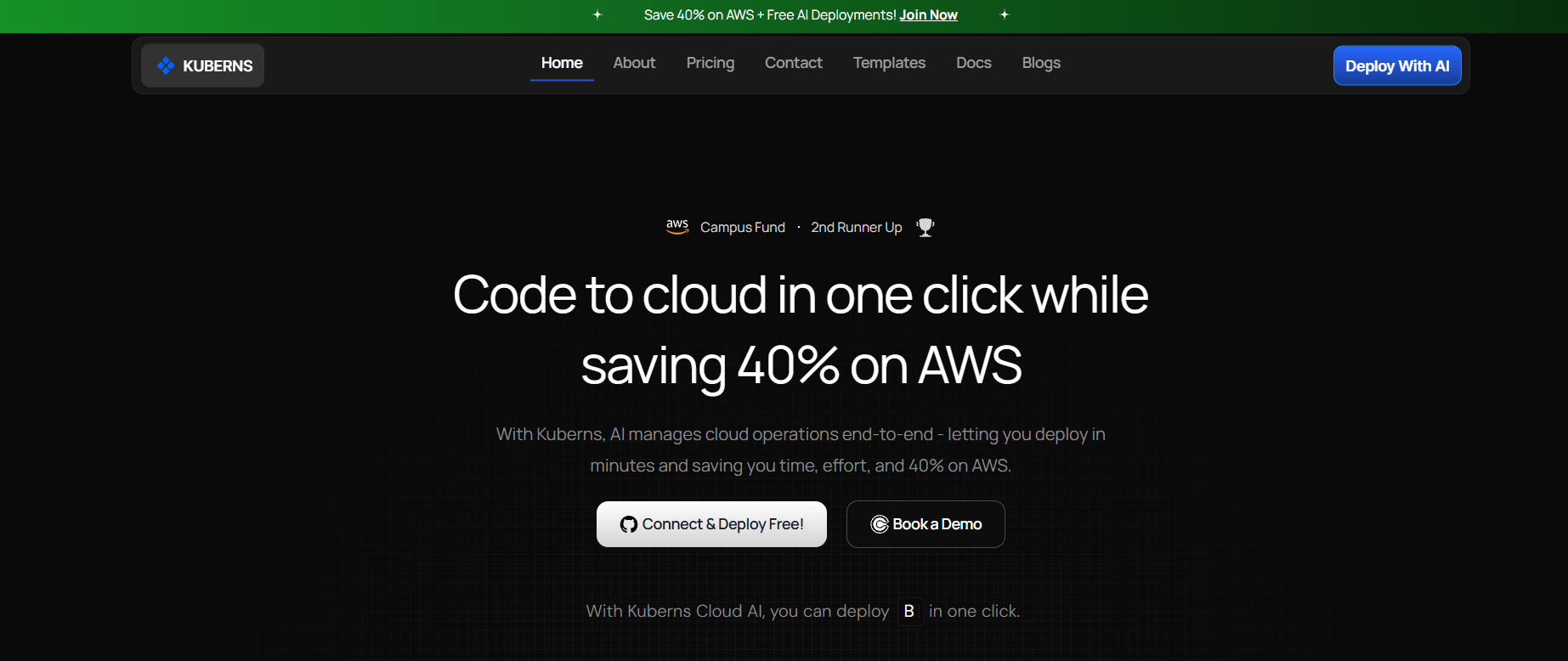
When you connect a GitHub repository to Kuberns, the AI reads your code, package.json, requirements.txt, go.mod, pom.xml, composer.json identifies your framework, runtime version, and dependencies, generates the build pipeline, provisions AWS infrastructure, issues SSL, and activates CI/CD. None of this requires configuration from you. The first deployment of a Next.js app, a Django API, a Go service, or a Laravel application follows the same four steps: connect repo, add environment variables, click deploy, and get a live HTTPS URL.
What distinguishes Kuberns from every other provider in this comparison:
**AI-driven autoscaling:** not rules you define (scale when CPU > 80%), but pattern analysis of your application's actual traffic behaviour. Compute scales ahead of demand rather than behind it.
**Compute-only pricing:** you pay for the AWS compute your application actually uses. No per-seat fees, no per-service billing, no deployment limits. A team of 10 deploying 5 services pays the same structure as a solo developer deploying 1.
**Zero DevOps overhead:** Kuberns doesn't require a DevOps engineer to configure. It is built specifically for the reality that most engineering teams do not have a dedicated infrastructure specialist, and should not need one to deploy production applications.
**Up to 40% lower cloud costs:** through optimised resource pooling on AWS-backed infrastructure, teams consistently spend significantly less than equivalent manual cloud configurations.
**Pricing:** Free tier to start. $7 gets $14 in compute credits (2× value).[ See full pricing](https://kuberns.com/pricing/)
*Choose Kuberns if: your team is shipping fast and wants deployment to match development speed, especially if you're using AI coding tools (Cursor, Bolt, Lovable, Claude Code) and want the entire build-to-production workflow automated. Also, the right choice for teams migrating from any platform that want to stop managing deployment infrastructure permanently.*
[Deploy free on Kuberns](https://dashboard.kuberns.com/)
### 2. DigitalOcean App Platform: Best Budget-Conscious Managed PaaS
**[DigitalOcean](https://www.digitalocean.com/)** built its reputation on being the "developer-friendly" alternative to AWS, simpler pricing, cleaner UI, and predictable billing. The App Platform extends that philosophy into PaaS: deploy from a Git repository or container image, handle the underlying infrastructure automatically, and keep costs transparent.
For teams working at earlier stages who want managed deployment without the complexity of full cloud infrastructure, DigitalOcean App Platform hits a useful middle point: more capable than Railway for production workloads, more affordable than enterprise options, and familiar to anyone already using DigitalOcean's Droplets or managed databases.
**Key features:**
* Git-based deploys with automatic rebuild on push (GitHub and GitLab)
* Supports Node.js, Python, Go, PHP, Ruby, and Docker containers
* Autoscaling on eligible plans
* Automatic SSL, HTTP/2, and custom domains
* Integration with DigitalOcean managed databases (PostgreSQL, MySQL, Redis)
* Basic logs, metrics, and GitHub Actions workflows for preview environments
**Honest cons:** Autoscaling has limits compared to more sophisticated platforms. Preview environments are possible but less polished than Render or Northflank. The feature set is deliberately simpler, which is a trade-off, not a flaw.
**Pricing:** Free tier for static sites. Basic apps from $5/month. Pro from $12/month. Databases are billed separately.
Choose DigitalOcean App Platform if: you're a DigitalOcean user wanting a PaaS layer on familiar infrastructure, or a small team running 2–3 services who want predictable monthly billing without per-seat complexity.
> **💡 Evaluating DigitalOcean vs Kuberns? See our [DigitalOcean alternatives](https://kuberns.com/blogs/best-digitalocean-alternatives-in-2025-for-modern-app-deployment/) guide for a detailed breakdown of where each platform fits.**
### 3. Render: Full-Stack PaaS with Production-Ready Defaults
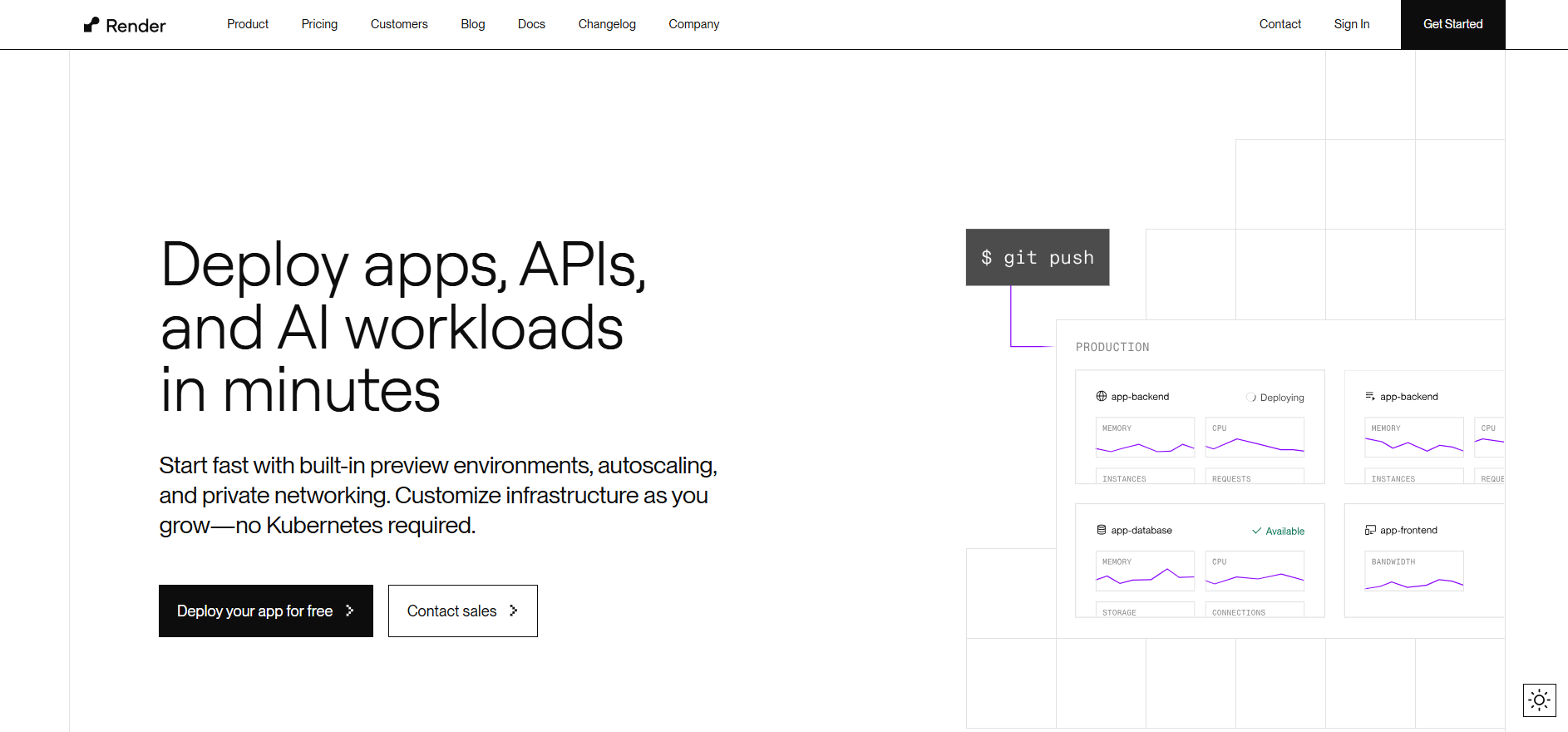
**[Render](https://render.com/)** built genuine capability as a modern cloud platform: native Docker support, background workers, managed PostgreSQL and Redis, automatic zero-downtime deploys, and PR preview environments. For teams who want a structured PaaS that handles more than just frontend and need managed databases alongside app deployment, Render covers a useful range of workloads.
It works well within its scope, but the scope has meaningful limits that become visible as applications scale or teams grow. Per-service billing compounds quickly across multi-service architectures. Scaling is rules-based, not intelligent. Free tier apps sleep, which rules Render out for production APIs that need instant response.
For teams that evaluate Render and find it fits their current stage, it is a capable platform. For teams who need the deployment layer to grow alongside them without reconfiguring scaling rules or restructuring billing, Kuberns is the path that removes those constraints permanently.
**Key features:**
* Git-based deploys with zero-downtime rollouts
* Background workers, cron jobs, and static sites on one platform
* Managed PostgreSQL and Redis with automatic backups
* PR preview environments that spin up replicas automatically
* Native Docker support, no buildpack workarounds
* DDoS protection and automatic SSL
**Honest cons:** Free tier apps sleep after 15 minutes of inactivity, not acceptable for production APIs. Per-service billing adds up quickly for multi-service architectures. Scaling options are rules-based, not AI-driven.
**Pricing:** Free tier (sleeps). Starter services from $7/service/month. Databases from $7/month. Teams pay per active service.
**Choose Render if:** you need managed databases and background workers alongside your app deployment and your architecture is straightforward enough that per-service billing stays predictable. When billing complexity or scaling limits become constraints which they do as most applications grow.[ Kuberns is the natural next step](https://dashboard.kuberns.com) with compute-only pricing, AI-driven autoscaling, and zero reconfiguration required.
> **💡 See how Render compares to Kuberns and other platforms: Best [Render Alternatives](https://kuberns.com/blogs/best-render-alternatives/)**
### 4. Railway: Best for MVPs and Side Projects
**[Railway](https://railway.com/)** optimises for one thing above all else: getting something live in the shortest possible time. Connect a repository, and Railway infers what you're building and deploys it with minimal configuration. For early-stage validation, hackathons, and personal projects where speed of iteration matters more than production reliability, nothing gets you live faster.
Railway's template marketplace covers common stacks and pairs with one-click database provisioning that makes spinning up Postgres, MySQL, or Redis alongside your app genuinely fast.
**Key features:**
* Nixpacks build system detects most modern frameworks automatically
* Instant deployments from GitHub with automatic redeploys on push
* Usage-based billing down to the second, no idle charges
* Clean dashboard with real-time usage monitoring
**Honest cons:** Credit-based billing creates unexpected shutdowns when credits run out, particularly painful for background workers and scheduled jobs that consume credits invisibly. Limited infrastructure control compared to Northflank or Kuberns. Not production-grade for high-traffic applications that need predictable performance and guaranteed uptime.
**Pricing:** $5 trial credits. Hobby: $5/month. Pro: $20/month + usage. Usage billed at $0.000463/vCPU/minute.
**Choose Railway if:** you need something live today for a side project or MVP and aren't yet optimising for production reliability. Most teams graduate to a different platform as applications mature, and when that moment comes, Kuberns is the upgrade that removes Railway's credit and scaling constraints entirely
> **💡 Outgrown Railway? See the Best [Railway Alternatives](https://kuberns.com/blogs/best-railway-alternatives/) guide for platforms with more predictable scaling and billing.**
### 5. Northflank: Best Enterprise PaaS with Kubernetes Power
**[Northflank](https://northflank.com/)** sits in a different tier from the platforms above. Kubernetes-native under the hood, it gives teams the developer experience of a managed PaaS with the infrastructure depth of a container orchestration platform. If you want to deploy a frontend, a backend API, a database, and a cron job, all with PR preview environments, private networking, and BYOC support, Northflank handles it in one platform.
The BYOC (Bring Your Own Cloud) capability is Northflank's clearest differentiator: you can run your infrastructure in your own AWS, GCP, or Azure account while using Northflank's managed platform layer. Data residency compliance, use of existing cloud credits, no vendor lock-in.
**Key features:**
* Kubernetes-native with no Kubernetes expertise required
* BYOC, deploy in your own AWS, GCP, Azure, or bare-metal
* Full-stack: services, databases, cron jobs, workers, build pipelines in one platform
* Preview environments per pull request
* GitOps workflows and CLI support
* GPU support for AI/ML workloads
**Honest cons:** More opinionated than simpler platforms, there is a learning curve. Pricing is custom at enterprise scale. The power comes with more decisions, which can feel heavy for teams that just want to deploy a Node.js app.
**Pricing:** Free limited tier. Paid plans require contact. Custom enterprise pricing.
**Choose Northflank if:** you're running Kubernetes-backed microservices at enterprise scale, need BYOC for compliance or cost control, or want a managed platform that gives you infrastructure-level control without infrastructure-level expertise.
> **💡 Evaluating Northflank against other enterprise options? See [Best Northflank Alternatives](https://kuberns.com/blogs/top-northflank-alternatives/) for teams who want enterprise-grade deployment without Northflank's complexity and learning curve.**
### 6. Heroku: Legacy PaaS in Maintenance Mode
**[Heroku](https://www.heroku.com/)** invented the developer-friendly PaaS experience. Git push to deploy, buildpacks, one-click add-ons, a clean CLI, it was the default for a decade. Many production applications still run on Heroku today and continue to work well.
But in February 2026, Salesforce announced that Heroku is transitioning to a "sustaining engineering model." No new enterprise contracts. No significant new feature development. The platform is being maintained for existing customers, not grown. Teams evaluating PaaS options today should factor this into their decision: Heroku is not where investment is going, and the platform is increasingly showing its age in capabilities like Docker support, BYOC, and modern observability.
**Key features (for existing users):**
* Git-based deployments with a mature buildpack ecosystem
* Large add-on marketplace (Postgres, Redis, monitoring tools)
* Developer-friendly CLI that still works excellently
* Heroku Postgres is genuinely good, many teams stay for the database even if they'd choose differently for compute
* AI features added: Managed Inference and Agents, pgvector, MCP support
**Honest cons:** No new enterprise accounts being accepted as of early 2026. Free tier removed in 2022. $25/dyno/month (Standard tier) is expensive for what you get versus alternatives. No BYOC. No Docker support without workarounds. No preview environments.
**Pricing: Eco:** $5/dyno/month. Basic: $7/dyno/month. Standard: $25/dyno/month. Enterprise: no new contracts.
**Choose Heroku if:** you are an existing customer with a working application and no immediate reason to migrate. For new applications, we recommend evaluating Kuberns, Render, or Railway instead.
> **💡 Migrating from Heroku? See our [Heroku Alternatives](https://kuberns.com/blogs/the-ultimate-guide-to-heroku-alternatives-in-2025/) guide, covering which platforms handle the migration path most smoothly.**
### 7. Vercel: Best PaaS for Frontend-First Applications
**[Vercel](https://vercel.com/)** created Next.js and maintains it. Nobody deploys Next.js better than Vercel, the edge network, preview deployments per PR, automatic optimisation of Next.js output (image optimisation, ISR, edge functions), and global CDN are built around each other.
For teams whose application is primarily frontend, a marketing site, a content platform, a SaaS frontend that calls external APIs, Vercel is the easiest, fastest, and often cheapest choice.
**Key features:**
* Unmatched Next.js optimisation and support
* Preview deployments on every pull request
* Global edge network with automatic CDN
* Vercel AI SDK for building AI-powered web applications
* v0 for generating React components from prompts
* GitHub, GitLab, and Bitbucket integration
**Honest cons:** Backend and full-stack applications require external services. Vercel's serverless functions have execution time limits and cold start characteristics that don't suit long-running processes, background workers, or websocket applications. At scale, bandwidth and function invocation pricing can surprise. Per-seat Pro pricing ($20/user/month) compounds for teams.
**Pricing:** Hobby (free). Pro: $20/user/month. Enterprise: custom.
**Choose Vercel if:** your application is primarily Next.js, React, or another frontend framework, and your backend is either minimal or handled through external APIs and services.
> **💡 Building a full-stack app and finding Vercel limiting? See Best [Vercel Alternatives](https://kuberns.com/blogs/best-vercel-alternatives/), platforms that handle frontend and backend from one deployment.**
### 8. Netlify: Best for Static Sites and JAMstack
**[Netlify](https://www.netlify.com/)** pioneered the JAMstack movement and remains the clearest choice for static site deployment. Connect a Git repository, define a build command, and Netlify builds and serves your site from a global CDN with instant cache invalidation on every deploy.
**Key features:**
* Git-based continuous deployment from GitHub, GitLab, and Bitbucket
* Global CDN with automatic HTTPS
* Serverless functions for adding API functionality to static sites
* Forms, identity, and edge middleware built in
* Generous free tier for static workloads
**Honest cons:** Not designed for server-rendered applications, background jobs, or persistent processes. Flask, Django, Express, FastAPI need workarounds or separate hosting. Backend limitations become apparent quickly for anything beyond a static site or simple SPA.
**Pricing:** Free (static sites, 100 GB bandwidth). Pro: $19/user/month. Enterprise: custom.
**Choose Netlify if:** you're deploying a marketing site, documentation, a content-driven blog, or a static SPA. If your project has a meaningful backend, Netlify is not the right platform.
> **💡 Need to deploy a backend alongside your frontend? See Best [Netlify Alternatives](https://kuberns.com/blogs/best-netlify-alternatives/) for platforms that handle the full stack.**
### 9. Fly.io: Best for Global Low-Latency and Multi-Region Deployment
**[Fly.io](https://fly.io/)** runs your application close to your users. Instead of one datacenter serving all traffic, Fly deploys your app across multiple regions simultaneously. Users in Singapore get low-latency responses from Singapore infrastructure, users in Germany from Frankfurt.
For applications where latency to the user matters, real-time collaboration tools, websocket-heavy apps, APIs serving globally distributed users, Fly's architecture delivers something most PaaS providers can't match.
**Key features:**
* Multi-region deployment from one configuration
* Fly Machines: hardware-virtualised VMs that start in milliseconds
* Works with any language or framework via Docker
* Private networking between services using WireGuard
* Persistent volumes attached to VMs
* GPU support for AI inference workloads
**Honest cons:** Fly.io expects you to think like an infrastructure engineer. You write a fly.toml configuration file, choose your regions, and make decisions about machine types and volume allocation. This is power, but it comes with complexity. Not a good fit for teams who want deployment to be invisible.
**Pricing:** Free tier (shared CPU, 256 MB RAM). Apps from \~$3/month. Pay for compute per region.
**Choose Fly.io if:** latency to users is a first-class requirement for your application, you're comfortable with container-based deployment workflows, and you want multi-region infrastructure without managing Kubernetes clusters.
> **💡 Evaluating Fly.io against other options? See Best [Fly.io Alternatives](https://kuberns.com/blogs/fly-io-alternatives-2025/) for teams where multi-region edge deployment isn't the core requirement.**
### 10. Coolify: Best Self-Hosted PaaS for Cost-Sensitive Teams
**[Coolify](https://coolify.io/)** is an open-source, self-hosted PaaS that runs on your own VPS. Instead of paying a managed PaaS premium, you pay the cost of a VPS ($5–10/month on Hetzner, DigitalOcean, or Vultr) and deploy Coolify to it. Coolify then provides the same Git-based deployment experience you'd expect from Heroku or Render, but running on infrastructure you control.
**Key features:**
* Open source and free (self-hosted on your own server)
* Heroku-like Git push deployments without Heroku's pricing
* Docker Compose support for multi-service applications
* Automatic SSL via Let's Encrypt
* One-click installation of common tools (Postgres, Redis, Supabase, Plausible, etc.)
* Full control over your data and infrastructure
**Honest cons:** You manage the VPS, OS updates, security patches, and monitoring. If the server has a problem, you fix it. No SLA, no support team, no managed scaling. The lower cost comes with operational responsibility.
**Pricing:** Free (open source). You pay for your VPS, as low as $5–6/month for a Hetzner VPS.
**Choose Coolify if:** you're cost-sensitive and comfortable managing a Linux server, you want full control and zero vendor lock-in, and you don't need the managed SLAs that come with a paid PaaS.
> **💡 Considering self-hosting alternatives? See Best [Coolify Alternatives](https://kuberns.com/blogs/coolify-alternatives/). Kuberns leads for teams who want Coolify's simplicity without the server administration that comes with it.**
## Why AI-Powered PaaS Is Different from Traditional Platforms
Every platform above automates deployment to some degree. What separates an AI-powered PaaS from a traditional one is the intelligence layer, whether the platform executes what you define or understands what you need and configures itself.
**Traditional PaaS:** you define the build command, scaling rules, resource limits, and monitoring thresholds. The platform executes what you set. If your application grows beyond what you configured, you will notice it in a post-incident review.
**AI-powered PaaS (Kuberns):** the platform reads your code, understands your stack, configures the build automatically, and scales based on observed traffic patterns, not the thresholds you set six months ago before you knew what your traffic looked like.
**The practical consequence:** traditional PaaS platforms are excellent tools that still require an informed operator. Kuberns is built for teams where the platform should do the operating, and engineers should focus on building.
According to the[ 2025 DORA State of DevOps Report](https://services.google.com/fh/files/misc/2024_final_dora_report.pdf), high-performing engineering teams deploy significantly more frequently and recover from incidents faster than low performers, and the gap is widening. The teams closing that gap fastest are those removing operational overhead from the deployment layer, not adding more tooling to it.
## Which PaaS Provider Is Right for Your Team?
Use this to route to the right platform based on your actual situation, not a generic feature checklist:
| **Your situation** | **Best platform** |
| ---------------------------------------------------- | ---------------------------------------------- |
| Shipping full-stack apps fast, want zero DevOps | Kuberns |
| Migrating from Heroku, Railway, Render, or Fly.io | Kuberns stops the migration cycle permanently |
| Frontend / Next.js primary, backend is external APIs | Vercel |
| Side project / MVP, need something live today | Railway, graduate to Kuberns when it matters |
| Enterprise, needs BYOC and Kubernetes power | Northflank |
| Static site, marketing, JAMstack | Netlify |
| Global low-latency, comfortable with infra config | Fly.io |
| Budget-constrained, okay, managing a VPS | Coolify. Upgrade to Kuberns when ops get heavy |
| Already on DigitalOcean, simple workloads | DigitalOcean App Platform |
| Existing Heroku customer, no reason to migrate now | Heroku (stay for now, plan the move) |
> For most teams choosing a PaaS in 2026 for the first time, Kuberns removes the largest category of operational work, deployment, scaling, monitoring, and infrastructure management without requiring any existing DevOps knowledge.
## Watch Kuberns Deploy a Full-Stack App in Real Time
Framework detection, dependency installation, build, HTTPS, live, no configuration:
## Conclusion
The PaaS market in 2026 is at an inflexion point. Heroku's move into maintenance mode closes one chapter. The emergence of AI-native platforms like Kuberns opens another, where deployment configuration is not a task you complete, but something the platform handles on your behalf.
For teams still choosing a PaaS, the question is not whether to use one; every team should. The question is which tier of automation you need. If you want to configure your own scaling rules and manage your own build commands, Render and Railway do that well at accessible prices. If you want the platform to understand your application and handle the operations layer for you, Kuberns is built for that purpose.
[Deploy your first app on Kuberns](https://dashboard.kuberns.com/)
## Frequently Asked Questions
### What is the best PaaS provider in 2026?
For full-stack application deployment with zero DevOps overhead: Kuberns, AI-native, one-click deployment across any framework, compute-only pricing. For Next.js and frontend-first: Vercel. For Heroku migrations: Render or Railway. For enterprise and compliance: Northflank. For static sites and JAMstack: Netlify. The best PaaS depends on your stack, team size, and whether you want to configure the platform or have the platform configure itself.
### What happened to Heroku in 2026?
In February 2026, Heroku announced it is transitioning to a "sustaining engineering model", maintaining the platform for existing customers but no longer accepting new enterprise contracts or investing in significant new features. Salesforce is redirecting product and engineering investment away from Heroku. Existing customers can continue using the platform; new teams evaluating PaaS options should consider Render, Railway, or Kuberns as alternatives.
### What is the difference between PaaS and IaaS?
PaaS (Platform as a Service) abstracts infrastructure; you deploy code, and the platform handles servers, networking, scaling, and runtime environments. You focus on your application. IaaS (Infrastructure as a Service) provides raw compute, storage, and networking that you provision and manage yourself. AWS EC2, DigitalOcean Droplets, and Hetzner VPS are IaaS. Kuberns, Render, and Heroku are PaaS. PaaS reduces operational overhead; IaaS provides maximum control.
### Which PaaS provider has the best free tier?
Kuberns offers a free tier with $7 getting $14 in compute credits (2× value) on real AWS infrastructure with no sleep mode. Vercel's free Hobby tier supports frontend workloads with automatic deployments. DigitalOcean App Platform is free for static sites. Railway has $5 trial credits. Render's free tier sleeps after 15 minutes, not suitable for APIs that need instant response times. Coolify is free if you self-host on your own $5 VPS.
### What is the best PaaS for startups in 2026?
Kuberns for startups that want to ship fast without hiring a DevOps engineer, the AI handles deployment, scaling, and infrastructure automatically. Railway is for the absolute earliest stage where you need something live immediately and cost is the primary constraint. Render as a middle option with production-ready defaults and managed databases. Most startups that begin on Railway graduate to Kuberns or Render as applications grow beyond MVP.
### How does AI-powered PaaS differ from traditional PaaS?
Traditional PaaS executes what you configure; you define build commands, scaling rules, and resource limits, and the platform runs them. AI-powered PaaS (Kuberns) reads your code, determines the correct configuration automatically, and adjusts its behaviour as your application evolves, scaling based on actual traffic patterns rather than static thresholds you set at deployment. The practical difference: traditional PaaS still requires an informed operator; AI-powered PaaS reduces the operational requirement to "connect a repository and click deploy."
### Is Kuberns suitable for enterprise applications?
Yes. Kuberns runs on AWS enterprise-grade infrastructure with isolated containers per deployment, environment variables encrypted at rest, automatic HTTPS, and continuous security patching. For enterprises with specific BYOC or compliance requirements, Northflank is also worth evaluating. Kuberns's AI-driven autoscaling and monitoring make it suitable for high-traffic production applications without requiring a dedicated infrastructure team.
### What PaaS providers support self-hosting?
Coolify and CapRover are open-source, self-hosted PaaS options you install on your own VPS. Dokploy is another self-hosted option focused on simplicity. Northflank supports BYOC, running on your own AWS, GCP, or Azure infrastructure while using Northflank's managed platform layer. These options make sense for teams with compliance requirements, existing cloud credits, or strong cost sensitivity.
---
- [More Alternatives articles](https://kuberns.com/blogs/category/alternatives/1/)
- [All articles](https://kuberns.com/blogs/)
