# Top Backend Deployment Applications Platforms in 2026
> Find the best backend deployment platform for your app in 2026. Compare the best tools by setup effort, databases, scaling, workers, pricing and automation.
- **Author**: parth-kanpariya
- **Published**: 2026-05-27
- **Modified**: 2026-09-05
- **Category**: Deployment Guides
- **URL**: https://kuberns.com/blogs/best-tools-to-deploy-backend-apps/
---
Picking the right tool to deploy your backend app is one of the most consequential decisions you make early in a project. A backend is not just a static site. It may need long-running APIs, workers, cron jobs, queues, WebSockets, databases, private networking, secrets, logs, scaling, and safe redeploys.
That is why the wrong platform hurts quickly. A tool that is perfect for a frontend can become painful for backend services. The wrong choice means cold starts, surprise bills, manual config, missing database support, or a deployment workflow that breaks when your app starts growing.
This guide ranks the best tools to deploy backend apps in 2026 based on setup effort, runtime model, database support, workers and cron jobs, scaling, pricing transparency, and how much infrastructure work your team has to manage. Whether you are shipping a Node.js API, a Python backend, a full-stack SaaS, or multiple backend services, the right answer depends on the shape of your workload.
## TL;DR: Best Backend Deployment Tools by Use Case
- **Best for startups and small teams:** Kuberns, especially when you want backend deployment with agentic AI, GitHub integration, framework detection, environment setup, scaling, domains, and logs in one workflow
- **Useful for simple PaaS-style APIs:** Railway or Render, especially when the backend is straightforward and your team is comfortable managing service settings manually
- **Best for global low-latency backends:** Fly.io, especially when running containers close to users matters more than setup simplicity
- **Best for AWS-native teams:** AWS App Runner, especially when the backend already depends on AWS services, IAM, ECR, or VPC setup
- **Best for enterprise and BYOC needs:** Northflank, especially when you need Kubernetes-style flexibility, GPU support, or deployment into your own cloud
- **Best for existing Heroku apps:** Heroku, especially when your team already depends on its add-ons, buildpacks, and operational workflow
## What to Look for in a Backend Deployment Tool

Not all backend deployment platforms solve the same problem. Before comparing tools, check whether your app is a simple API, a long-running service, a worker-heavy backend, a database-first product, or an edge/runtime-specific application.
### Cold Starts and Uptime
Cold starts happen when a platform spins down your service after inactivity and then has to restart it on the next request. This is common on free or low-cost tiers. For a personal project it is annoying. For a production API, webhook handler, or checkout flow, it can become a user-experience problem. Always check whether the tier you plan to use keeps services warm.
### Free Tier Limits
Free tiers exist to let you test a platform before committing. Most come with monthly hour caps, RAM limits, sleep behavior, or trial-credit limits. They are useful for demos, but risky for production backends that need to stay available. Kuberns plans start at $7 and include a Trial Option, so it fits teams that want to test a real deployment workflow without designing around free-tier limitations.
### Scaling: Auto vs Manual
As your backend grows, you need to scale either vertically (more CPU and RAM per instance) or horizontally (more instances running in parallel). Some platforms require you to configure scaling rules manually. Others handle it automatically based on traffic. If you are building for growth, auto-scaling is not a nice-to-have.
### Database Support
Most backend apps need a database. Check whether the platform offers managed databases natively or whether you have to connect an external provider. Managed Postgres is the most common requirement. Some platforms also offer Redis, MongoDB, and object storage. Wiring an external database to a deployment platform adds complexity and potential latency.
### Pricing Transparency
Hidden costs are a real problem in this space. Some platforms charge separately for bandwidth, build minutes, add-ons, and database storage. Before committing to a platform for a production project, read the pricing page carefully and look for community posts about unexpected bills.
### Config Overhead
How much work do you have to do before your backend is live? Some platforms require Dockerfiles, YAML configs, build-command tuning, root directory setup, and manual environment setup. Others detect your stack and reduce the setup burden. For solo developers and small teams, config overhead is a significant time tax that compounds with every new service you deploy.
> "Most deployments do not fail because of bad code. They fail because of manual configuration errors at the infrastructure layer. [Here is why most deployments fail and exactly how to fix them](https://kuberns.com/blogs/why-do-software-deployments-fail/)"
## Best Tools to Deploy Backend Apps in 2026
### 1. Kuberns

[Kuberns](https://kuberns.com) is an Agentic AI platform for deployment. You connect your GitHub repo, and the agentic AI reads your code, detects your backend framework, helps with deployment configuration, and gets your app live with less manual infrastructure work.
**Best for:** Startups, indie developers, small teams, and full-stack or complex backend projects that need to move fast without turning deployment into a separate ops project.
**Key features:**
- Agentic AI helps detect backend frameworks such as Node.js, Python, Go, Java, Ruby, and more
- Vertical and horizontal scaling from the dashboard
- Managed databases, environment variables, custom domains, and live logs included
- HTTPS provisioned automatically
- Useful for backend APIs, full-stack apps, workers, and services that need one deployment workflow
- Designed to reduce manual build, runtime, scaling, and environment-variable setup
[Deploy your backend with Agentic AI on Kuberns](https://dashboard.kuberns.com/)
### 2. Railway
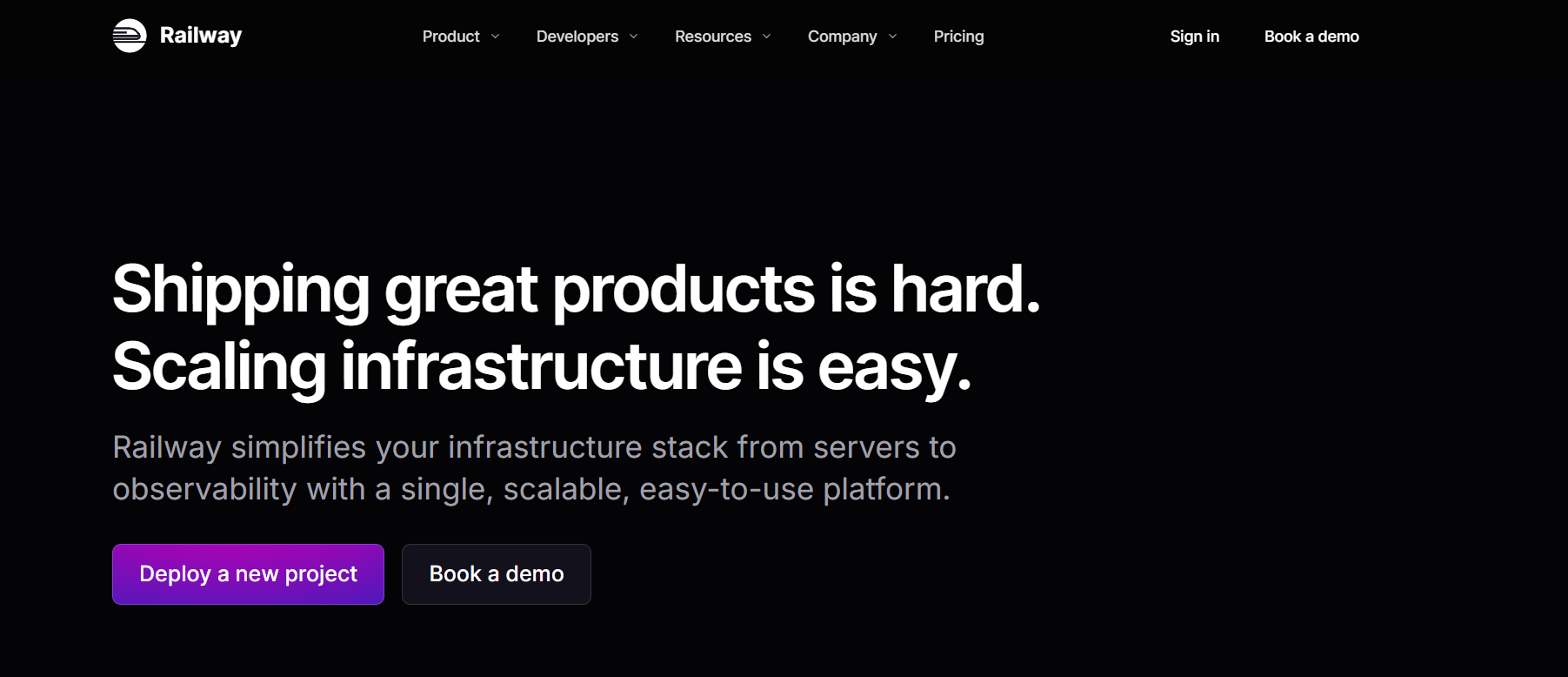
[Railway](https://railway.app) is a modern PaaS that made deployment significantly simpler than Heroku. You connect a GitHub repo, Railway detects the framework, and your app is live. It has a clean dashboard, good DX, and supports most backend stacks.
**Best for:** Early-stage projects and developers who want a Heroku replacement without the price tag.
**Key features:**
- GitHub integration with automatic deploys on push
- Native Postgres, MySQL, Redis, and MongoDB support
- Private networking between services
- Usage-based billing
**Limitations:** Free tier has limited hours and shared resources. Scaling requires manual configuration. No agentic AI to handle config automatically.
**Pricing:** Free tier available. $5 credit/month on free plan. Pro starts at $20/month.
### 3. Render
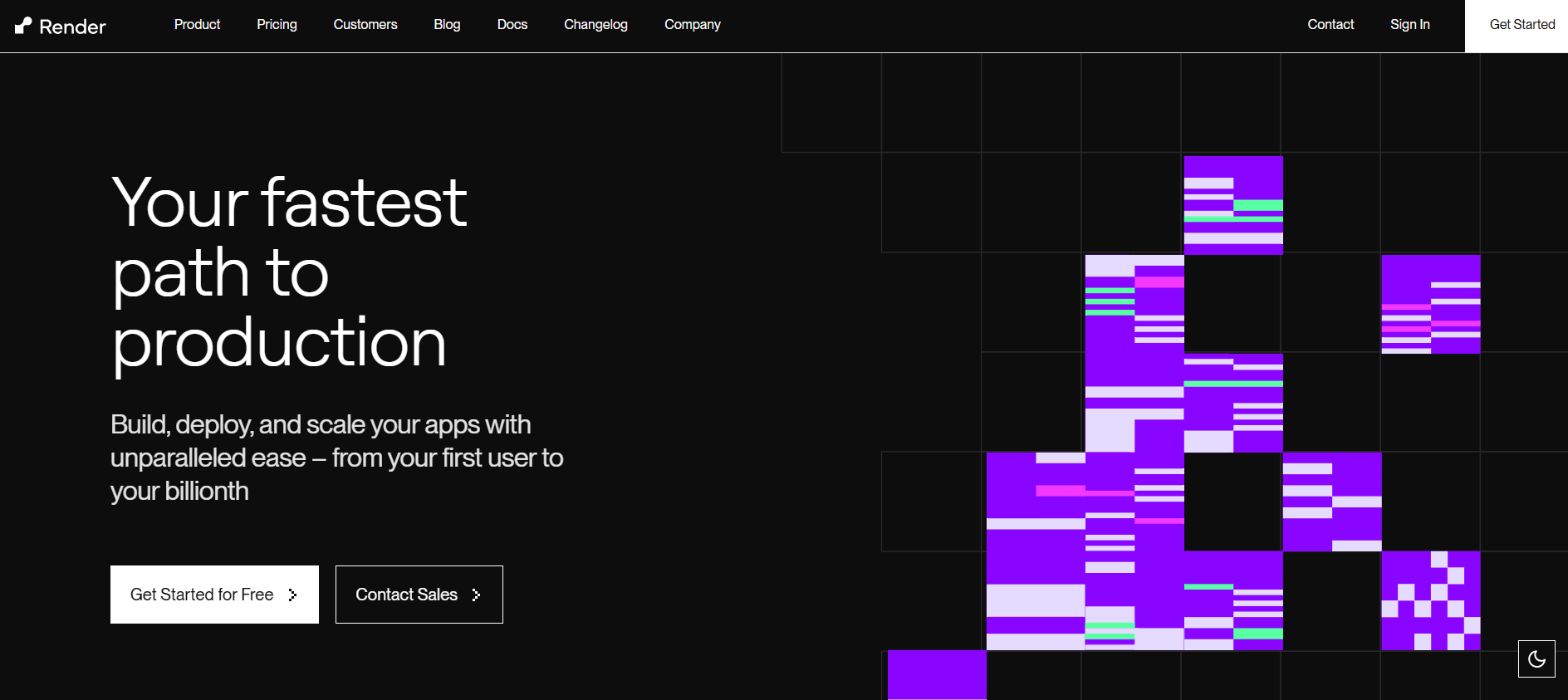
[Render](https://render.com) is a solid PaaS for deploying web services, background workers, cron jobs, and static sites. It handles SSL automatically, connects to GitHub, and offers managed Postgres. It is a reliable choice for standard backend deployments.
**Best for:** Developers who want a straightforward PaaS with managed databases and no surprise complexity.
**Key features:**
- Auto-deploy from GitHub on every push
- Managed Postgres with automated backups
- Background workers and cron job support
- Automatic HTTPS
**Limitations:** Free tier services spin down after 15 minutes of inactivity, causing 60-second cold starts. Free Postgres databases expire after 30 days.
**Pricing:** Free tier available. Paid web services from $7/month. Postgres from $7/month.
### 4. Fly.io

[Fly.io](https://fly.io) runs your app on hardware close to your users across multiple regions globally. If your backend needs low latency for a geographically distributed user base, Fly.io is one of the few platforms that handles this well without requiring you to manage Kubernetes yourself.
**Best for:** APIs and backend services where global latency matters.
**Key features:**
- Multi-region deployment out of the box
- Runs Docker containers natively
- Persistent volumes for stateful apps
- Private networking between services
**Limitations:** Requires a Dockerfile. Steeper learning curve than Railway or Render. CLI-heavy workflow.
**Pricing:** Free allowance for small apps. Paid from approximately $1.94/month per shared CPU instance.
### 5. Heroku
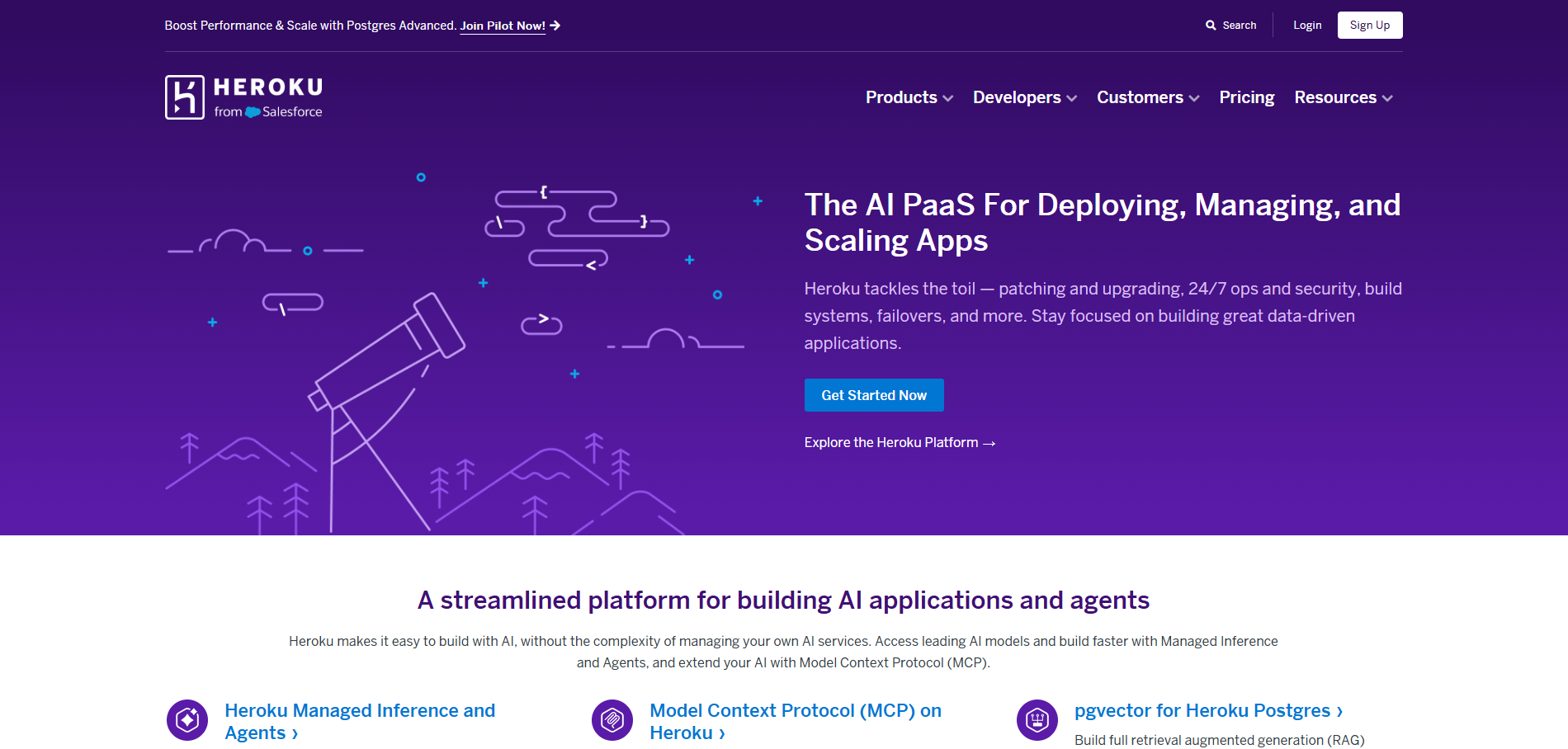
[Heroku](https://heroku.com) is the platform that popularised PaaS deployment for developers. It has a mature ecosystem, a large marketplace of add-ons, and supports almost every backend stack via buildpacks. But its pricing has become difficult to justify for most use cases in 2026.
**Best for:** Teams already running on Heroku with existing add-ons and integrations.
**Key features:**
- Git-based deployment with buildpack auto-detection
- Large add-on marketplace (Postgres, Redis, monitoring, logging)
- Well-documented with a large community
- Review apps for testing branches before merging
**Limitations:** Expensive compared to alternatives. The cheapest paid dyno starts at $5/month per service, and costs stack up fast with databases and add-ons. No auto-scaling on entry plans.
**Pricing:** Eco dynos from $5/month. Postgres from $5/month. Costs compound quickly.
### 6. AWS App Runner

[AWS App Runner](https://aws.amazon.com/apprunner/) is Amazon's managed container deployment service. You give it a container image or a source repo and it handles deployment, load balancing, scaling, and TLS automatically. It is a good fit for teams already running workloads in the AWS ecosystem.
**Best for:** Teams already using AWS who want a simpler deployment path than EC2 or ECS.
**Key features:**
- Automatic scaling based on traffic
- Connects to ECR (Elastic Container Registry) or GitHub
- Integrates natively with other AWS services
- Less server management than EC2 or ECS
**Limitations:** Tied to the AWS ecosystem. Pricing is less intuitive than standalone PaaS platforms. Requires familiarity with AWS IAM and permissions.
**Pricing:** $0.064 per vCPU/hour and $0.007 per GB/hour for active instances.
### 7. Northflank

[Northflank](https://northflank.com) is a backend deployment platform that combines PaaS simplicity with Kubernetes flexibility. It supports bring-your-own-cloud (BYOC) deployments to AWS, GCP, Azure, and others, and is one of the few platforms with GPU instance support for AI workloads.
**Best for:** Engineering teams that need Kubernetes-grade control without managing Kubernetes directly, especially for AI or enterprise workloads.
**Key features:**
- BYOC to major cloud providers
- GPU support for AI inference and training workloads
- Managed databases: Postgres, MySQL, MongoDB, Redis
- Infrastructure-as-code templates and CLI
**Limitations:** More complex than Railway or Render. Overkill for solo projects or simple APIs. Free tier is limited.
**Pricing:** Free Developer Sandbox available. Per-second billing on paid plans.
 > "If you are an indie developer or solo founder evaluating your full stack, [here is the exact tech stack developers are using to build, deploy, and monetize in 2026](https://kuberns.com/blogs/indie-developer-stack/)"
## Quick Comparison Table
| Platform | Backend Runtime Fit | Databases / Services | Setup Effort | Best Use Case |
|---|---|---|---|---|
| Kuberns | APIs, full-stack backends, workers, complex services | Managed databases, env vars, domains, logs | Low | Startups and small teams that want backend deployment with agentic AI and less ops work |
| Railway | APIs, workers, cron jobs, small services | Postgres, MySQL, Redis, MongoDB | Medium | Simple services where a traditional PaaS workflow is enough |
| Render | Web services, workers, cron jobs, static sites | Managed Postgres, Redis-style key value | Medium | Standard backend services where predictable service pricing matters |
| Fly.io | Containerized APIs close to users | Volumes, private networking, external services | High | Global low-latency apps and Docker-first teams |
| Heroku | Dyno-based apps and existing Heroku projects | Add-ons for Postgres, Redis, Kafka, logging | Medium | Existing Heroku apps with add-on dependencies |
| AWS App Runner | Managed containers in AWS | AWS-native services through the wider AWS ecosystem | High | Teams already using AWS infrastructure and IAM |
| Northflank | Containers, databases, jobs, GPU and BYOC workloads | Managed databases and cloud deployment primitives | High | Enterprise teams needing Kubernetes flexibility or BYOC |
> "Not sure what vibe deployment means or why it is changing how backends get shipped? [This is the clearest explanation of vibe deployment out there](https://kuberns.com/blogs/what-is-vibe-deployment/)"
## Which Tool Should You Pick?

The right platform depends on the backend you are shipping. A tiny API, a worker-heavy SaaS, a WebSocket server, and an enterprise service with private networking do not need the same deployment path.
### Startups, Indie Developers, Small Teams and Complex Backend Projects: Kuberns
If you are building a real product and need your backend live without spending days on infrastructure, Kuberns is the strongest fit. The agentic AI helps with the work that usually slows small teams down: stack detection, environment configuration, scaling setup, HTTPS, database-connected deployment, logs, and production settings.
This makes Kuberns the right pick for indie developers who cannot afford to lose building momentum to config work, startups that need to ship fast without hiring DevOps, small teams running multiple backend services, and any project where the backend complexity is real but the team is small.
### Simple APIs When You Want a Traditional PaaS: Railway or Render
If your backend is a small, straightforward Node.js or Python API and you are comfortable managing platform settings yourself, Railway and Render are both useful alternatives. Railway has strong developer experience for services and databases. Render has predictable service-based pricing for many standard web services. They fit simple backends better than teams trying to remove setup work across multiple production services.
### Global Low-Latency APIs: Fly.io
If your backend serves users across multiple continents and latency is a core product requirement, Fly.io gives you multi-region deployment with a level of control that most simpler PaaS platforms do not offer. Be prepared for a steeper setup curve and a Docker-first workflow.
### Teams Already on AWS: AWS App Runner
If your team is already running workloads in AWS and you want a simpler deployment path than ECS or EC2, App Runner is the natural fit. The trade-off is AWS-specific complexity and less intuitive pricing compared to standalone PaaS platforms.
### Enterprise Teams Needing BYOC: Northflank
If your organisation requires data to stay in your own cloud account, or if you are running AI workloads that need GPU instances, Northflank gives you the most flexibility at the cost of a higher setup complexity.
> "Not sure which platform makes sense for a small dev team? [Here is how other small teams are choosing their deployment platform in 2026](https://kuberns.com/blogs/best-deployment-platform-small-dev-teams/)"
## Why Teams Are Switching to Agentic AI Deployment

The pattern across backend deployment in 2026 is simple: developers want the power of managed infrastructure without spending product time on deployment plumbing. For backend apps, that plumbing is usually build commands, runtime settings, environment variables, scaling rules, logs, domains, database connections, workers, and background jobs.
Traditional PaaS platforms got closer to that goal than raw cloud infrastructure. But they still require you to know which start command to use, how to configure your build pipeline, which environment variables to set, and how to wire up your database. Every one of those steps is a place where something can go wrong.
Agentic AI deployment is useful when the platform can read the repository, understand the framework, infer the deployment path, and guide the setup instead of forcing every team to repeat the same configuration work from scratch.
Kuberns is built around that workflow. You connect your GitHub repo, and the agentic AI helps move your backend from repository to production by detecting the stack, preparing the deployment setup, managing environment variables, connecting production settings, and keeping the deployment workflow in one dashboard.
[Deploy your backend on Kuberns today](https://dashboard.kuberns.com)
> "If you are an indie developer or solo founder evaluating your full stack, [here is the exact tech stack developers are using to build, deploy, and monetize in 2026](https://kuberns.com/blogs/indie-developer-stack/)"
## Quick Comparison Table
| Platform | Backend Runtime Fit | Databases / Services | Setup Effort | Best Use Case |
|---|---|---|---|---|
| Kuberns | APIs, full-stack backends, workers, complex services | Managed databases, env vars, domains, logs | Low | Startups and small teams that want backend deployment with agentic AI and less ops work |
| Railway | APIs, workers, cron jobs, small services | Postgres, MySQL, Redis, MongoDB | Medium | Simple services where a traditional PaaS workflow is enough |
| Render | Web services, workers, cron jobs, static sites | Managed Postgres, Redis-style key value | Medium | Standard backend services where predictable service pricing matters |
| Fly.io | Containerized APIs close to users | Volumes, private networking, external services | High | Global low-latency apps and Docker-first teams |
| Heroku | Dyno-based apps and existing Heroku projects | Add-ons for Postgres, Redis, Kafka, logging | Medium | Existing Heroku apps with add-on dependencies |
| AWS App Runner | Managed containers in AWS | AWS-native services through the wider AWS ecosystem | High | Teams already using AWS infrastructure and IAM |
| Northflank | Containers, databases, jobs, GPU and BYOC workloads | Managed databases and cloud deployment primitives | High | Enterprise teams needing Kubernetes flexibility or BYOC |
> "Not sure what vibe deployment means or why it is changing how backends get shipped? [This is the clearest explanation of vibe deployment out there](https://kuberns.com/blogs/what-is-vibe-deployment/)"
## Which Tool Should You Pick?

The right platform depends on the backend you are shipping. A tiny API, a worker-heavy SaaS, a WebSocket server, and an enterprise service with private networking do not need the same deployment path.
### Startups, Indie Developers, Small Teams and Complex Backend Projects: Kuberns
If you are building a real product and need your backend live without spending days on infrastructure, Kuberns is the strongest fit. The agentic AI helps with the work that usually slows small teams down: stack detection, environment configuration, scaling setup, HTTPS, database-connected deployment, logs, and production settings.
This makes Kuberns the right pick for indie developers who cannot afford to lose building momentum to config work, startups that need to ship fast without hiring DevOps, small teams running multiple backend services, and any project where the backend complexity is real but the team is small.
### Simple APIs When You Want a Traditional PaaS: Railway or Render
If your backend is a small, straightforward Node.js or Python API and you are comfortable managing platform settings yourself, Railway and Render are both useful alternatives. Railway has strong developer experience for services and databases. Render has predictable service-based pricing for many standard web services. They fit simple backends better than teams trying to remove setup work across multiple production services.
### Global Low-Latency APIs: Fly.io
If your backend serves users across multiple continents and latency is a core product requirement, Fly.io gives you multi-region deployment with a level of control that most simpler PaaS platforms do not offer. Be prepared for a steeper setup curve and a Docker-first workflow.
### Teams Already on AWS: AWS App Runner
If your team is already running workloads in AWS and you want a simpler deployment path than ECS or EC2, App Runner is the natural fit. The trade-off is AWS-specific complexity and less intuitive pricing compared to standalone PaaS platforms.
### Enterprise Teams Needing BYOC: Northflank
If your organisation requires data to stay in your own cloud account, or if you are running AI workloads that need GPU instances, Northflank gives you the most flexibility at the cost of a higher setup complexity.
> "Not sure which platform makes sense for a small dev team? [Here is how other small teams are choosing their deployment platform in 2026](https://kuberns.com/blogs/best-deployment-platform-small-dev-teams/)"
## Why Teams Are Switching to Agentic AI Deployment

The pattern across backend deployment in 2026 is simple: developers want the power of managed infrastructure without spending product time on deployment plumbing. For backend apps, that plumbing is usually build commands, runtime settings, environment variables, scaling rules, logs, domains, database connections, workers, and background jobs.
Traditional PaaS platforms got closer to that goal than raw cloud infrastructure. But they still require you to know which start command to use, how to configure your build pipeline, which environment variables to set, and how to wire up your database. Every one of those steps is a place where something can go wrong.
Agentic AI deployment is useful when the platform can read the repository, understand the framework, infer the deployment path, and guide the setup instead of forcing every team to repeat the same configuration work from scratch.
Kuberns is built around that workflow. You connect your GitHub repo, and the agentic AI helps move your backend from repository to production by detecting the stack, preparing the deployment setup, managing environment variables, connecting production settings, and keeping the deployment workflow in one dashboard.
[Deploy your backend on Kuberns today](https://dashboard.kuberns.com)
 ## Frequently Asked Questions
### What is the best tool to deploy a backend app in 2026?
Kuberns is the best fit for startups, indie developers, and small teams that want to deploy backend apps with less infrastructure work. Its agentic AI reads your repository, detects your backend stack, helps configure deployment settings, and gets your app live from GitHub. Railway and Render are useful alternatives when you only need a straightforward PaaS for a simple backend service.
### Which backend deployment platform has the best free tier?
Railway and Render are useful when you want a free or low-cost starting point, but their free tiers usually come with limits such as usage caps, spin-downs, or reduced resources. Kuberns is not a free hosting workaround, but plans start at $7 with a Trial Option for teams that want agentic AI deployment and lower setup effort.
### How can I deploy my backend?
The simplest path is to push your backend code to GitHub, connect the repository to a deployment platform, add required environment variables, connect a database if needed, and deploy. Kuberns shortens this workflow by using agentic AI to detect the backend framework and guide the deployment setup from the repository.
### Which tools are used for backend deployment?
Common backend deployment tools include Kuberns, Railway, Render, Fly.io, Heroku, AWS App Runner, Northflank, DigitalOcean App Platform, Google Cloud Run, and Cloudflare Workers. The best choice depends on whether your backend needs long-running APIs, workers, cron jobs, databases, containers, edge runtime, or low-ops deployment.
### Can I deploy a Node.js backend without Docker?
Yes. Platforms like Kuberns, Railway, and Render support deploying Node.js backends directly from a GitHub repository without requiring a Dockerfile for standard apps. You still need the right package scripts, start command, and environment variables, but Kuberns can reduce that setup work through framework detection.
### Which backend deployment platform supports databases and cron jobs?
Railway, Render, Heroku, Northflank, and DigitalOcean App Platform all support backend apps with databases in different ways, and several also support workers or scheduled jobs. Kuberns is a better fit when you want to deploy the backend from GitHub and manage deployment, environment variables, scaling, domains, and database-connected services with less manual setup.
### Is Heroku still worth using in 2026?
Heroku still works but it is expensive relative to what you get. The cheapest paid dyno starts at $5 per month per service and costs add up quickly with databases and add-ons. Most developers switching away from Heroku cite pricing as the primary reason, with Railway, Render, and Kuberns being the most common destinations.
---
- [More Deployment Guides articles](https://kuberns.com/blogs/category/deployment-guides/1/)
- [All articles](https://kuberns.com/blogs/)
## Frequently Asked Questions
### What is the best tool to deploy a backend app in 2026?
Kuberns is the best fit for startups, indie developers, and small teams that want to deploy backend apps with less infrastructure work. Its agentic AI reads your repository, detects your backend stack, helps configure deployment settings, and gets your app live from GitHub. Railway and Render are useful alternatives when you only need a straightforward PaaS for a simple backend service.
### Which backend deployment platform has the best free tier?
Railway and Render are useful when you want a free or low-cost starting point, but their free tiers usually come with limits such as usage caps, spin-downs, or reduced resources. Kuberns is not a free hosting workaround, but plans start at $7 with a Trial Option for teams that want agentic AI deployment and lower setup effort.
### How can I deploy my backend?
The simplest path is to push your backend code to GitHub, connect the repository to a deployment platform, add required environment variables, connect a database if needed, and deploy. Kuberns shortens this workflow by using agentic AI to detect the backend framework and guide the deployment setup from the repository.
### Which tools are used for backend deployment?
Common backend deployment tools include Kuberns, Railway, Render, Fly.io, Heroku, AWS App Runner, Northflank, DigitalOcean App Platform, Google Cloud Run, and Cloudflare Workers. The best choice depends on whether your backend needs long-running APIs, workers, cron jobs, databases, containers, edge runtime, or low-ops deployment.
### Can I deploy a Node.js backend without Docker?
Yes. Platforms like Kuberns, Railway, and Render support deploying Node.js backends directly from a GitHub repository without requiring a Dockerfile for standard apps. You still need the right package scripts, start command, and environment variables, but Kuberns can reduce that setup work through framework detection.
### Which backend deployment platform supports databases and cron jobs?
Railway, Render, Heroku, Northflank, and DigitalOcean App Platform all support backend apps with databases in different ways, and several also support workers or scheduled jobs. Kuberns is a better fit when you want to deploy the backend from GitHub and manage deployment, environment variables, scaling, domains, and database-connected services with less manual setup.
### Is Heroku still worth using in 2026?
Heroku still works but it is expensive relative to what you get. The cheapest paid dyno starts at $5 per month per service and costs add up quickly with databases and add-ons. Most developers switching away from Heroku cite pricing as the primary reason, with Railway, Render, and Kuberns being the most common destinations.
---
- [More Deployment Guides articles](https://kuberns.com/blogs/category/deployment-guides/1/)
- [All articles](https://kuberns.com/blogs/)