# Cloud Hosting for Bootstrapped Startups: What Actually Works
> Running a bootstrapped startup means every rupee counts. This guide covers which cloud hosting options actually work, what to avoid, and how to ship without burning runway on infrastructure.
- **Author**: preethi-rajan
- **Published**: 2026-06-16
- **Modified**: 2026-06-16
- **Category**: AI & DevOps
- **URL**: https://kuberns.com/blogs/cloud-hosting-for-bootstrapped-startups/
---
You have a product. You have users. Now you need to keep the lights on without burning through your runway.
For bootstrapped founders, cloud hosting is one of those decisions that looks small at the start and turns into a real problem later. Pick the wrong platform and you are either paying too much, spending engineering hours managing infrastructure, or both.
[Kuberns](https://kuberns.com) is the platform built for exactly this situation. It is an Agentic AI cloud platform that deploys your app from GitHub in under five minutes, handles scaling and monitoring automatically, and runs on AWS-backed infrastructure with no DevOps work on your end. For a bootstrapped team that needs production-grade hosting without a DevOps hire, that is the gap it closes.
This guide is about what actually works for bootstrapped startups in 2026: which platforms hold up, where the hidden costs live, and how to choose hosting that grows with you without eating your runway.
## The Real Cost of Cloud Hosting for Bootstrapped Startups
The server bill is not the only cost. For most bootstrapped teams, the real infrastructure cost is time.
Time spent debugging a deployment that broke on push. Time reading documentation to figure out why your environment variables are not loading in production. Time building a CI/CD pipeline when you should be building your product. Time at 2am because something went down and you are the only one who knows how the server is configured.
This is what most cloud cost conversations miss. A VPS at $6 a month looks cheap until you factor in the 10 hours it took to get your app running on it. A managed platform that handles everything automatically is often cheaper in real terms than a bare server that requires constant attention.
For bootstrapped startups, the decision is not just about the cheapest option. It is about the option that keeps your team focused on the product instead of the infrastructure.

## What a Bootstrapped Startup Actually Needs From Cloud Hosting
Before looking at specific platforms, it is worth being clear about what matters for your situation.
**Predictable pricing.** No surprise bills at the end of the month. No egress fees that compound silently. No credit-based systems that cut off your app mid-cycle. You need to know what you are paying before the invoice arrives.
**Deployment without DevOps overhead.** Every hour spent configuring infrastructure is an hour not spent on your product. The right platform for a bootstrapped team handles deployment automatically so you are not building and maintaining pipelines.
**Production reliability from day one.** Free-tier plans that spin down after inactivity, cold starts that slow the first request, and unreliable uptime are all acceptable for side projects. They are not acceptable for a product with paying users. Your hosting should be production-ready by default, not as an add-on.
**Autoscaling without manual intervention.** Traffic spikes happen. Your platform should handle them without you manually provisioning more capacity at the wrong moment.
**No Dockerfile required.** Writing a correct Dockerfile for your specific framework and runtime is a non-trivial task if you have not done it before. Platforms that require one before you can deploy are adding friction that a bootstrapped founder should not have to absorb.
**Room to grow.** Your hosting decision today affects how easy it is to scale in six months. Avoid platforms that are fine at zero users but require a complete migration when you reach your first thousand.
[Kuberns](https://kuberns.com) is built to meet all of these requirements. Automatic stack detection, GitHub-driven deploys, autoscaling on AWS infrastructure, and transparent pricing from the start.
## Platform Options for Bootstrapped Startups in 2026
Here is an honest look at the main options, where each works, and where each falls short.
### Kuberns

[Kuberns](https://kuberns.com) is an Agentic AI cloud platform built on AWS. Connect your GitHub repository, add your environment variables, and your app is live in under five minutes. No Dockerfile, no YAML, no infrastructure decisions.
What separates Kuberns from every other option in this list is the Agentic AI layer underneath. It does not just automate a set of deployment steps. It actively reads your code, detects your stack, provisions the right infrastructure, and continues managing scaling, monitoring, and CI/CD in the background after your app is live.
**What bootstrapped founders get with Kuberns:**
- **No DevOps hire needed.** Deployment pipelines, scaling policies, HTTPS provisioning, and monitoring are all handled by the platform from day one.
- **Production-grade infrastructure from the first deploy.** Your app runs on AWS. You get enterprise-level uptime without touching the AWS console or learning its billing structure.
- **Automatic stack detection.** Kuberns reads your repository and configures the build and runtime settings for you. Node.js, Python, Go, React, Next.js, Django, and more are supported out of the box.
- **Transparent pricing with no surprises.** No egress fees, no credit-based cutoffs, no bandwidth charges that appear at month end. You know what you owe before the invoice arrives.
- **Autoscaling built in.** Traffic spikes are handled automatically. You do not pre-provision capacity or tune thresholds manually.
- **Free credits to start.** Deploy your first app and see it running in production before you commit to a paid plan.
For a bootstrapped founder who needs hosting that stays out of the way while they focus on building the product, Kuberns is the right starting point.
### Self-Hosted VPS (Hetzner, DigitalOcean, Vultr)

VPS providers like Hetzner, DigitalOcean, and Vultr advertise low monthly prices, and the server cost itself is genuinely affordable. What the pricing page does not mention is everything that comes after you provision the server.
Deploying an application on a VPS means your team owns the full stack below the app: Nginx configuration, SSL certificate setup and renewal, CI/CD pipeline, environment variable management, process supervision, and incident response when something stops working at an inconvenient hour. There is no support ticket to open and no platform team to escalate to. It is your server and your problem.
For teams with a dedicated DevOps engineer, this is manageable. For a bootstrapped founder wearing multiple hats, the ongoing maintenance becomes a persistent drain on time that never fully goes away.

### Render
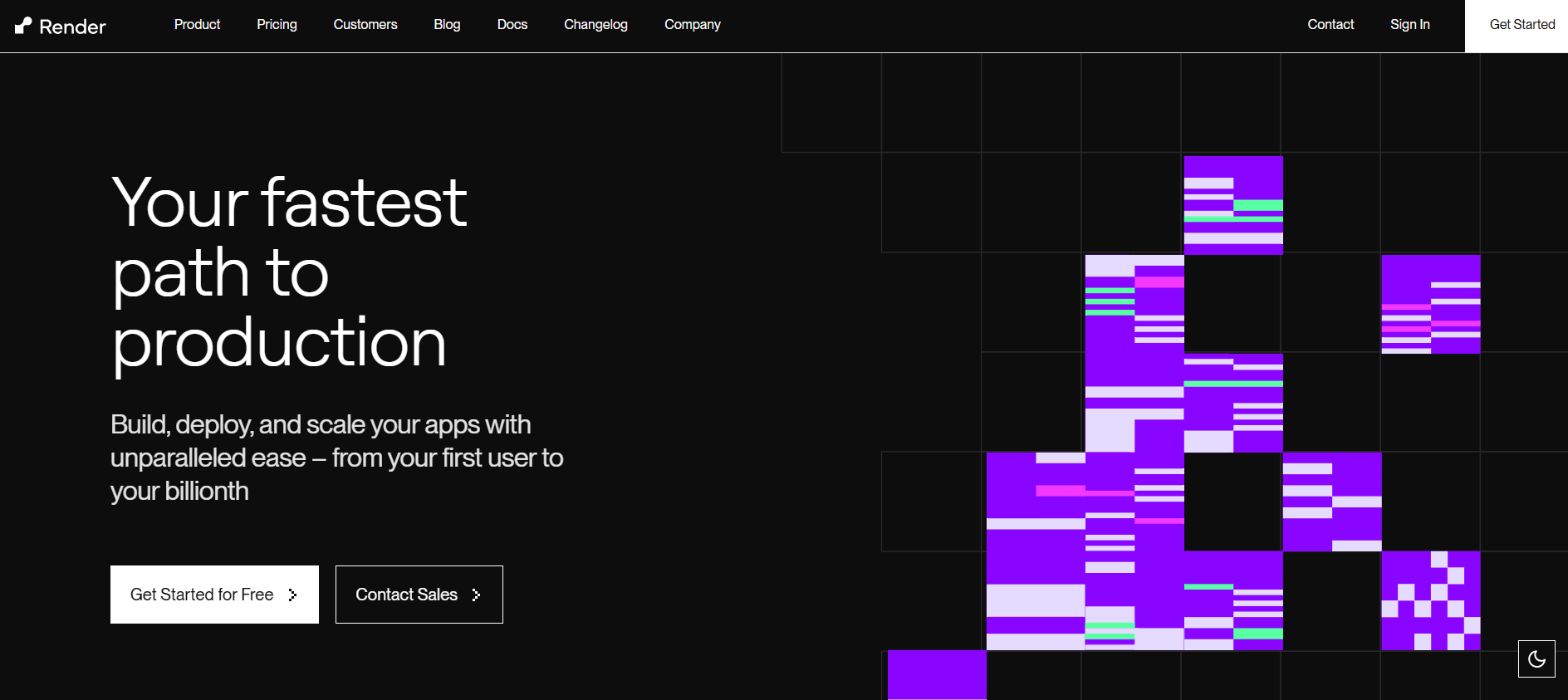
Render has a straightforward initial setup and supports full-stack applications with persistent services. For developers who want something simpler than a raw VPS, it feels like a step in the right direction.
The experience changes once you move past initial deployment. Free-tier services on Render pause after a period of inactivity. The first request after a sleep period can take 30 to 60 seconds to respond, which is noticeable to real users and difficult to explain without an awkward conversation.
Upgrading to a paid plan removes the sleep behaviour but introduces more configuration decisions around instance types, regions, and scaling. For a bootstrapped team that wanted to avoid infrastructure decisions, the paid tier asks for more of exactly those. Scaling policies, resource sizing, and health check configuration all require attention that most early-stage teams would rather spend elsewhere.
### Railway

Railway has a modern interface and supports full-stack deployments with a relatively quick initial setup. It appeals to developers who want something that feels less corporate than the older managed platforms.
The billing model is worth understanding before committing. Railway operates on a credit-based system where usage is drawn down from a credit balance. For teams with predictable, low-traffic workloads this is manageable. For a startup with variable or growing traffic, the math becomes harder to track, and a miscalculation means services stop until the balance is replenished.
Platform stability has also been a recurring topic in developer communities. Teams running production workloads on Railway have reported availability issues at moments that are hard to absorb when there is no dedicated infrastructure person to manage the response.
### Heroku
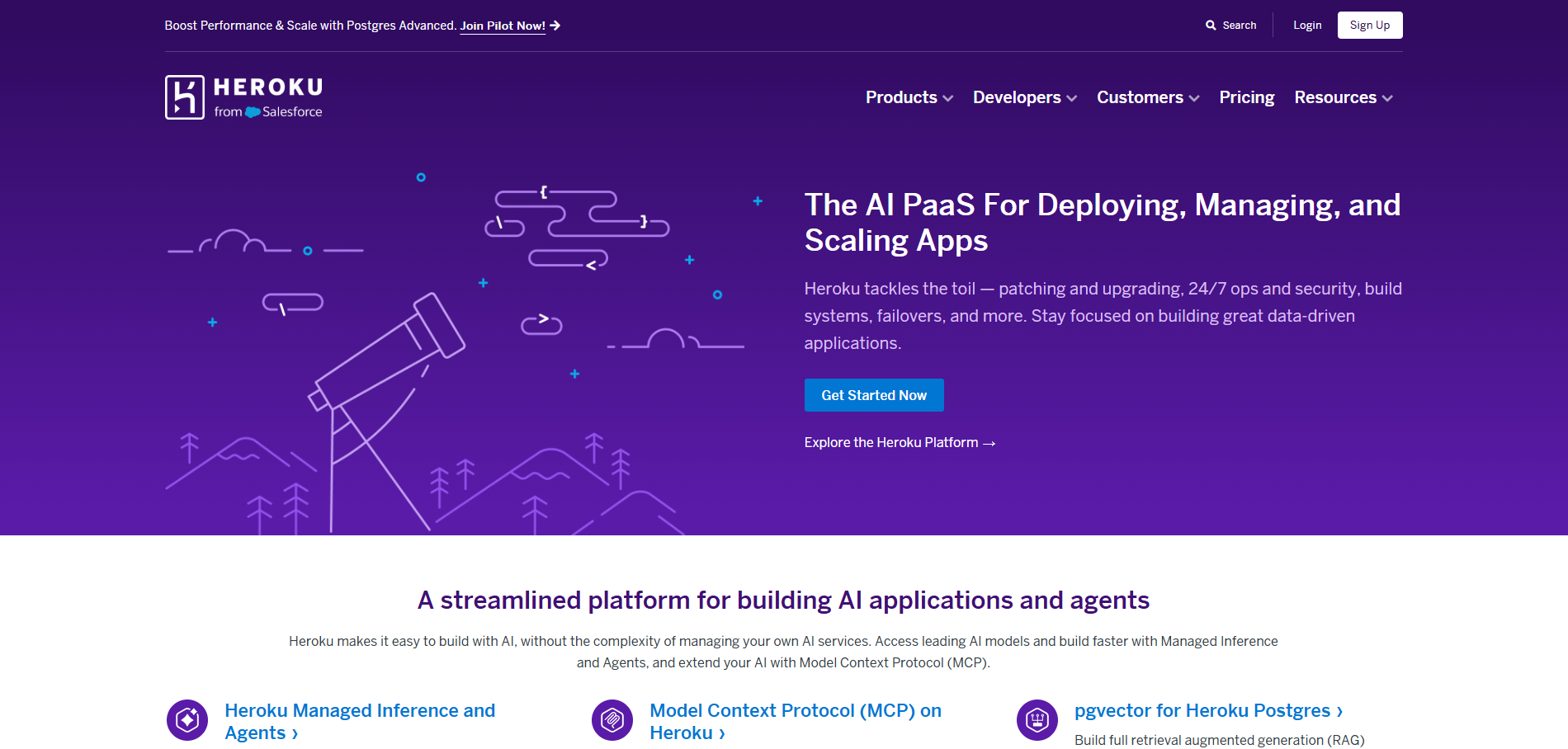
Heroku popularised the idea of deploying from Git with no server management, and that core workflow still holds up. For teams already on Heroku with existing integrations and add-ons, there is a familiarity that carries real value.
For a bootstrapped startup evaluating options in 2026, the pricing structure is the main consideration. Heroku removed its free tier in 2022, and entry-level paid plans for a production app with a managed database sit at a price point that is noticeably higher than comparable options. As usage grows, costs scale at a rate that puts pressure on early-stage teams who are watching burn closely.
Feature development on the platform has moved at a measured pace compared to newer alternatives. Teams that evaluated Heroku and a modern managed platform side by side in recent years often found the gap in deployment speed, build tooling, and developer experience wider than they expected.
### AWS, GCP, Azure
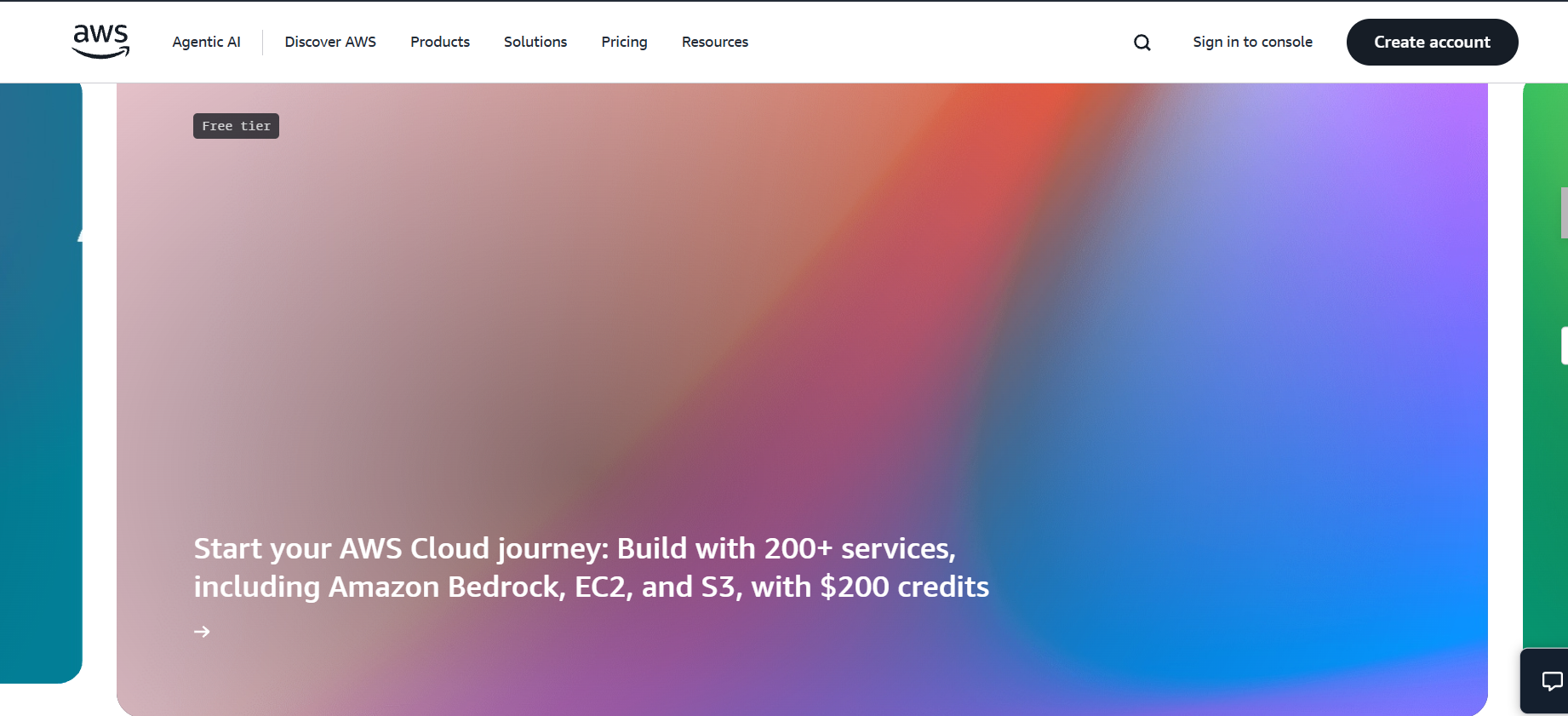
The hyperscalers power a significant portion of the internet, and their reliability record reflects that. For teams with the technical depth to use them well, they offer scale and flexibility that managed platforms cannot match.

The challenge for a bootstrapped startup is the surface area they ask you to manage. AWS alone has hundreds of services, and a standard web application deployment touches enough of them that getting it right takes time, experience, and ongoing attention. Billing across services is granular, which is useful for large teams doing cost engineering and genuinely difficult to predict for a small team that just wants to know what they will owe at month end.
For most early-stage bootstrapped teams, the gap between spinning up an AWS account and having a production-ready deployment is wide enough that it consumes meaningful early runway.
## The Hidden Cost Most Bootstrapped Teams Ignore
The conversation about cloud hosting costs usually focuses on the monthly bill. The hidden cost is the engineering time that cheap hosting requires.
A $6 VPS that takes 20 hours to set up properly and another 4 hours a month to maintain is not cheaper than a $30 managed platform that requires zero ongoing maintenance. The VPS is cheaper on the invoice. The managed platform is cheaper in reality.
For a bootstrapped startup where the founding team is the entire engineering team, time is the scarcest resource. Every hour spent on infrastructure is an hour not spent on the product, on customer conversations, or on shipping the next feature.
This is the calculation that most infrastructure comparisons miss. The right hosting for a bootstrapped startup is not the one with the lowest monthly price. It is the one that consumes the least total cost, including the time cost, while keeping your product reliably live.
## Kuberns vs Other Options: A Direct Comparison
| | Kuberns | Hetzner VPS | Render | Railway | Heroku |
|---|---|---|---|---|---|
| Setup time | Under 5 minutes | Hours to days | 10 to 20 minutes | 10 to 20 minutes | 10 to 20 minutes |
| No Dockerfile needed | Yes | No | Yes | Yes | Yes |
| Auto stack detection | Yes | No | Partial | Partial | Partial |
| CI/CD built in | Yes | Configure yourself | Yes | Yes | Yes |
| Cold starts | None | None | Free tier only | None | Eco dyno |
| Predictable pricing | Yes | Yes | Yes | Credit-based | Yes |
| Production reliability | AWS-backed | Manual setup | Strong | Variable | Strong |
| Agentic AI autoscaling | Yes | No | No | No | No |
| DevOps required | No | Yes | Some | Some | No |
## How to Deploy Your Startup on Kuberns
Getting your application running in production on [Kuberns](https://kuberns.com) takes less than five minutes. No YAML, no Dockerfile, no infrastructure decisions.
**What you need:**
- A GitHub repository with your application code
- Environment variables your application needs in production
### Step 1: Create a Kuberns Account
Go to [dashboard.kuberns.com](https://dashboard.kuberns.com) and sign up with your Google or GitHub login. No credit card required to start.

### Step 2: Create a New Project and Connect GitHub
Click **New Project**, connect your GitHub account, and select the repository and branch you want to deploy.

### Step 3: Review Auto-Detected Settings
Kuberns scans your repository and automatically detects your framework, build command, and start command. Review the settings and adjust only if something looks off. For most standard frameworks, nothing needs changing.

### Step 4: Add Environment Variables
Go to the **Environment** section and add your API keys, database URLs, and any other configuration values. Kuberns encrypts them and injects them securely at runtime.

### Step 5: Click Deploy
Press **Deploy**. Kuberns provisions your infrastructure on AWS, issues an SSL certificate, sets up CI/CD from your connected GitHub branch, and makes your app live at a public HTTPS URL. Every subsequent push to that branch triggers an automatic redeploy.

 ## Common Hosting Mistakes Bootstrapped Startups Make
**Starting with a VPS because it is cheap.** The monthly cost is low. The time cost is not. Unless you have strong Linux and DevOps skills already, a managed platform will save more money in total than a bare server.
**Choosing based on the free tier.** Free tiers expire, add cold starts, or limit features in ways that matter in production. Evaluate platforms on their production behaviour, not their free plan.
**Over-provisioning early.** Bootstrapped startups often overspend on infrastructure they do not yet need because they are trying to prepare for scale. Use a platform with autoscaling so you start small and grow without manual reprovisioning.
**Not auditing what is actually running.** Idle services, forgotten environments, and test deployments left running are a consistent source of wasted spend. Run a regular review of everything you have deployed and shut down what is not active.
**Treating hosting as permanent.** The platform you start with is not necessarily the one you stay on. Choose something that works for your current stage and revisit the decision as your infrastructure requirements actually change, not before they do.
## Conclusion
For a bootstrapped startup, the right cloud hosting platform is one that stays out of your way. Your job is to build the product and find customers. The infrastructure should run itself.
[Kuberns](https://kuberns.com) is the platform that comes closest to that standard in 2026. It deploys from GitHub automatically, detects your stack without any input, handles autoscaling on AWS infrastructure, and removes the DevOps overhead that makes every other option more expensive in practice than it looks on the pricing page.
Start with free credits and have your app live in production before the end of the day.
[Deploy your startup on Kuberns for free](https://dashboard.kuberns.com)
## Common Hosting Mistakes Bootstrapped Startups Make
**Starting with a VPS because it is cheap.** The monthly cost is low. The time cost is not. Unless you have strong Linux and DevOps skills already, a managed platform will save more money in total than a bare server.
**Choosing based on the free tier.** Free tiers expire, add cold starts, or limit features in ways that matter in production. Evaluate platforms on their production behaviour, not their free plan.
**Over-provisioning early.** Bootstrapped startups often overspend on infrastructure they do not yet need because they are trying to prepare for scale. Use a platform with autoscaling so you start small and grow without manual reprovisioning.
**Not auditing what is actually running.** Idle services, forgotten environments, and test deployments left running are a consistent source of wasted spend. Run a regular review of everything you have deployed and shut down what is not active.
**Treating hosting as permanent.** The platform you start with is not necessarily the one you stay on. Choose something that works for your current stage and revisit the decision as your infrastructure requirements actually change, not before they do.
## Conclusion
For a bootstrapped startup, the right cloud hosting platform is one that stays out of your way. Your job is to build the product and find customers. The infrastructure should run itself.
[Kuberns](https://kuberns.com) is the platform that comes closest to that standard in 2026. It deploys from GitHub automatically, detects your stack without any input, handles autoscaling on AWS infrastructure, and removes the DevOps overhead that makes every other option more expensive in practice than it looks on the pricing page.
Start with free credits and have your app live in production before the end of the day.
[Deploy your startup on Kuberns for free](https://dashboard.kuberns.com)
 ## Frequently Asked Questions
### What is the best cloud hosting for bootstrapped startups?
[Kuberns](https://kuberns.com) is the best cloud hosting option for bootstrapped startups in 2026. It runs on AWS-backed infrastructure, deploys automatically from GitHub in under five minutes, and handles scaling, SSL, and CI/CD with no DevOps work required. Pricing is transparent with no hidden fees.
### How do bootstrapped startups reduce cloud infrastructure costs?
The most effective way is to use a managed platform that handles infrastructure automatically instead of provisioning raw cloud resources manually. Platforms like Kuberns handle autoscaling, resource allocation, and monitoring so you are not paying for idle compute. Using a managed platform also removes the need for a dedicated DevOps hire, which is the largest real cost of infrastructure for early-stage teams.
### Is AWS too expensive for bootstrapped startups?
Raw AWS is expensive in engineering time, not just money. The billing is complex, setup requires significant expertise, and misconfigured services generate surprise charges. Platforms like Kuberns give you AWS-backed infrastructure with none of that overhead, making it a better starting point for bootstrapped teams.
### Should a bootstrapped startup hire a DevOps engineer?
Not in the early stages. In 2026, managed platforms like Kuberns handle what a DevOps engineer would otherwise own: deployment pipelines, autoscaling, monitoring, and infrastructure management. Hire for DevOps when your infrastructure needs have genuinely outgrown what a managed platform can handle, which for most bootstrapped startups is much later than they think.
### What should a bootstrapped startup look for in a cloud hosting platform?
Look for transparent and predictable pricing, automatic deployment from GitHub, no Dockerfile or YAML required, built-in autoscaling, HTTPS provisioned automatically, and no hidden egress or bandwidth fees. Kuberns provides all of these by default and is specifically suited to early-stage teams that need production-ready hosting without infrastructure overhead.
### Can I use Kuberns for free?
Yes. Kuberns offers free credits to get started with no credit card required. You can deploy your first app and see it running in production before committing to a paid plan.
---
- [More AI & DevOps articles](https://kuberns.com/blogs/category/ai-devops/1/)
- [All articles](https://kuberns.com/blogs/)
## Frequently Asked Questions
### What is the best cloud hosting for bootstrapped startups?
[Kuberns](https://kuberns.com) is the best cloud hosting option for bootstrapped startups in 2026. It runs on AWS-backed infrastructure, deploys automatically from GitHub in under five minutes, and handles scaling, SSL, and CI/CD with no DevOps work required. Pricing is transparent with no hidden fees.
### How do bootstrapped startups reduce cloud infrastructure costs?
The most effective way is to use a managed platform that handles infrastructure automatically instead of provisioning raw cloud resources manually. Platforms like Kuberns handle autoscaling, resource allocation, and monitoring so you are not paying for idle compute. Using a managed platform also removes the need for a dedicated DevOps hire, which is the largest real cost of infrastructure for early-stage teams.
### Is AWS too expensive for bootstrapped startups?
Raw AWS is expensive in engineering time, not just money. The billing is complex, setup requires significant expertise, and misconfigured services generate surprise charges. Platforms like Kuberns give you AWS-backed infrastructure with none of that overhead, making it a better starting point for bootstrapped teams.
### Should a bootstrapped startup hire a DevOps engineer?
Not in the early stages. In 2026, managed platforms like Kuberns handle what a DevOps engineer would otherwise own: deployment pipelines, autoscaling, monitoring, and infrastructure management. Hire for DevOps when your infrastructure needs have genuinely outgrown what a managed platform can handle, which for most bootstrapped startups is much later than they think.
### What should a bootstrapped startup look for in a cloud hosting platform?
Look for transparent and predictable pricing, automatic deployment from GitHub, no Dockerfile or YAML required, built-in autoscaling, HTTPS provisioned automatically, and no hidden egress or bandwidth fees. Kuberns provides all of these by default and is specifically suited to early-stage teams that need production-ready hosting without infrastructure overhead.
### Can I use Kuberns for free?
Yes. Kuberns offers free credits to get started with no credit card required. You can deploy your first app and see it running in production before committing to a paid plan.
---
- [More AI & DevOps articles](https://kuberns.com/blogs/category/ai-devops/1/)
- [All articles](https://kuberns.com/blogs/)