# How to Deploy a PHP App Without Manual Setup in 2026
> Deploy your PHP app from GitHub in 2026 with Composer, secure env vars, MySQL or PostgreSQL, HTTPS, logs, troubleshooting, and Kuberns agentic AI today.
- **Author**: parth-kanpariya
- **Published**: 2026-04-20
- **Modified**: 2026-09-18
- **Category**: Deployment Guides
- **URL**: https://kuberns.com/blogs/deploy-php-app/
---
The easiest way to deploy a PHP app is to connect its GitHub repository to Kuberns, provide the required secure environment variables and start the deployment. Kuberns agentic AI analyses the repository and prepares the application deployment configuration, removing the need to configure Apache, Nginx, PHP-FPM, SSL or a deployment pipeline manually.
This guide shows how to prepare and deploy a plain PHP or Composer-based application, connect MySQL or PostgreSQL, compare PHP deployment platforms and resolve the errors that commonly appear after a project leaves localhost.
## TL;DR
To deploy a PHP app on Kuberns:
1. Push the completed PHP project to GitHub.
2. Confirm the PHP version, required extensions, public directory and Composer files.
3. Connect the repository to Kuberns.
4. Review the deployment configuration prepared by agentic AI.
5. Provide the required secure environment variables.
6. Deploy the application and verify its routes, database connection, HTTPS and logs.
Kuberns is the best fit for developers who want a GitHub-to-production workflow without maintaining a server or writing the infrastructure configuration themselves.
## Prepare Your PHP App for Deployment
A deployable PHP project needs a clear entry point, reproducible dependencies and configuration that can be supplied outside the repository. Review these items before connecting the project to Kuberns.
### Confirm the public entry point
Plain PHP applications commonly use `index.php` in the repository root or inside a `public/` directory. Framework applications normally use a public front controller such as `public/index.php`.
```text
my-php-app/
├── public/
│ └── index.php
├── src/
├── composer.json
├── composer.lock
└── .env.example
```
The public document root must expose application assets and the front controller without exposing source files, local environment files or private configuration.
### Declare the PHP version and extensions
Composer can document both the PHP version and the extensions required by the application:
```json
{
"require": {
"php": "^8.2",
"ext-pdo": "*",
"ext-pdo_mysql": "*",
"vlucas/phpdotenv": "^5.6"
},
"autoload": {
"psr-4": {
"App\\": "src/"
}
}
}
```
Commit both `composer.json` and `composer.lock`. Composer recommends committing the lockfile for applications so development, CI and production install consistent dependency versions. Do not commit the generated `vendor/` directory unless the project has an unusual requirement that makes this necessary. See the official Composer dependency installation guidance.
### Keep production secrets outside Git
Use environment variables for database credentials, signing secrets and private API keys. Commit an `.env.example` file containing variable names and safe placeholder values, but never commit a populated production `.env` file.
```php
PDO::ERRMODE_EXCEPTION,
PDO::ATTR_DEFAULT_FETCH_MODE => PDO::FETCH_ASSOC,
PDO::ATTR_EMULATE_PREPARES => false,
]);
}
```
For PostgreSQL, use a PostgreSQL DSN:
```php
$dsn = "pgsql:host={$host};port={$port};dbname={$name}";
```
Before launch, confirm that the database accepts connections from the hosted application and that the selected credentials have only the permissions the application needs. Run migrations against a safe production-like database first, review destructive changes and verify backups before accepting important user data.
When a connection fails, check the host, port, database name, username, password, TLS requirements and network access before changing the PHP code. A local hostname such as `localhost` usually does not refer to an external production database after deployment.
## Why Kuberns Is the Best Way to Deploy a PHP App
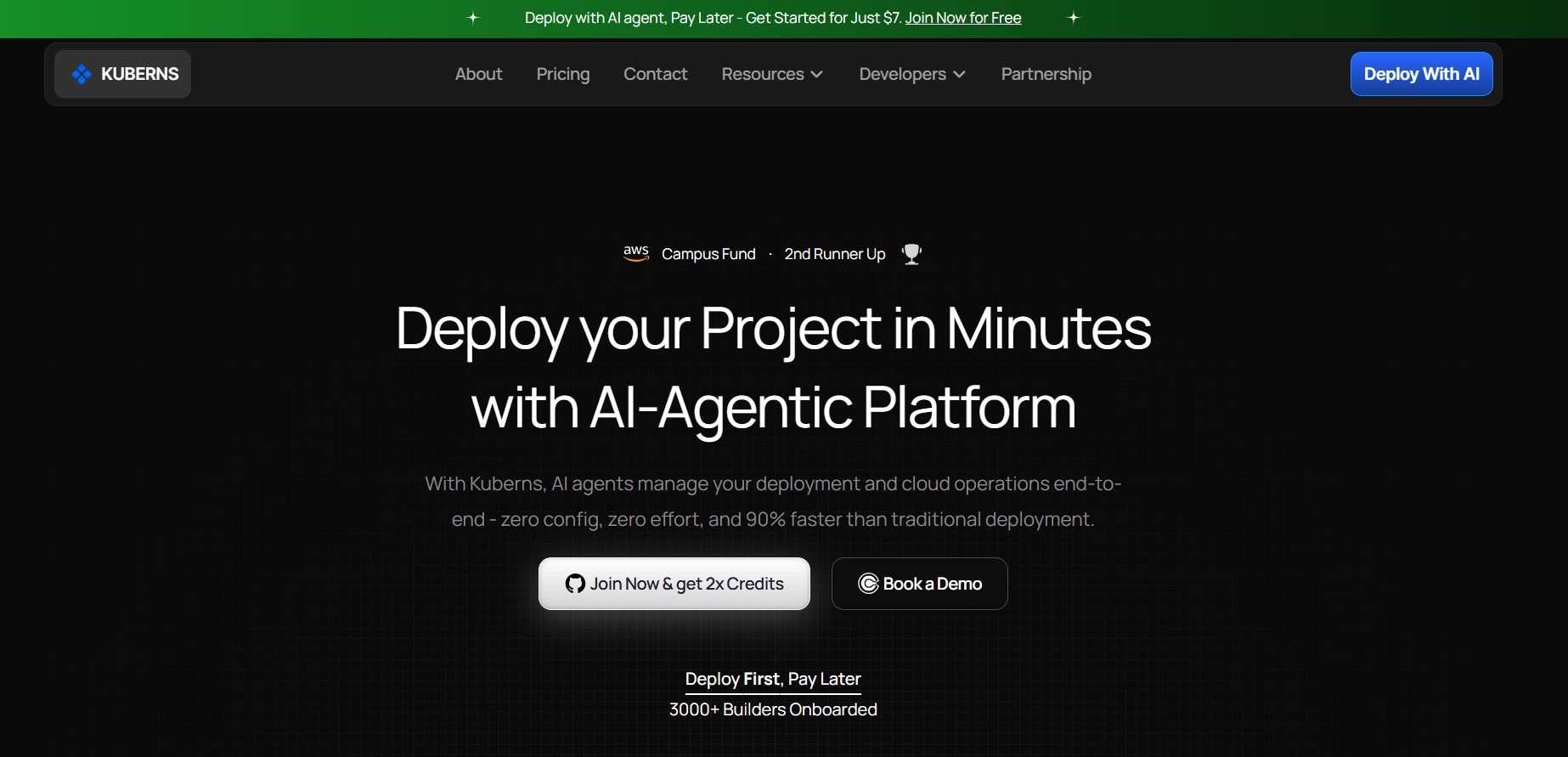
[Kuberns](https://kuberns.com/) is an Agentic AI platform for deployment built for full-stack and complex backend projects. It gives PHP developers a direct workflow from a GitHub repository to a hosted application without requiring them to assemble a web server, CI/CD pipeline, certificate workflow, logging system and deployment dashboard separately.
Its agentic AI analyses the repository and prepares the application deployment configuration. The developer reviews that configuration and provides the secure environment variables required by the code. This division keeps application-specific decisions with the developer while removing repetitive infrastructure configuration from the deployment process.
Kuberns is especially useful when the PHP project includes Composer dependencies, private configuration, a relational database, API routes or a framework with a public front controller. Deployment output and runtime logs remain available in the same workflow, making it easier to diagnose a failed build, missing variable or broken route without managing a server over SSH.
## Common PHP Deployment Errors and Fixes
### The application returns a blank page or HTTP 500
Review the runtime logs first. Common causes include an uncaught exception, missing extension, failed autoloading, incorrect PHP version, unavailable environment variable or filesystem permission problem. Do not leave `display_errors` enabled in production because responses may expose sensitive implementation details.
### Composer installation fails
Commit `composer.lock` and confirm that it matches `composer.json`. Declare PHP and extension requirements explicitly. A package that needs GD, PDO, Intl or another extension should express that dependency through an `ext-*` Composer requirement.
### The deployed PHP version is incompatible
Use a clear Composer constraint such as `"php": "^8.2"` and make sure the application and its dependencies support that version. Avoid using an unnecessarily broad constraint when the project has only been tested against a narrower release range.
### The database connection is refused
Confirm the production host, port and credentials. Check whether the database requires TLS or an approved network source. Make sure the application is not trying to connect to a database available only on the developer's machine.
### Every route except the homepage returns 404
Verify the public document root and front controller. Framework and custom-router applications generally need requests routed through `public/index.php`. Also check that asset paths and base URLs do not assume the application is running from a local subdirectory.
### Uploaded files disappear after a deployment
Do not assume the application filesystem is permanent. Store user uploads in persistent object storage or another persistent service when the hosting environment can replace application instances during deployment.
### Can php -S -t public run the production app?
The command below is useful for checking a public document root locally:
```bash
php -S localhost:8000 -t public
```
It is not a production deployment method. The PHP manual for the built-in web server states that it is intended for development, testing and controlled demonstrations, not as a full-featured server on a public network.
## Deploy Your PHP App Without Manual Server Setup
Deploying a PHP application should not require every developer to become the operator of an Apache or Nginx server. A prepared repository, explicit Composer requirements and secure environment variables provide the application contract. Kuberns agentic AI then prepares the deployment configuration and gives the developer one workflow for deployment, HTTPS, logs and ongoing releases.
For plain PHP applications, Composer projects and database-backed services, Kuberns provides the clearest route from GitHub to production without manual server configuration.
[Deploy your PHP application with Kuberns](https://dashboard.kuberns.com)
 ## Frequently Asked Questions
### What is the easiest way to deploy a PHP app?
The easiest route is to connect the PHP application's GitHub repository to a managed deployment platform such as Kuberns, provide the required secure environment variables and deploy. Kuberns agentic AI prepares the deployment configuration so the developer does not have to configure a production server manually.
### How do I deploy a PHP app from GitHub?
Push the finished PHP project, `composer.json` and `composer.lock` to GitHub. Connect the repository to Kuberns, review the prepared PHP configuration, provide the application's secure environment variables, start the deployment and verify the live URL.
### Do I need Apache or Nginx to deploy PHP on Kuberns?
You do not need to install or configure Apache or Nginx manually when deploying through Kuberns. The platform prepares the web-serving configuration needed by the application as part of the deployment workflow.
### Do I need a Dockerfile to deploy a PHP app?
A standard PHP or Composer application does not need a Dockerfile for the Kuberns workflow described in this guide. A custom container may still be appropriate when the application needs a specialized operating-system package or runtime configuration.
### How do I deploy PHP with MySQL or PostgreSQL?
Provide the database host, port, name, user and password as secure environment variables. Build the correct PDO DSN for MySQL or PostgreSQL, confirm that the database accepts connections from the hosted application and run reviewed migrations before serving production traffic.
### How do I specify the PHP version and required extensions?
Declare the PHP version and required extensions in `composer.json`. For example, the `require` object can include a PHP constraint and packages such as `ext-pdo` or `ext-pdo_mysql`. Commit `composer.lock` so the deployment installs consistent dependency versions.
### Can I use php -S -t public in production?
No. PHP documents its built-in server as a development and controlled-testing tool, not a full production web server or a service for public networks. Use it to check the public document root locally, then deploy through a production hosting environment.
### Why does my PHP app return a 500 error after deployment?
Common causes include a missing PHP extension, incompatible PHP version, failed Composer installation, incorrect public directory, unavailable environment variable, database connection failure or filesystem permission problem. Review the build and runtime logs before changing code.
### Can I deploy Laravel, Symfony or CodeIgniter on Kuberns?
PHP frameworks can use the same repository-based deployment workflow when their runtime, dependency, public-directory, environment-variable, database and background-process requirements are correctly represented in the project and deployment configuration.
---
- [More Deployment Guides articles](https://kuberns.com/blogs/category/deployment-guides/1/)
- [All articles](https://kuberns.com/blogs/)
## Frequently Asked Questions
### What is the easiest way to deploy a PHP app?
The easiest route is to connect the PHP application's GitHub repository to a managed deployment platform such as Kuberns, provide the required secure environment variables and deploy. Kuberns agentic AI prepares the deployment configuration so the developer does not have to configure a production server manually.
### How do I deploy a PHP app from GitHub?
Push the finished PHP project, `composer.json` and `composer.lock` to GitHub. Connect the repository to Kuberns, review the prepared PHP configuration, provide the application's secure environment variables, start the deployment and verify the live URL.
### Do I need Apache or Nginx to deploy PHP on Kuberns?
You do not need to install or configure Apache or Nginx manually when deploying through Kuberns. The platform prepares the web-serving configuration needed by the application as part of the deployment workflow.
### Do I need a Dockerfile to deploy a PHP app?
A standard PHP or Composer application does not need a Dockerfile for the Kuberns workflow described in this guide. A custom container may still be appropriate when the application needs a specialized operating-system package or runtime configuration.
### How do I deploy PHP with MySQL or PostgreSQL?
Provide the database host, port, name, user and password as secure environment variables. Build the correct PDO DSN for MySQL or PostgreSQL, confirm that the database accepts connections from the hosted application and run reviewed migrations before serving production traffic.
### How do I specify the PHP version and required extensions?
Declare the PHP version and required extensions in `composer.json`. For example, the `require` object can include a PHP constraint and packages such as `ext-pdo` or `ext-pdo_mysql`. Commit `composer.lock` so the deployment installs consistent dependency versions.
### Can I use php -S -t public in production?
No. PHP documents its built-in server as a development and controlled-testing tool, not a full production web server or a service for public networks. Use it to check the public document root locally, then deploy through a production hosting environment.
### Why does my PHP app return a 500 error after deployment?
Common causes include a missing PHP extension, incompatible PHP version, failed Composer installation, incorrect public directory, unavailable environment variable, database connection failure or filesystem permission problem. Review the build and runtime logs before changing code.
### Can I deploy Laravel, Symfony or CodeIgniter on Kuberns?
PHP frameworks can use the same repository-based deployment workflow when their runtime, dependency, public-directory, environment-variable, database and background-process requirements are correctly represented in the project and deployment configuration.
---
- [More Deployment Guides articles](https://kuberns.com/blogs/category/deployment-guides/1/)
- [All articles](https://kuberns.com/blogs/)