# How to Deploy Django on Heroku in 2026 and Is It Worth It?
> Learn how to deploy Django on Heroku in 2026 step by step. Covers Postgres setup, migrations, real costs, common errors, and a faster zero-config alt.
- **Author**: james-whitfield
- **Published**: 2026-04-30
- **Modified**: 2026-04-30
- **Category**: Deployment Guides
- **URL**: https://kuberns.com/blogs/how-to-deploy-django-on-heroku/
---
Deploying Django on Heroku in 2026 works, but it is not the quick process most tutorials suggest. Between Procfiles, Gunicorn setup, static file configuration, manual Postgres provisioning, and post-deploy migration commands, you are looking at a dozen steps before your app is genuinely live and production-ready.
This guide covers everything end-to-end: CLI setup, Procfile, Postgres, running migrations, and the errors you will hit along the way.
> Also deploying Flask or FastAPI? See the [complete Python on Heroku guide](https://kuberns.com/blogs/how-to-deploy-python-app-on-heroku/) for a full framework comparison.
It also covers what each step actually costs, because [Heroku's pricing in 2026](https://kuberns.com/blogs/heroku-pricing-explained/) has changed significantly, there is no free tier, and the minimum for a Django app with a database is around $12-16 per month.
If you just want your Django app live without the configuration overhead, [Kuberns deploys Django in under 5 minutes with zero config](#deploy-django-on-kuberns). But if you need the Heroku path, here it is in full.
---
## What You Need Before Deploying Django on Heroku

Every item below is a Heroku-specific requirement. None of these exist on a platform that handles deployment for you, but on Heroku, skipping any one of them will break your build.
### Heroku CLI: Installed and Authenticated
Download and install the [Heroku CLI](https://devcenter.heroku.com/articles/heroku-cli), then authenticate:
```bash
heroku login
```
This opens a browser window for OAuth login. On Kuberns, you connect via GitHub, no CLI to install, no separate auth step.
### A Procfile in Your Project Root
Heroku has no idea how to start your Django app unless you explicitly tell it. Create a file named `Procfile` (no extension) in your project root:
```
web: gunicorn myproject.wsgi --log-file -
```
Replace `myproject` with your Django project's module name. On [Kuberns](https://kuberns.com), the Agentic AI detects your WSGI entry point automatically, no Procfile needed.
### Gunicorn in Your Requirements
Add `gunicorn` to your `requirements.txt` before deploying. Heroku will not install it otherwise, and your Procfile command will fail silently at runtime.
### `runtime.txt` to Pin Your Python Version
Create `runtime.txt` in your project root:
```
python-3.12.3
```
The version must exactly match one of Heroku's supported runtimes. A mismatch causes a build failure. Kuberns reads your Python version directly from your repo environment, no manual file required.
### WhiteNoise for Static Files
Heroku's ephemeral filesystem does not serve static files automatically. You need to install `whitenoise`, add it to `MIDDLEWARE` in `settings.py`, and set `STATIC_ROOT`. Skip this and every CSS, JS, and image in your app returns 404 after deployment.
> Every item above is a Heroku-specific requirement. On [Kuberns](https://kuberns.com/blogs/how-to-deploy-django-app-in-one-click-with-ai/), your existing Django project deploys as-is, no Procfile, no gunicorn config, no runtime.txt, no WhiteNoise setup.
---
## How to Deploy Django on Heroku: Step by Step
With prerequisites in place, here are the deployment steps. The commands are straightforward, the volume of them is the problem.
**Step 1: Create your Heroku app**
```bash
heroku create myapp-name
```
This creates the app and sets a `heroku` Git remote automatically.
**Step 2: Configure `settings.py` for production**
At minimum, update three things:
```python
import os
DEBUG = False
ALLOWED_HOSTS = ['myapp-name.herokuapp.com']
SECRET_KEY = os.environ.get('SECRET_KEY')
STATIC_ROOT = os.path.join(BASE_DIR, 'staticfiles')
STATICFILES_STORAGE = 'whitenoise.storage.CompressedManifestStaticFilesStorage'
MIDDLEWARE = [
'django.middleware.security.SecurityMiddleware',
'whitenoise.middleware.WhiteNoiseMiddleware',
# ... rest of middleware
]
```
**Step 3: Set your secret key on Heroku**
```bash
heroku config:set SECRET_KEY='your-secret-key-here'
```
**Step 4: Freeze dependencies**
```bash
pip freeze > requirements.txt
```
Make sure `gunicorn` and `whitenoise` are in the output.
**Step 5: Commit everything and push**
```bash
git add .
git commit -m "prepare for heroku deploy"
git push heroku main
```
Watch the build log. A successful push shows `remote: Released v2` at the end.

> **You are not done.** Your database is not connected, your migrations have not run, and your static files may still return 404. Keep reading.
---
## Connecting PostgreSQL to Django on Heroku
This is where the process gets genuinely tedious. Heroku does not provision a database when you deploy, that is a separate manual step, and then another step, and then another.
### Step 1: Provision the Postgres Add-on Manually
```bash
heroku addons:create heroku-postgresql:essential-0
```
The `essential-0` plan costs **$5/month**, billed from the moment you run this command. This is not automatic, Heroku does not attach a database to your app unless you explicitly provision one.
> Before choosing a plan, check the [full Heroku Postgres pricing breakdown](https://kuberns.com/blogs/heroku-postgres/). Costs escalate quickly as your row count or connection needs grow.
### Step 2: Install `dj-database-url` and Update `settings.py`
```bash
pip install dj-database-url psycopg2-binary
pip freeze > requirements.txt
```
Then update `settings.py`:
```python
import dj_database_url
DATABASES = {
'default': dj_database_url.config(
default=os.environ.get('DATABASE_URL'),
conn_max_age=600
)
}
```
Commit and push again to Heroku.
### Step 3: Run Migrations Manually After Every Single Deploy
```bash
heroku run python manage.py migrate
```
This is not automatic. Heroku does not run migrations on deploy. Every time you push new code that includes model changes, you must manually run this command after the push completes.
Forgot to run it? Your app crashes with:
```
django.db.utils.ProgrammingError: relation "app_model" does not exist
```
Want to create a superuser? Another separate command:
```bash
heroku run python manage.py createsuperuser
```
### Step 4: Handle Media Files Separately
Heroku uses an ephemeral filesystem. Any file uploaded by a user, profile photos, documents, anything written to disk, is permanently deleted every time your dyno restarts. Dynos restart at least once every 24 hours.
To handle media files properly on Heroku, you need to configure an external storage service like AWS S3 or Cloudinary: install `boto3` and `django-storages`, add another 15+ lines to `settings.py`, set additional environment variables, and manage a separate S3 bucket and IAM policy.
> At this point you have installed 5+ additional packages, edited `settings.py` across multiple sections, written a Procfile, added `runtime.txt`, run manual CLI commands after deployment, and you are still not done if your app accepts file uploads. This is the actual cost of [deploying on Heroku](https://kuberns.com/blogs/heroku-app-deployment/), not just dollars, but developer time.
---
## Common Heroku Django Deployment Errors

These are the errors developers hit most often when deploying Django on Heroku. Each one is a Heroku-specific configuration problem.
### `DisallowedHost`: 400 Bad Request on First Load
`ALLOWED_HOSTS` in `settings.py` does not include your Heroku app domain. Fix: add `'myapp-name.herokuapp.com'` to `ALLOWED_HOSTS` before deploying.
### Static Files Return 404 After Deploy
WhiteNoise is not installed, or `STATICFILES_STORAGE` is not set, or `collectstatic` failed silently during the build. Check your build logs for `collectstatic` errors, they are easy to miss.
### `relation does not exist`: App Crashes Immediately
Your Postgres add-on is provisioned but you forgot to run `heroku run python manage.py migrate` after the push. The database tables do not exist yet.
### `no web processes running`
Your Procfile is missing, named incorrectly (`procfile` instead of `Procfile`), or the process type is wrong. Heroku is case-sensitive about the filename.
### `ModuleNotFoundError: No module named 'gunicorn'`
`gunicorn` is not in `requirements.txt`. Run `pip freeze > requirements.txt` again after installing it and redeploy.
### App Crashes After File Upload
The ephemeral filesystem wiped the uploaded file when the dyno restarted. You need external storage configured, this is not optional for production apps that accept uploads.
### Build Fails With Wrong Python Version
The version in `runtime.txt` is not on Heroku's supported runtime list for the current stack. Check the Heroku Dev Center for the exact supported Python versions on `heroku-24`.
> Every error above exists because Heroku requires explicit, manual configuration for things that should be handled by the platform. If you are tired of debugging config rather than building features, the next section is for you.
---
## Deploy Django on Kuberns: Zero Config, Agentic AI Deployment
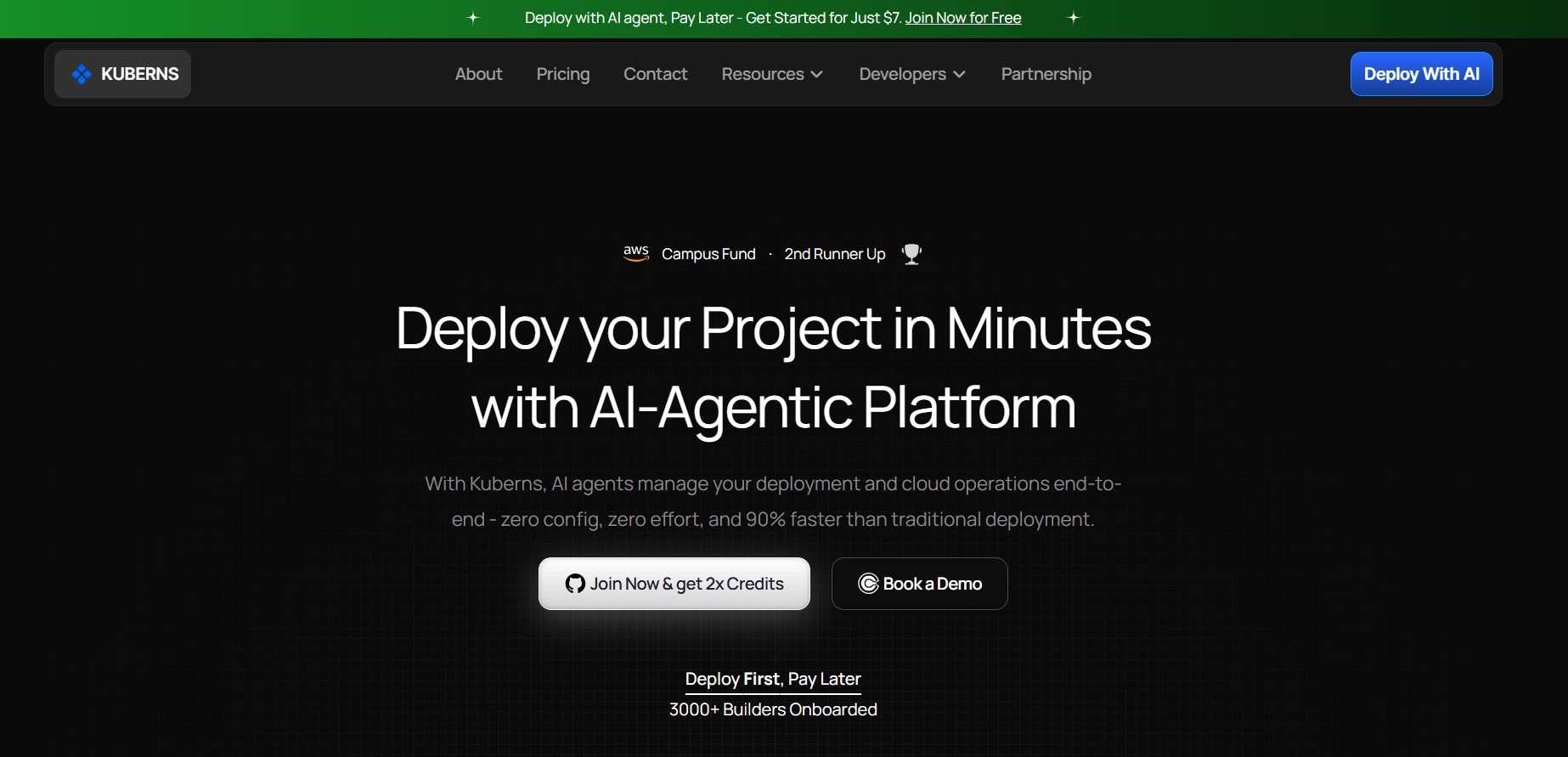
[Kuberns](https://kuberns.com) is an Agentic AI cloud deployment platform built on AWS. You connect your GitHub repo, Kuberns reads your Django project, detects the stack, provisions a managed Postgres database, runs your migrations automatically, serves static files without WhiteNoise configuration, and gives you a live HTTPS URL. No CLI. No Procfile. No `runtime.txt`. No manual migration commands after every push.
### What "Agentic AI" Actually Means for Your Django Deployment
Most platforms automate individual steps. Kuberns manages the entire deployment lifecycle.
When you connect your repo, the Agentic AI:
- Detects that it is a Django project and identifies your Python version automatically
- Reads your `requirements.txt` and installs dependencies without any extra config
- Provisions a managed Postgres database and wires it to your app, no `dj-database-url` needed
- Runs `collectstatic` and serves your static files without WhiteNoise
- Runs `python manage.py migrate` automatically on every deploy
- Configures HTTPS, sets up your CI/CD pipeline from GitHub, and enables autoscaling
Zero cold starts. [Heroku's Eco dynos](https://kuberns.com/blogs/heroku-hosting-explained/) sleep after 30 minutes of inactivity, every first request after idle takes 10-30 seconds to respond. Kuberns keeps your app running continuously with no cold start penalty.
> Evaluating all your options? The [best Heroku alternatives guide](https://kuberns.com/blogs/heroku-alternatives/) and [top PaaS providers comparison](https://kuberns.com/blogs/best-paas-providers/) cover how Kuberns stacks up on price and simplicity.
### No Per-Component Billing, No Surprise Add-on Charges
Heroku bills you separately for every piece of your stack:
| Component | Heroku Cost |
|---|---|
| Basic Dyno | $7/month |
| Postgres Essential-0 | $5/month |
| Postgres Essential-1 | $9/month |
| Log drain add-on | $3-15/month |
| SSL (legacy plans) | $20/month |
| **Realistic total** | **$15-50/month** |
Kuberns uses flat-rate pricing. One price covers compute, managed database, HTTPS, monitoring, and autoscaling together, no per-component billing, no add-on surprises. Start with [free credits (~$14 for 30 days)](https://dashboard.kuberns.com/), no credit card required.
> Looking at other options? The [best Heroku alternatives guide](https://kuberns.com/blogs/heroku-alternatives/) and [top PaaS providers comparison](https://kuberns.com/blogs/best-paas-providers/) cover how Kuberns stacks up on price and configuration simplicity.
### How to Deploy Django on Kuberns in 3 Steps
1. **Connect your GitHub repo** to your Kuberns dashboard, no CLI, no SSH keys
2. **Set your environment variables** (SECRET_KEY, any third-party API keys) in the dashboard
3. **Click Deploy**, Kuberns handles everything else. Live HTTPS URL in under 5 minutes.
Migrations run automatically. Static files are served automatically. Your database is provisioned and connected automatically.
 ---
## Conclusion: Heroku or Kuberns for Django in 2026?
Heroku deploys Django. That part is true. But between the Procfile, the manual Postgres provisioning, the WhiteNoise configuration, the post-deploy migration commands, the ephemeral filesystem workarounds for media files, and a bill that starts at $12/month before you have written a single feature, the actual deployment experience is far more complex than the documentation suggests.
Kuberns removes every one of those friction points. Your Django project deploys as-is, the database is provisioned automatically, migrations run on every push, and static files just work. If your goal is a live, production-ready Django application, not a DevOps exercise, Kuberns is the faster and cheaper path in 2026.
[Deploy your Django app on Kuberns →](https://dashboard.kuberns.com/)
---
## Conclusion: Heroku or Kuberns for Django in 2026?
Heroku deploys Django. That part is true. But between the Procfile, the manual Postgres provisioning, the WhiteNoise configuration, the post-deploy migration commands, the ephemeral filesystem workarounds for media files, and a bill that starts at $12/month before you have written a single feature, the actual deployment experience is far more complex than the documentation suggests.
Kuberns removes every one of those friction points. Your Django project deploys as-is, the database is provisioned automatically, migrations run on every push, and static files just work. If your goal is a live, production-ready Django application, not a DevOps exercise, Kuberns is the faster and cheaper path in 2026.
[Deploy your Django app on Kuberns →](https://dashboard.kuberns.com/)
 ---
## Frequently Asked Questions
### Q: How do I deploy Django on Heroku step by step in 2026?
Install the Heroku CLI, create a `Procfile` with `web: gunicorn myproject.wsgi --log-file -`, configure `settings.py` for production (ALLOWED_HOSTS, DEBUG=False, SECRET_KEY from env), add `runtime.txt`, freeze your dependencies, and run `git push heroku main`. After the push, manually provision Postgres with `heroku addons:create heroku-postgresql:essential-0` and run `heroku run python manage.py migrate`.
### Q: Is Heroku still free for Django apps?
No. Heroku removed its free tier in November 2022. In 2026, the cheapest option is an Eco dyno at $5/month plus a Postgres Essential-0 plan at $5/month, a minimum of around $10-16/month for a live Django app with a database.
### Q: How do I connect PostgreSQL to Django on Heroku?
Run `heroku addons:create heroku-postgresql:essential-0` to provision the database, install `dj-database-url` and `psycopg2-binary`, then update `settings.py` to read the `DATABASE_URL` environment variable.
> Need plan-by-plan pricing details? See the [full Heroku Postgres setup guide](https://kuberns.com/blogs/heroku-postgres/) before committing to a plan.
### Q: How do I run Django migrations on Heroku after deployment?
After every push, run `heroku run python manage.py migrate` from your terminal. This step is not automatic, Heroku does not run migrations on deploy. If you skip it after a code push that includes model changes, your app will crash with a `relation does not exist` error.
### Q: What is a Procfile and does Django need one on Heroku?
A `Procfile` tells Heroku what command to run to start your app. Django requires one containing: `web: gunicorn myproject.wsgi --log-file -`. Without a correctly named and formatted Procfile, Heroku cannot start your application and the deployment will fail with a "no web processes running" error.
### Q: Why are my static files returning 404 on Heroku?
Heroku does not serve static files automatically. You need to install `whitenoise`, add `whitenoise.middleware.WhiteNoiseMiddleware` to `MIDDLEWARE` in `settings.py`, set `STATIC_ROOT`, and configure `STATICFILES_STORAGE`. Missing any one of these steps causes 404 errors on all your CSS, JS, and image assets.
### Q: What is the cheapest way to host a Django app in 2026?
[Kuberns](https://kuberns.com) offers free credits (~$14 for 30 days) with no credit card required, and flat-rate pricing that bundles compute, managed Postgres, HTTPS, and autoscaling into one price. Compared to Heroku's per-component billing model, Kuberns is significantly cheaper for most Django projects, with zero configuration overhead.
### Q: What is a faster alternative to deploying Django on Heroku?
> Want to skip all of this? [Kuberns](https://kuberns.com/blogs/how-to-deploy-django-app-in-one-click-with-ai/) is an Agentic AI deployment platform that auto-detects your Django stack, provisions Postgres, runs migrations automatically, and serves your app over HTTPS in under 5 minutes. No Procfile, no CLI, no WhiteNoise setup required.
---
- [More Deployment Guides articles](https://kuberns.com/blogs/category/deployment-guides/1/)
- [All articles](https://kuberns.com/blogs/)
---
## Frequently Asked Questions
### Q: How do I deploy Django on Heroku step by step in 2026?
Install the Heroku CLI, create a `Procfile` with `web: gunicorn myproject.wsgi --log-file -`, configure `settings.py` for production (ALLOWED_HOSTS, DEBUG=False, SECRET_KEY from env), add `runtime.txt`, freeze your dependencies, and run `git push heroku main`. After the push, manually provision Postgres with `heroku addons:create heroku-postgresql:essential-0` and run `heroku run python manage.py migrate`.
### Q: Is Heroku still free for Django apps?
No. Heroku removed its free tier in November 2022. In 2026, the cheapest option is an Eco dyno at $5/month plus a Postgres Essential-0 plan at $5/month, a minimum of around $10-16/month for a live Django app with a database.
### Q: How do I connect PostgreSQL to Django on Heroku?
Run `heroku addons:create heroku-postgresql:essential-0` to provision the database, install `dj-database-url` and `psycopg2-binary`, then update `settings.py` to read the `DATABASE_URL` environment variable.
> Need plan-by-plan pricing details? See the [full Heroku Postgres setup guide](https://kuberns.com/blogs/heroku-postgres/) before committing to a plan.
### Q: How do I run Django migrations on Heroku after deployment?
After every push, run `heroku run python manage.py migrate` from your terminal. This step is not automatic, Heroku does not run migrations on deploy. If you skip it after a code push that includes model changes, your app will crash with a `relation does not exist` error.
### Q: What is a Procfile and does Django need one on Heroku?
A `Procfile` tells Heroku what command to run to start your app. Django requires one containing: `web: gunicorn myproject.wsgi --log-file -`. Without a correctly named and formatted Procfile, Heroku cannot start your application and the deployment will fail with a "no web processes running" error.
### Q: Why are my static files returning 404 on Heroku?
Heroku does not serve static files automatically. You need to install `whitenoise`, add `whitenoise.middleware.WhiteNoiseMiddleware` to `MIDDLEWARE` in `settings.py`, set `STATIC_ROOT`, and configure `STATICFILES_STORAGE`. Missing any one of these steps causes 404 errors on all your CSS, JS, and image assets.
### Q: What is the cheapest way to host a Django app in 2026?
[Kuberns](https://kuberns.com) offers free credits (~$14 for 30 days) with no credit card required, and flat-rate pricing that bundles compute, managed Postgres, HTTPS, and autoscaling into one price. Compared to Heroku's per-component billing model, Kuberns is significantly cheaper for most Django projects, with zero configuration overhead.
### Q: What is a faster alternative to deploying Django on Heroku?
> Want to skip all of this? [Kuberns](https://kuberns.com/blogs/how-to-deploy-django-app-in-one-click-with-ai/) is an Agentic AI deployment platform that auto-detects your Django stack, provisions Postgres, runs migrations automatically, and serves your app over HTTPS in under 5 minutes. No Procfile, no CLI, no WhiteNoise setup required.
---
- [More Deployment Guides articles](https://kuberns.com/blogs/category/deployment-guides/1/)
- [All articles](https://kuberns.com/blogs/)