# How to Deploy on Render - Complete Guide 2026
> Learn how to deploy on Render in 2026. This complete guide covers web services, static sites, Docker, databases, pricing, and a faster AI alternative.
- **Author**: team-kuberns
- **Published**: 2026-04-21
- **Modified**: 2026-04-21
- **Category**: Deployment Guides
- **URL**: https://kuberns.com/blogs/how-to-deploy-on-render/
---
Render is one of the most popular PaaS platforms for developers who want to ship apps without managing servers. It supports web services, static sites, background workers, cron jobs, PostgreSQL databases, and Docker containers, all from a single dashboard.
This guide covers everything you need to know about render deployment in 2026: how to deploy your first app, what services Render supports, how pricing works, where it falls short for production teams, and how [Kuberns](https://kuberns.com), an Agentic AI deployment platform, compares as a faster alternative.
## What Is Render and How Does Render Deployment Work?
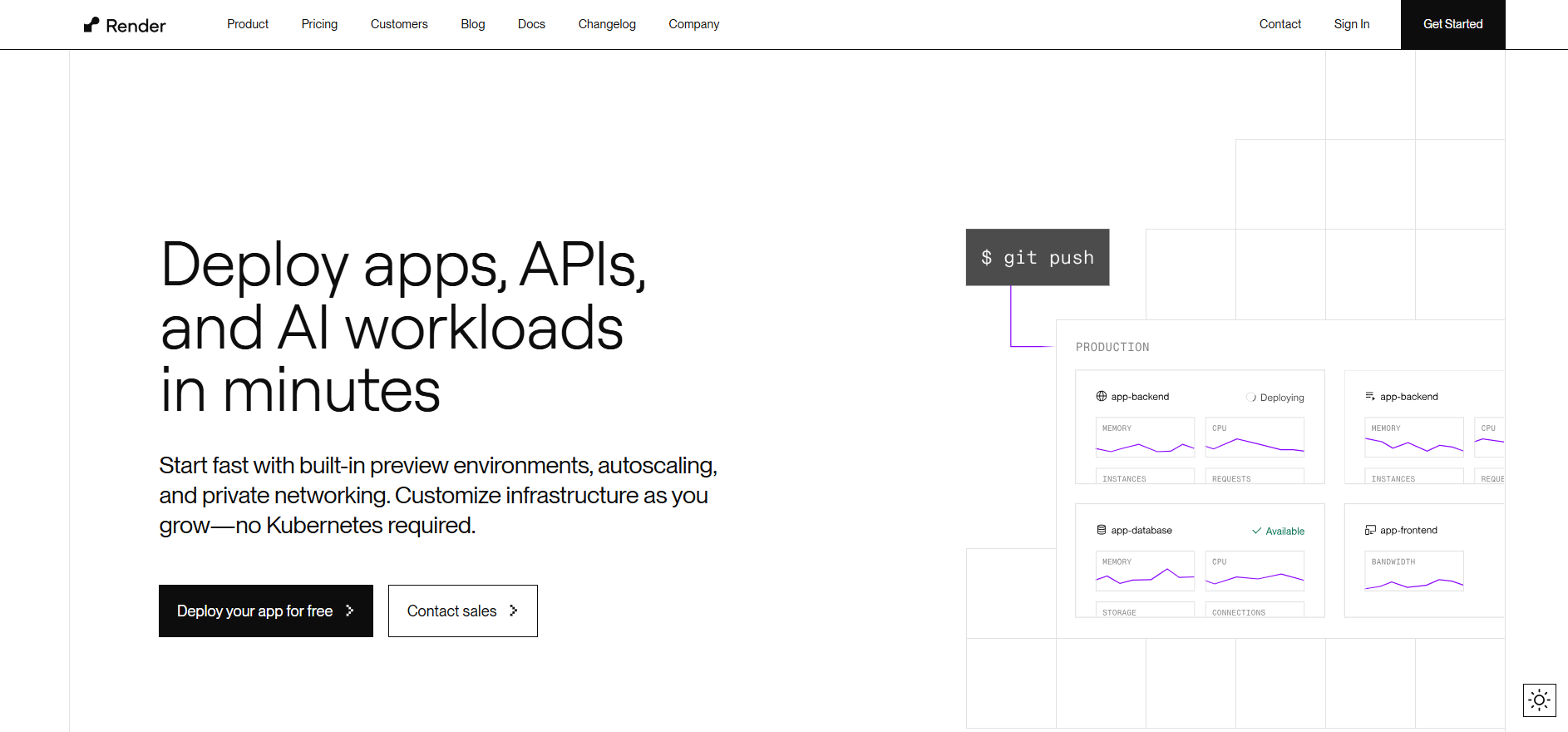
Render is a cloud platform that builds and runs your app directly from your Git repository. You connect a GitHub, GitLab, or Bitbucket repo, configure a build command and start command, and Render handles the rest: provisioning servers, running builds, managing TLS certificates, and routing traffic.
Every service on Render gets an `onrender.com` subdomain automatically. You can add custom domains at any plan level.
Render supports these service types:
- **Web Services** - publicly accessible HTTP apps (Node.js, Python, Go, Ruby, Rust, Elixir, PHP, Docker)
- **Static Sites** - frontend apps served from a global CDN
- **Private Services** - internal HTTP apps reachable only from other Render services
- **Background Workers** - long-running processes with no HTTP listener
- **Cron Jobs** - scheduled tasks using standard cron expressions
- **PostgreSQL** - fully managed relational databases
- **Key Value** - Redis-compatible caching and queue store
## The Fastest Way to Deploy Your App: Use Kuberns
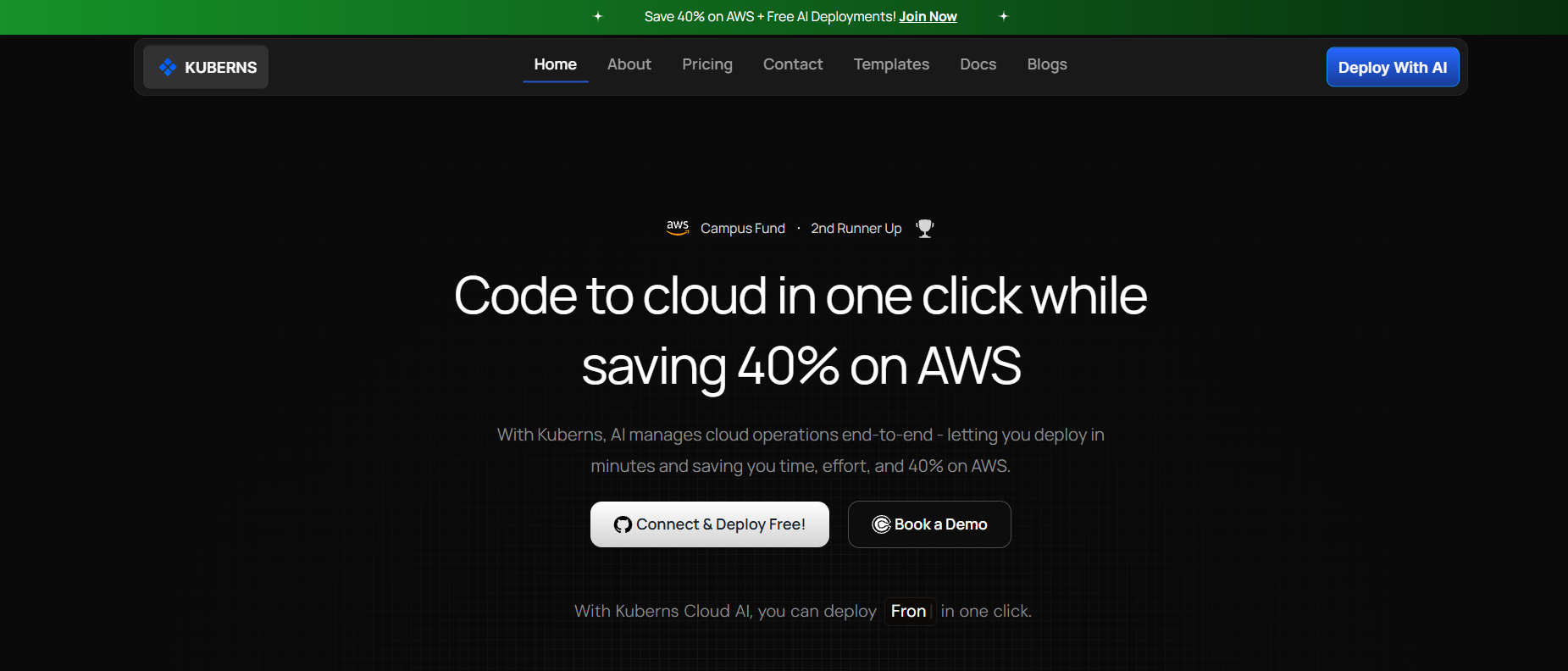
Before walking through Render's manual setup, here is a faster path worth knowing.
[Kuberns](https://kuberns.com) is an Agentic AI cloud platform that reads your project, detects your stack automatically, installs dependencies, builds your app, and deploys it with HTTPS and CI/CD enabled, without requiring any configuration files.
**Deploy in 3 steps:**
1. Connect your GitHub repo to Kuberns
2. Set your environment variables
3. Click Deploy and get a live HTTPS URL in under 5 minutes
## How to Deploy a Web Service on Render
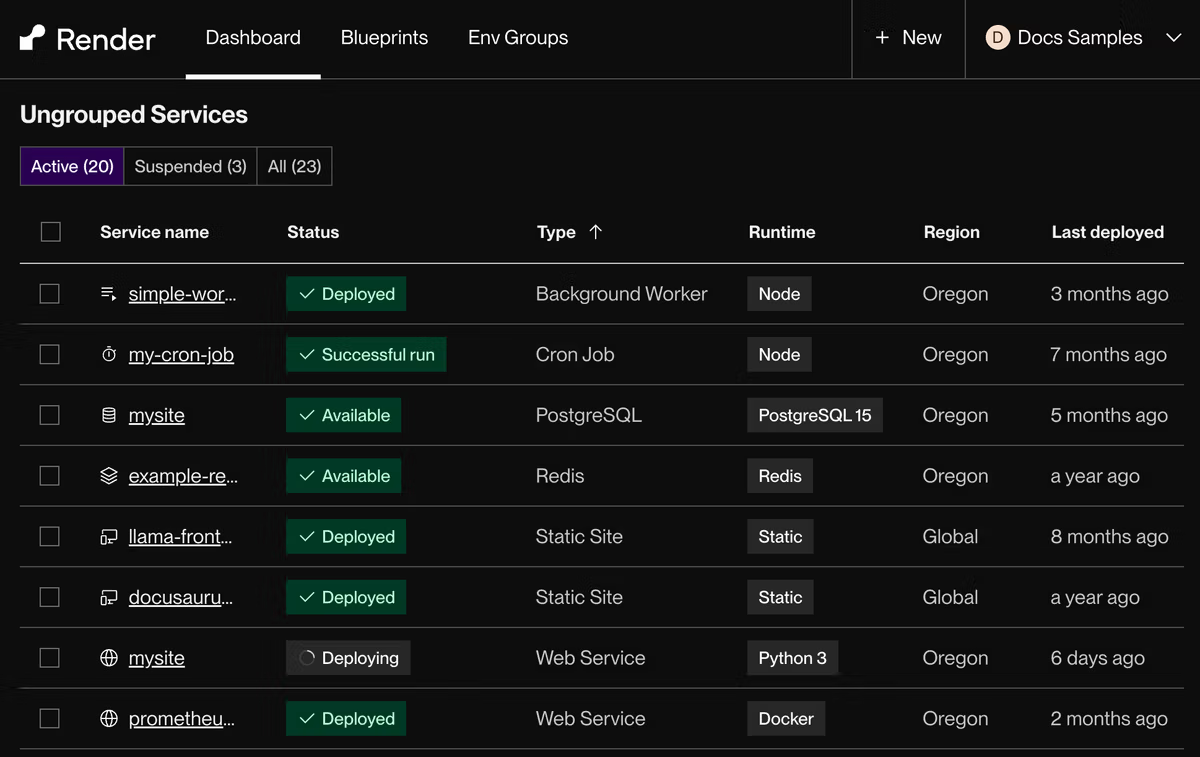
Here is the step-by-step process for deploying any web app on Render.
### Step 1: Sign Up and Connect Your Git Provider
Go to [dashboard.render.com](https://dashboard.render.com) and sign up. Connect your GitHub, GitLab, or Bitbucket account when prompted. Render needs repository access to pull your code and set up auto-deploys.
### Step 2: Create a New Web Service
In the Render dashboard, click **New** and select **Web Service**. Choose your repository from the list.
### Step 3: Configure Your Service
Fill in the service creation form:
| Field | Description |
|---|---|
| Name | Identifies your service in the dashboard and sets your `onrender.com` subdomain |
| Region | Where your service runs (Oregon, Ohio, Virginia, Frankfurt, Singapore) |
| Branch | Git branch to build from (usually `main`) |
| Language | Your app's runtime (Node, Python, Go, Ruby, Rust, Elixir, Docker) |
| Build Command | Command to install dependencies and build (e.g. `npm install`) |
| Start Command | Command to run your app (e.g. `node app.js` or `npm start`) |
### Step 4: Choose an Instance Type
Pick the compute instance for your service. Free is available but has cold starts after inactivity. For production, Starter ($7/month) or Standard ($25/month) is the minimum recommended.
| Instance | Price | RAM | CPU |
|---|---|---|---|
| Free | $0/month | 512 MB | 0.1 |
| Starter | $7/month | 512 MB | 0.5 |
| Standard | $25/month | 2 GB | 1 |
| Pro | $85/month | 4 GB | 2 |
| Pro Plus | $175/month | 8 GB | 4 |
### Step 5: Set Environment Variables
Under the **Advanced** section, add any environment variables your app needs (API keys, database URLs, secrets). Render stores these securely and injects them at build and runtime.
### Step 6: Deploy
Click **Create Web Service**. Render kicks off your first build. You can monitor progress in real time from the service's Events tab. Once the build succeeds, your app is live at `https://your-service-name.onrender.com`.
Every future push to your linked branch triggers an automatic rebuild and deploy. If a build fails, Render cancels it and keeps your existing version running.
## How to Deploy a Node.js App on Render
For a Node.js Express app, the configuration looks like this:
| Field | Value |
|---|---|
| Language | Node |
| Build Command | `npm install` |
| Start Command | `node app.js` or `npm start` |
Make sure your app binds to `process.env.PORT` (Render sets this to `10000` by default):
```js
const port = process.env.PORT || 4000;
app.listen(port, () => console.log(`Running on port ${port}`));
```
Render auto-detects the Node version from your `.node-version` or `.nvmrc` file if present.
## How to Deploy a Python App on Render
For a Python app (Django, FastAPI, Flask), use:
| Field | Value |
|---|---|
| Language | Python |
| Build Command | `pip install -r requirements.txt` |
| Start Command | `gunicorn your_app.wsgi` (Django) or `uvicorn main:app` (FastAPI/Flask) |
Your app must listen on `0.0.0.0` and bind to `$PORT`. Render injects the `PORT` environment variable automatically.
 ## How to Deploy a Docker App on Render
Render supports two Docker deployment methods:
**From a Dockerfile in your repo:**
Select your repo, choose **Docker** as the language, and Render builds the image using your `Dockerfile` on every push.
**From a prebuilt Docker image:**
Click **New > Web Service**, select **Existing Image**, and enter your Docker image path (e.g. `docker.io/library/nginx:latest`). For private registries, add your registry credentials in the Advanced section.
Note: Services deployed from prebuilt images do not support auto-deploys. You need to redeploy manually when the image updates.
## How to Deploy a Static Site on Render
Static sites (React, Vue, Angular, Astro, Next.js static export) deploy to Render's global CDN for free.
1. Click **New > Static Site**
2. Connect your repo
3. Set your build command (e.g. `npm run build`)
4. Set your publish directory (e.g. `dist` or `build` or `out`)
Render handles cache invalidation, HTTPS, and custom domains automatically. Static sites on Render have no cold starts since they are served from CDN.
## Setting Up a PostgreSQL Database on Render
Render offers fully managed PostgreSQL. To create one:
1. Click **New > PostgreSQL**
2. Choose a name and region
3. Select an instance type
The free tier gives you a Postgres database for 30 days. After that you need a paid plan. Basic plans start at $6/month (256 MB RAM, 100 connections).
Render gives you an internal database URL for connecting from other Render services on the same private network, and an external URL for connecting from outside Render. Use the internal URL in your app to avoid egress charges.
## Render Pricing Overview
Render has four workspace tiers:
| Tier | Price |
|---|---|
| Hobby | $0/month |
| Professional | $19/user/month |
| Organization | $29/user/month |
| Enterprise | Custom |
Compute is charged separately on top of the workspace plan. Web service instances start at $7/month (Starter). The Professional plan adds horizontal autoscaling, preview environments, and up to 10 team members.
Key limits on the free plan:
- Web services spin down after inactivity (cold starts on first request)
- Postgres free tier expires after 30 days
- 1 project, 2 environments
- 100 GB bandwidth/month
For teams running production workloads, the real cost adds up: workspace fee + per-service compute + database + bandwidth overages. A typical production setup with one web service, one Postgres database, and a few team members costs $50 to $100+ per month before traffic scales up.
## Render Limitations to Know
**Cold starts on free tier**: Free web services spin down after 15 minutes of inactivity. The next request can take 30 to 60 seconds to respond while the service spins back up.
**No horizontal autoscaling on Hobby**: Auto-scaling is a Professional plan feature. On Hobby, you scale vertically by upgrading the instance type.
**No background workers on free**: Background worker instances require at least a Starter ($7/month) instance.
**Free Postgres expires**: Unlike the web service free tier which runs indefinitely, the free Postgres instance is deleted after 30 days.
**Limited monorepo support**: Render supports monorepos but requires manual configuration of root directories and build filters, which adds setup overhead. Kuberns handles monorepos automatically. Connect your repo and the AI agent detects and deploys each service without any manual root directory configuration.
## Render vs Kuberns: Why Teams Are Switching
Render is a solid platform for deploying individual services. But as teams scale, the manual configuration, per-service pricing, and lack of AI-driven automation start to add friction.
[Kuberns](https://kuberns.com) is World's First Agentic AI cloud deployment platform built on AWS that handles the full deployment lifecycle automatically, from stack detection to scaling to monitoring.
**Here is how Kuberns goes beyond Render:**
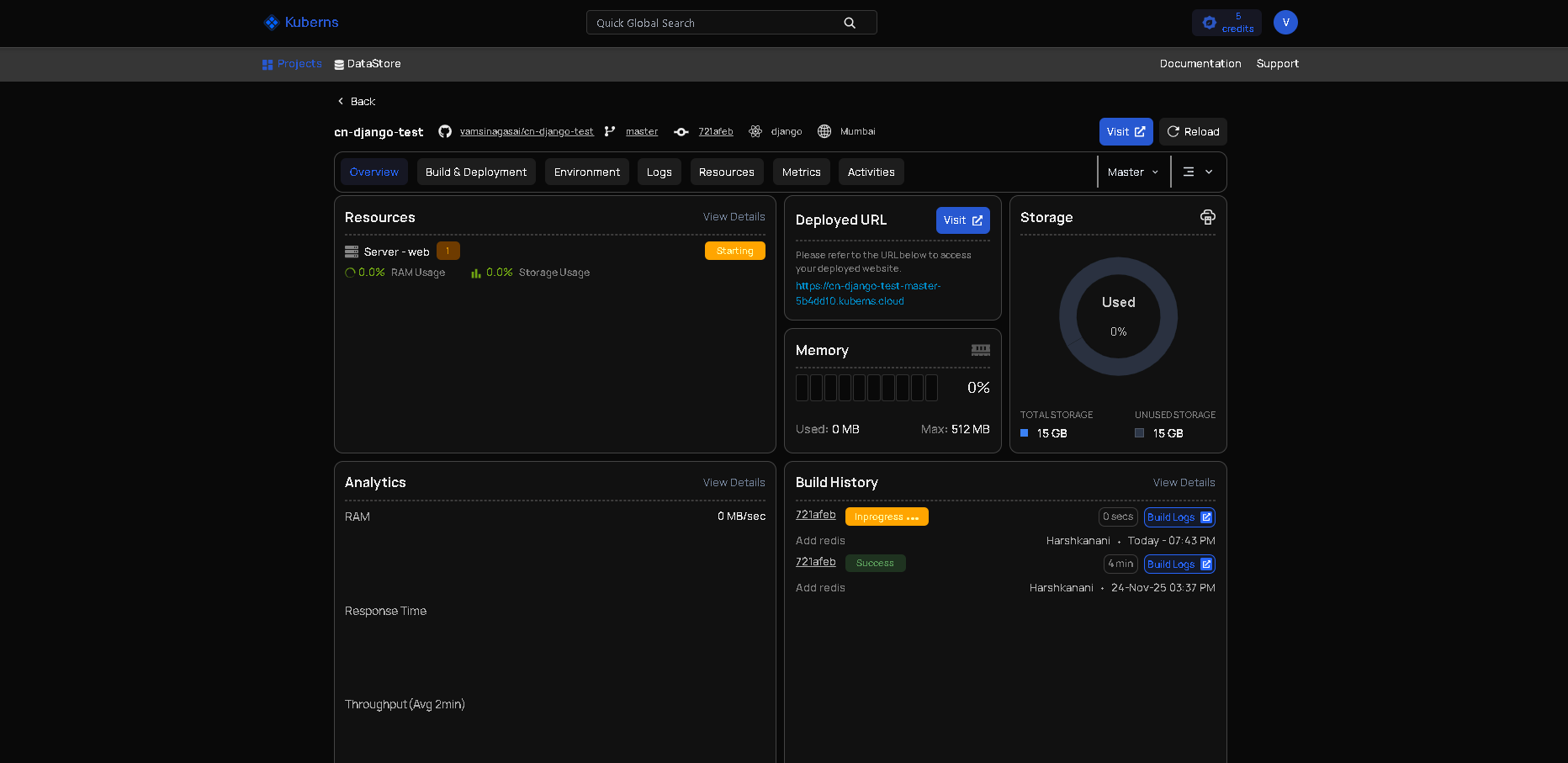
* Agentic AI detects your stack and configures everything automatically, no build commands or Dockerfiles needed
* Unified monitoring and logging with real-time metrics and proactive alerts
* Save on cloud infrastructure costs compared to direct AWS pricing
* Enterprise-grade uptime and security backed by a global AWS footprint
* No servers to maintain, no YAML to write, no DevOps team required
If you are already looking at [Render alternatives](https://kuberns.com/blogs/render-alternatives/) or want to avoid per-service pricing stacking up, Kuberns is worth evaluating.
[Start a free trial with Agentic AI Powered Deployment](https://dashboard.kuberns.com/)
## How to Deploy a Docker App on Render
Render supports two Docker deployment methods:
**From a Dockerfile in your repo:**
Select your repo, choose **Docker** as the language, and Render builds the image using your `Dockerfile` on every push.
**From a prebuilt Docker image:**
Click **New > Web Service**, select **Existing Image**, and enter your Docker image path (e.g. `docker.io/library/nginx:latest`). For private registries, add your registry credentials in the Advanced section.
Note: Services deployed from prebuilt images do not support auto-deploys. You need to redeploy manually when the image updates.
## How to Deploy a Static Site on Render
Static sites (React, Vue, Angular, Astro, Next.js static export) deploy to Render's global CDN for free.
1. Click **New > Static Site**
2. Connect your repo
3. Set your build command (e.g. `npm run build`)
4. Set your publish directory (e.g. `dist` or `build` or `out`)
Render handles cache invalidation, HTTPS, and custom domains automatically. Static sites on Render have no cold starts since they are served from CDN.
## Setting Up a PostgreSQL Database on Render
Render offers fully managed PostgreSQL. To create one:
1. Click **New > PostgreSQL**
2. Choose a name and region
3. Select an instance type
The free tier gives you a Postgres database for 30 days. After that you need a paid plan. Basic plans start at $6/month (256 MB RAM, 100 connections).
Render gives you an internal database URL for connecting from other Render services on the same private network, and an external URL for connecting from outside Render. Use the internal URL in your app to avoid egress charges.
## Render Pricing Overview
Render has four workspace tiers:
| Tier | Price |
|---|---|
| Hobby | $0/month |
| Professional | $19/user/month |
| Organization | $29/user/month |
| Enterprise | Custom |
Compute is charged separately on top of the workspace plan. Web service instances start at $7/month (Starter). The Professional plan adds horizontal autoscaling, preview environments, and up to 10 team members.
Key limits on the free plan:
- Web services spin down after inactivity (cold starts on first request)
- Postgres free tier expires after 30 days
- 1 project, 2 environments
- 100 GB bandwidth/month
For teams running production workloads, the real cost adds up: workspace fee + per-service compute + database + bandwidth overages. A typical production setup with one web service, one Postgres database, and a few team members costs $50 to $100+ per month before traffic scales up.
## Render Limitations to Know
**Cold starts on free tier**: Free web services spin down after 15 minutes of inactivity. The next request can take 30 to 60 seconds to respond while the service spins back up.
**No horizontal autoscaling on Hobby**: Auto-scaling is a Professional plan feature. On Hobby, you scale vertically by upgrading the instance type.
**No background workers on free**: Background worker instances require at least a Starter ($7/month) instance.
**Free Postgres expires**: Unlike the web service free tier which runs indefinitely, the free Postgres instance is deleted after 30 days.
**Limited monorepo support**: Render supports monorepos but requires manual configuration of root directories and build filters, which adds setup overhead. Kuberns handles monorepos automatically. Connect your repo and the AI agent detects and deploys each service without any manual root directory configuration.
## Render vs Kuberns: Why Teams Are Switching
Render is a solid platform for deploying individual services. But as teams scale, the manual configuration, per-service pricing, and lack of AI-driven automation start to add friction.
[Kuberns](https://kuberns.com) is World's First Agentic AI cloud deployment platform built on AWS that handles the full deployment lifecycle automatically, from stack detection to scaling to monitoring.
**Here is how Kuberns goes beyond Render:**

* Agentic AI detects your stack and configures everything automatically, no build commands or Dockerfiles needed
* Unified monitoring and logging with real-time metrics and proactive alerts
* Save on cloud infrastructure costs compared to direct AWS pricing
* Enterprise-grade uptime and security backed by a global AWS footprint
* No servers to maintain, no YAML to write, no DevOps team required
If you are already looking at [Render alternatives](https://kuberns.com/blogs/render-alternatives/) or want to avoid per-service pricing stacking up, Kuberns is worth evaluating.
[Start a free trial with Agentic AI Powered Deployment](https://dashboard.kuberns.com/)
 ## Frequently Asked Questions
### Q: Is Render free to use?
Render has a free tier for web services and Postgres databases. Free web services have spin-down after inactivity (cold starts), 512 MB RAM, and 100 GB bandwidth per month. For production apps, paid plans start at $7/month per service.
### Q: How do I deploy a Node.js app on Render?
Connect your GitHub repo in the Render dashboard, select Web Service, choose Node as the language, set your build command (`npm install`) and start command (`npm start` or `node app.js`), then click Deploy. Render auto-deploys on every git push after that.
### Q: Does Render support Docker?
Yes. Render supports Docker builds directly from a Dockerfile in your repo, or you can deploy a prebuilt image from Docker Hub or any private registry. Docker-based services work the same as native language services on Render.
### Q: What databases does Render support?
Render offers fully managed PostgreSQL databases and a Redis-compatible Key Value store. The Postgres free tier lasts 30 days, after which you need a paid plan starting at $6/month.
### Q: How does Render handle auto-deploys?
Render watches your linked Git branch and triggers a new build and deploy on every push automatically. If a build fails, Render cancels the deploy and keeps the existing version running.
### Q: What is the difference between a web service and a private service on Render?
A web service is publicly accessible via the internet at your `onrender.com` subdomain. A private service is only reachable from other Render services on the same private network, ideal for internal APIs or backend microservices.
### Q: Does Render support custom domains?
Yes. All Render plans support custom domains with fully managed TLS certificates. The free plan allows up to 2 custom domains per service.
### Q: What is a faster alternative to Render for deployment?
[Kuberns](https://kuberns.com) is an Agentic AI cloud deployment platform that automatically detects your stack, installs dependencies, builds your app, and deploys it with HTTPS and CI/CD in under 5 minutes. It runs on AWS infrastructure with no YAML or DevOps setup required.
---
- [More Deployment Guides articles](https://kuberns.com/blogs/category/deployment-guides/1/)
- [All articles](https://kuberns.com/blogs/)
## Frequently Asked Questions
### Q: Is Render free to use?
Render has a free tier for web services and Postgres databases. Free web services have spin-down after inactivity (cold starts), 512 MB RAM, and 100 GB bandwidth per month. For production apps, paid plans start at $7/month per service.
### Q: How do I deploy a Node.js app on Render?
Connect your GitHub repo in the Render dashboard, select Web Service, choose Node as the language, set your build command (`npm install`) and start command (`npm start` or `node app.js`), then click Deploy. Render auto-deploys on every git push after that.
### Q: Does Render support Docker?
Yes. Render supports Docker builds directly from a Dockerfile in your repo, or you can deploy a prebuilt image from Docker Hub or any private registry. Docker-based services work the same as native language services on Render.
### Q: What databases does Render support?
Render offers fully managed PostgreSQL databases and a Redis-compatible Key Value store. The Postgres free tier lasts 30 days, after which you need a paid plan starting at $6/month.
### Q: How does Render handle auto-deploys?
Render watches your linked Git branch and triggers a new build and deploy on every push automatically. If a build fails, Render cancels the deploy and keeps the existing version running.
### Q: What is the difference between a web service and a private service on Render?
A web service is publicly accessible via the internet at your `onrender.com` subdomain. A private service is only reachable from other Render services on the same private network, ideal for internal APIs or backend microservices.
### Q: Does Render support custom domains?
Yes. All Render plans support custom domains with fully managed TLS certificates. The free plan allows up to 2 custom domains per service.
### Q: What is a faster alternative to Render for deployment?
[Kuberns](https://kuberns.com) is an Agentic AI cloud deployment platform that automatically detects your stack, installs dependencies, builds your app, and deploys it with HTTPS and CI/CD in under 5 minutes. It runs on AWS infrastructure with no YAML or DevOps setup required.
---
- [More Deployment Guides articles](https://kuberns.com/blogs/category/deployment-guides/1/)
- [All articles](https://kuberns.com/blogs/)