Published
- 13 min read
Best Coolify Alternatives in 2025 for Developers and Teams

Introduction
Coolify has gained attention among developers as an open source tool that simplifies self-hosting applications. It helps teams deploy web apps, databases, and containers without writing complex server configurations. For developers who want to keep full control over their infrastructure, Coolify offers an appealing option.
However, maintaining your own servers comes with ongoing operational overhead. As applications scale and need automation, better monitoring, and higher availability, many teams start exploring platforms that provide a balance of control, full-stack flexibility, and infrastructure automation.
This guide introduces the best Coolify alternatives in 2025 including Kuberns, a smart automation platform that delivers AWS reliability with effortless deployment and up to 40 percent cloud cost savings.
What to Look for in a Coolify Alternative
When evaluating your next deployment platform, consider these key capabilities:
- Full-Stack Support: Applications with APIs, databases, and background workers need more than static hosting.
- Automation and Scaling: The less manual infrastructure management, the faster your team can move.
- Cost Transparency: Clear pricing helps avoid surprises as traffic grows.
- Security and Reliability: Automated backups, high availability, and secure networking are essential.
- Real-Time Monitoring: Logs and alerts help detect issues before users are affected.
Kuberns provides all of these benefits in one place with a clean workflow that keeps infrastructure complexity hidden.
Top Coolify Alternatives in 2025
Below are the platforms that offer a smoother and more automated experience than Coolify.
1. Kuberns
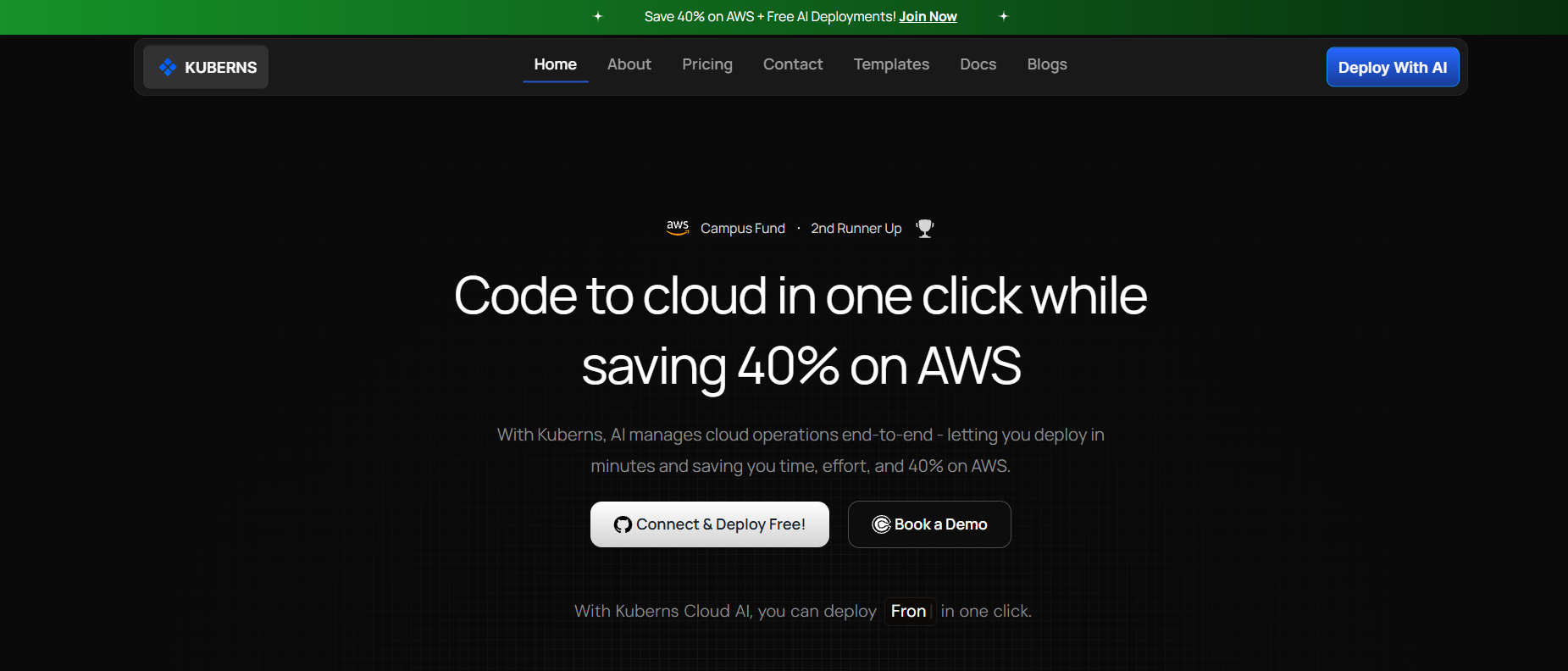 Kuberns is a next generation AI powered deployment platform designed to remove the operational burden of managing infrastructure. Built on top of Amazon Web Services, it provides enterprise grade performance and security while eliminating the need to manually configure servers, clusters, or DevOps pipelines.
With Kuberns, developers can deploy frontend projects, backend APIs, cron jobs, databases, and containerized microservices directly from GitHub in a single click. There is no requirement to manage virtual machines, apply security patches, or set up auto scaling groups.
What Makes Kuberns a Strong Coolify Alternative
- Fully managed full stack hosting: Deploy everything from static sites to distributed microservices on one platform.
- AI powered automation Kuberns automatically manages provisioning, scaling, load distribution, and performance without human intervention.
- Real time monitoring built in: Gain visibility into logs, alerts, and infrastructure performance from a clean dashboard with zero external tools.
- Up to 40 percent lower cloud cost: Kuberns helps teams reduce upto 40% off on Cloud spend while maintaining high performance.
- Production ready reliability: Hosted across global AWS regions for high uptime and compliance aligned with industry standards.
- No DevOps or Kubernetes knowledge required: Kuberns abstracts infrastructure complexity, letting developers focus completely on shipping features.
Kuberns keeps the control and flexibility developers enjoy with Coolify, while removing ongoing maintenance, scaling concerns, and operational risk.
Explore more about how Kuberns works in the following resources: What Is Kuberns: The Simplest Way to Build, Deploy, and Scale Full Stack Apps
Cut AWS Bills by 40 Percent Without Compromising on Security or Features
2. Render
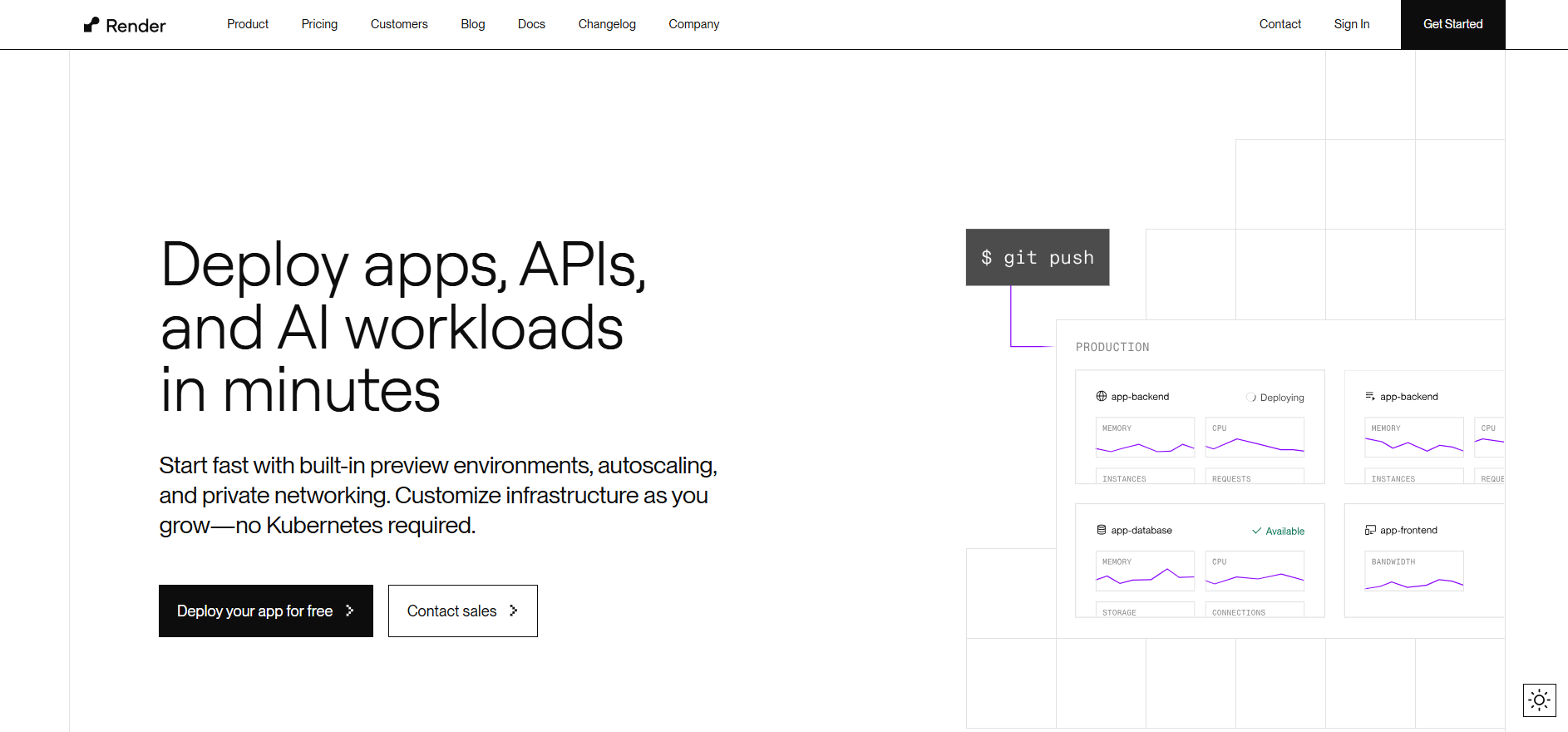 Render is a popular full-stack hosting platform that supports web services, containers, static sites, and background workers. It offers Git-based automation, automatic SSL, load balancing, and continuous deployment, making it easy for developers to deploy production-grade applications without deep infrastructure knowledge.
Key strengths:
- Simple deployment from GitHub or GitLab
- Managed PostgreSQL databases and background services
- Autoscaling and built-in DDoS protection
- Straightforward pricing model
Best For: Teams building APIs or SaaS apps that want quick deployment with minimal DevOps involvement.
Limitations: Render’s automation and monitoring capabilities are basic compared to Kuberns, which provides real-time logs, AI-driven scaling, and cost optimization tools needed for larger workloads.
Read: Render vs Kuberns
3. Netlify
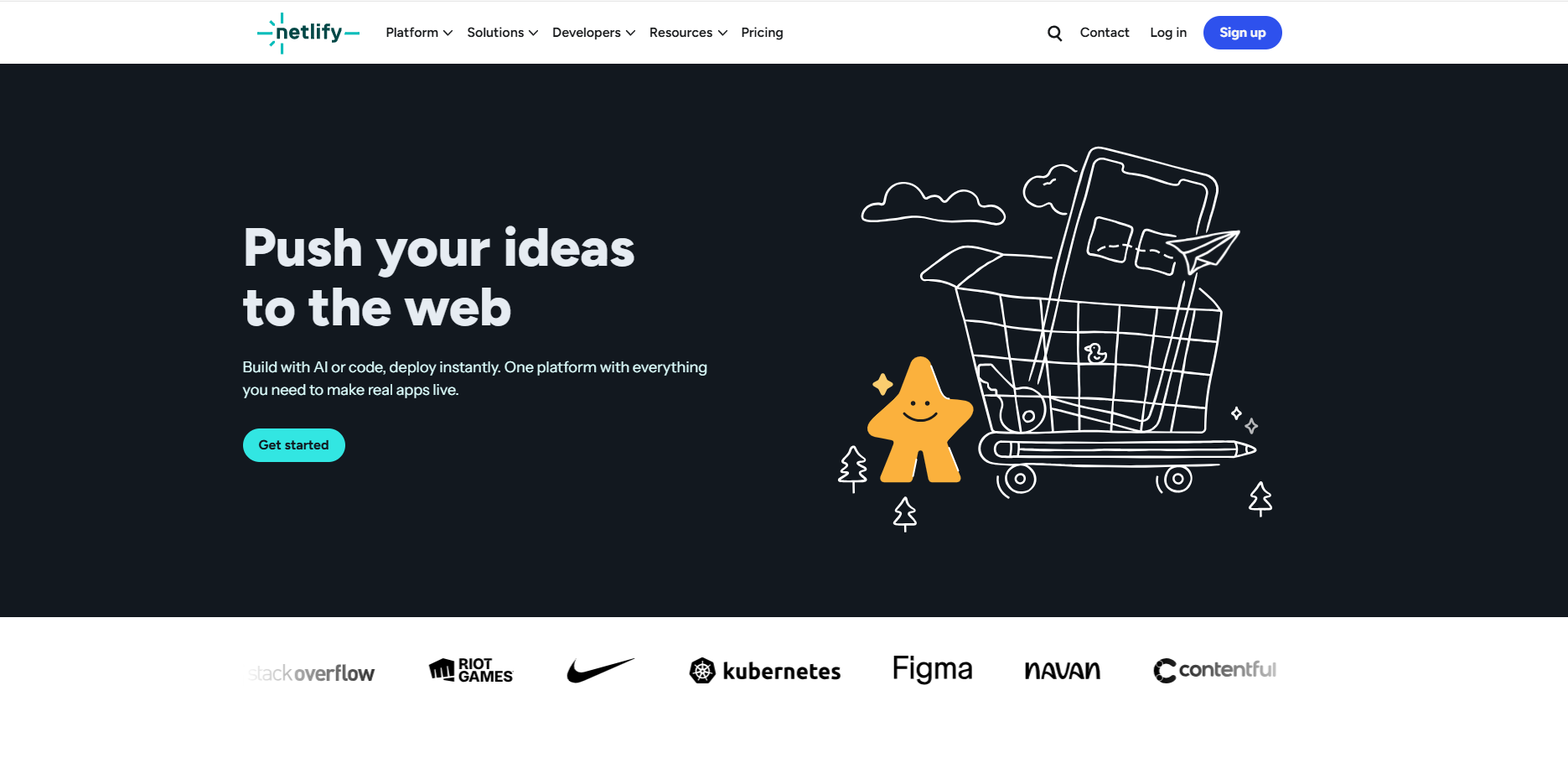 Netlify offers a smooth workflow for frontend and static site deployments. It comes with Git-based CI/CD, instant rollbacks, edge delivery, and serverless functions, making it ideal for JAMstack projects and marketing sites.
Key strengths:
- Powerful CDN for global performance
- Automated builds and deploy previews
- Forms, image optimization, and functions built in
- Excellent developer experience for frontend frameworks
Best For: Static sites, product landing pages, documentation portals, and frontend-heavy applications.
Limitations: Netlify lacks strong backend and container support. For applications that need persistent workloads or full-stack deployment, Kuberns provides a more complete solution with backend hosting, integrated observability, and flexibility across environments.
Learn more: Best Netlify Alternatives
4. Vercel
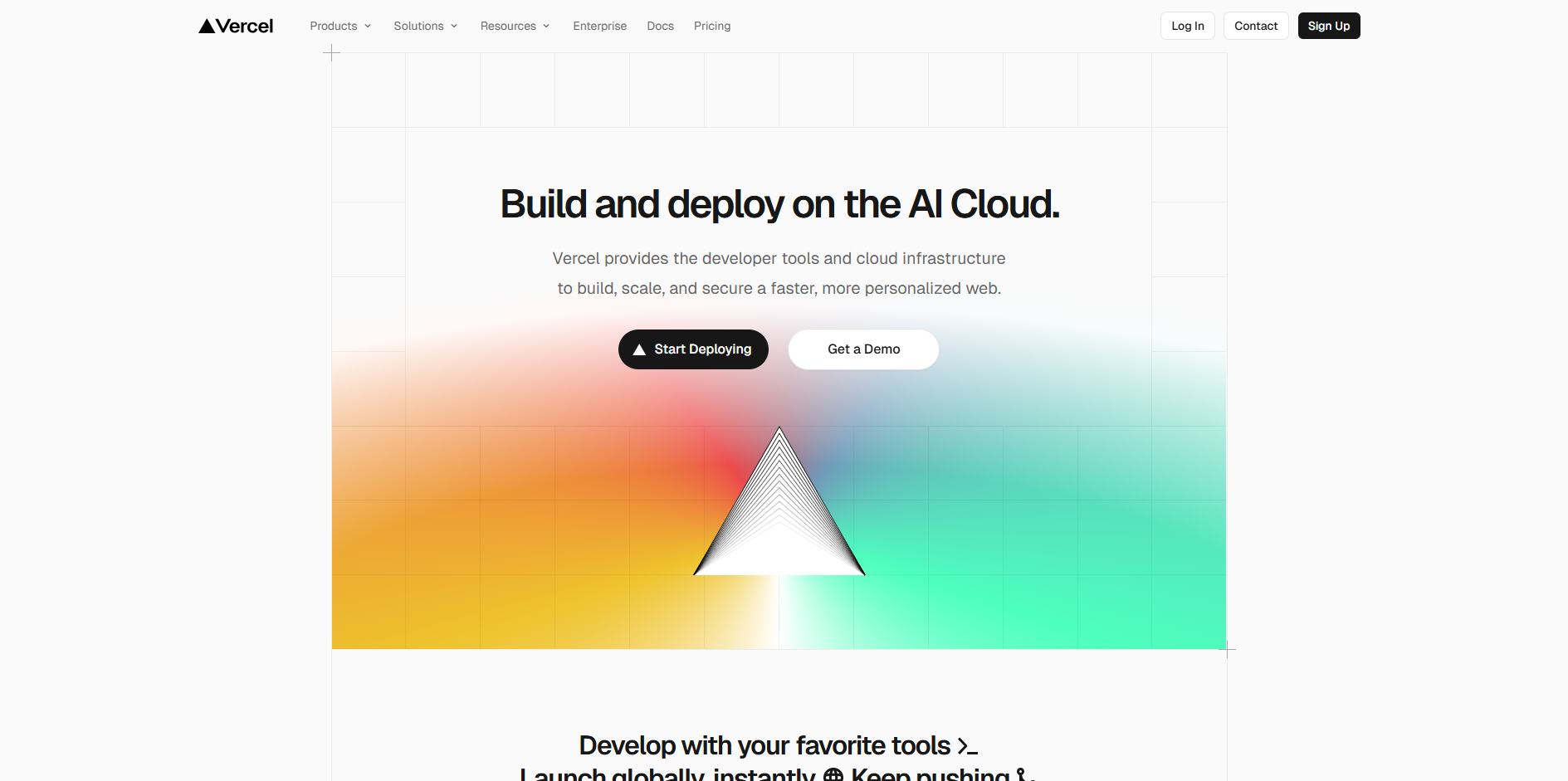 Vercel enables modern frontend development and global deployment with minimal configuration. It offers seamless integration with Next.js, React, and other JavaScript frameworks, along with edge rendering and serverless APIs for dynamic logic.
Key strengths:
- Exceptional performance with global caching
- First-class Next.js and React support
- Collaborative preview environments
- Built-in optimizations for frontend frameworks
Best For: Frontend teams building interactive UI driven applications that require fast responses and deploy previews.
Limitations: Complex backend services, databases, or long-running processes typically need separate hosting. Kuberns removes that gap by supporting both frontend and backend deployments from one dashboard while inheriting AWS reliability.
Comparison guide: Vercel vs Kuberns
5. DigitalOcean App Platform
 DigitalOcean App Platform offers simple full-stack deployment with predictable pricing. Developers can deploy static sites, APIs, background workers, and containerized applications while using managed databases like PostgreSQL and Redis.
Key strengths:
- Flat-rate plans and easy cost estimation
- Straightforward interface with Docker support
- Automatic SSL, CDN, and Git-based deploy pipelines
- Well suited for early and mid-stage startups
Best For: Teams that want an affordable and beginner-friendly cloud platform without complex configuration.
Limitations: Built-in automation for scaling and observability tools are limited. As applications grow, Kuberns offers deeper infrastructure automation, real-time performance insights, and cloud cost savings that help teams scale confidently.
Read more: Best DigitalOcean Alternatives for Startups and Solo Developers
Comparison Table: Coolify Alternatives
| Platform | Key Strength | Ideal Users | Limitation |
|---|---|---|---|
| Kuberns | AI-powered automation, unified monitoring, one-click Git deployment, up to 40% AWS savings | Teams needing reliability & scalability and zero DevOps overhead | Focused on automation over granular manual configuration |
| Render | Simple infrastructure setup | Small to mid teams | Limited automation insights |
| Netlify | Fast performance for frontend | JAMstack developers | Not suitable for backend systems |
| Vercel | Best Next.js support | UI driven teams | Backend must be hosted separately |
| DigitalOcean App Platform | Budget friendly and easy | Startups and SMBs | Basic monitoring and scaling |
When Should You Choose a Coolify Alternative
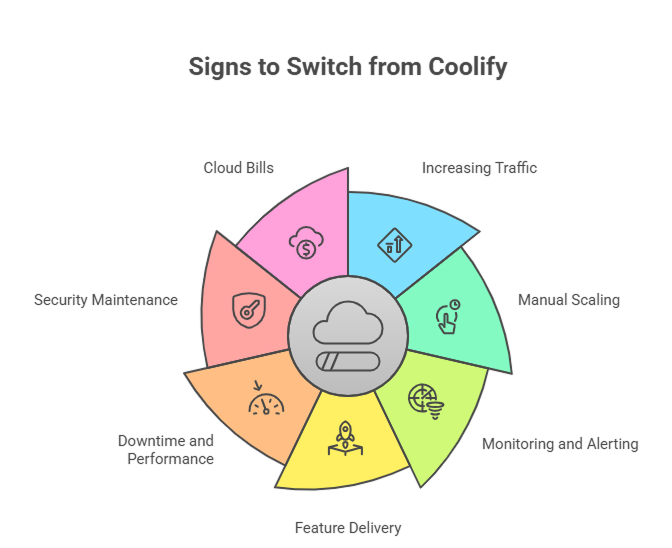 Coolify is a great option when you are starting out and want full control over hosting. It gives flexibility during early development and allows teams to self manage their workflows. But as applications grow, the requirements around uptime, scaling, and automation become more demanding. That is when many teams start looking for a platform that removes infrastructure complexity.
You should consider switching from Coolify if you are experiencing:
- Increasing traffic that a single server cannot reliably handle
- Manual scaling becoming too slow or error prone
- Monitoring and alerting setup taking too much time
- Pressure to deliver features faster without DevOps tasks
- Downtime or performance issues during traffic spikes
- Growing security maintenance like patching and updates
- Cloud bills rising without clear visibility into optimization
These issues naturally appear as products move from MVP to growth stage. A managed platform like Kuberns gives production grade reliability and automation without self hosted maintenance.
To learn about reducing cloud waste and gaining more financial control, check out: How to Reduce AWS Cost
The Hidden Costs of Managing Infrastructure Yourself
Self hosting with Coolify may look budget friendly at the beginning, especially when the focus is just on getting the first version live. However, once the application grows and usage increases, the hidden operational costs start becoming noticeable. Teams need to constantly monitor systems, fix scaling issues, and prevent downtime, all while trying to push product updates.
Managing the infrastructure yourself typically involves:
- Maintaining servers with updates, security patches, and dependency upgrades
- Monitoring uptime and performance while resolving incidents quickly
- Setting up backups, disaster recovery, and regional redundancy
- Configuring logs, alerts, and health checks for multiple services
As complexity rises, developers may spend more time firefighting than writing meaningful product code. This often leads to slower release cycles, operational fatigue, and additional hiring needs for DevOps expertise. Cloud costs can also increase, especially when scaling decisions are applied manually without visibility into usage patterns.
Shifting to a fully managed platform like Kuberns removes most of these long term burdens. Teams get automation that adapts to real traffic patterns, built in monitoring with alerts, and global reliability backed by AWS. This enables faster delivery, reduced operational stress, and up to 40 percent savings on infrastructure costs.
To better understand how automation supports engineering productivity, read: AI in DevOps and Developer Workflow
Why Kuberns Is the Best Coolify Alternative
 Coolify gives developers the flexibility of self-hosting, but it also hands over the responsibility for server management, security updates, scaling rules, system monitoring, backups, and uptime guarantees. As your application grows, maintaining infrastructure can quickly become a distraction from product development.
Kuberns removes that operational burden entirely by offering a fully managed cloud deployment experience built on AWS, while still giving developers full control over their code, environments, and scaling behavior.
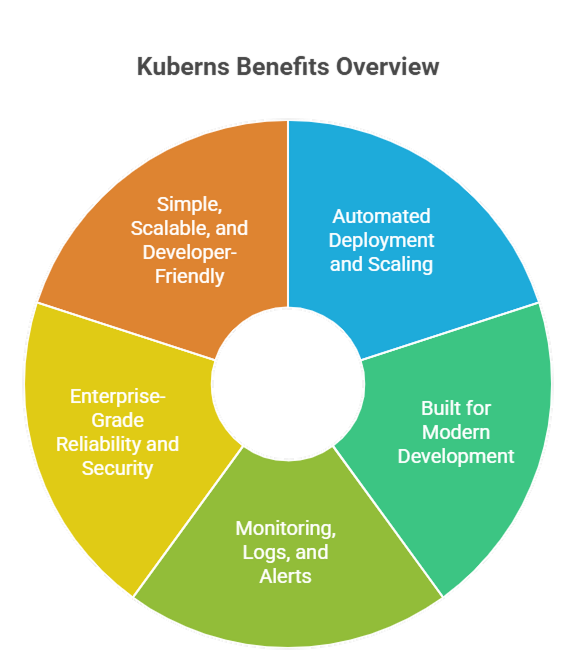
Here is how Kuberns goes beyond Coolify:
- One click Git deployment for frontend, backend, and containerized microservices
- Automated scaling that adjusts resources instantly based on real traffic and demand
- Unified monitoring and logging with real time metrics and proactive alerts
- Save up to 40 percent on cloud infrastructure costs using Kuberns.
- Enterprise grade uptime and security backed by a global AWS footprint
- No servers to maintain and no DevOps hiring required
Kuberns gives developers the same freedom to build without limitations, but removes the need for patching servers, fixing deployment issues, or worrying about traffic spikes. This allows teams to launch faster, improve reliability, and allocate more time to innovation rather than maintenance.
In short, Coolify gives you control, and Kuberns gives you control plus automation, scalability, and peace of mind.
Final Thoughts
Coolify remains a strong choice for teams who want complete control over their hosting environment. However, when applications need to scale or require higher uptime and stronger automation, self managing infrastructure can quickly become expensive and time consuming.
Kuberns removes those limitations by handling deployment, scaling, monitoring, and reliability for you. With AI powered automation and AWS backed performance, developers can launch applications faster, reduce infrastructure effort, and lower cloud costs by up to 40 percent.
If you want to focus purely on building great products instead of managing servers and infrastructure tasks, Kuberns gives you the freedom and support to scale without friction.
Start deploying smarter with Kuberns

Frequently Asked Questions
1. Why do developers search for Coolify alternatives Developers look for alternatives when they want easier automation, improved scalability, and lower operational workload instead of managing self hosted infrastructure.
2. What is the best alternative to Coolify in 2025 Kuberns is one of the best Coolify alternatives in 2025. It offers one click Git deployment, AI powered scaling, built in monitoring, and up to 40 percent AWS cost savings.
3. How does Kuberns compare to Coolify Coolify requires manual setup and ongoing server maintenance. Kuberns automates deployment and infrastructure, giving developers reliability and global scale without self hosting.
4. Does Kuberns support backend and containerized applications Yes. Kuberns supports APIs, microservices, scheduled jobs, and Docker based workloads with automated scaling and real time logs.
5. Can I migrate from Coolify to Kuberns easily Yes. You can connect your Git repository, set environment variables, and deploy in minutes. No server configuration or DevOps tools are required.
6. Is Kuberns suitable for startups and small teams Yes. Kuberns is built for both small and large teams who want to reduce infrastructure complexity and focus more on product development.
7. Does Kuberns work on AWS Yes. Kuberns runs entirely on AWS infrastructure. This ensures high uptime, strong security, and global performance.
8. How does Kuberns handle scaling Kuberns automatically adjusts resources based on real traffic and load patterns. Developers do not need to manage autoscaling rules manually.
9. Can Kuberns help reduce cloud costs Yes. Kuberns helps teams save up to 40 percent on AWS infrastructure by optimizing resource usage through automation.
10. Does Kuberns include monitoring and logs Yes. Kuberns includes a unified dashboard with real time logs, metrics, and alerts so teams can troubleshoot and optimize performance easily.