Published
- 19 min read
Top 10 Dokku Alternatives That Simplify Cloud Deployment
Why Developers Are Moving Beyond Dokku?
Dokku alternatives are becoming one of the most-searched topics among developers who’ve outgrown self-hosted deployment setups.
Dokku has earned its place as a simple, open-source platform for running apps on your own infrastructure, a great choice for side projects, small deployments, or teams that love complete control.
But as applications scale, so do the problems. Managing servers, patching updates, setting up CI/CD pipelines, and handling logs start to take valuable hours away from building the actual product.
What once felt empowering slowly turns into a bottleneck.
For many modern teams, the issue isn’t just about control. It’s about time to market, team productivity, and scalability.
Developers want a setup that “just works,” without needing to babysit their infrastructure every time traffic spikes or code is pushed to production.
That’s why so many are switching to managed Dokku alternatives, platforms that bring the same flexibility and containerization but handle the heavy lifting automatically.
These solutions offer built-in scaling, performance monitoring, and automation for every stage of deployment.
In this article, we’ll look at the top 10 Dokku alternatives that simplify cloud deployment, covering both self-hosted and managed options.
We’ll compare how they stack up in terms of ease of use, scalability, and cost for developers who want to deploy faster and spend less time managing servers.
Understanding Dokku: What It Does Well (and Where It Falls Short)
Before exploring the best Dokku alternatives, it’s important to understand what makes Dokku so popular and why many teams eventually move beyond it.
Dokku is an open-source, self-hosted platform that turns any server into a mini PaaS (Platform-as-a-Service).
It’s often described as a lightweight version of Heroku because it lets you deploy apps quickly with simple Git pushes.
For developers who enjoy control and customisation, Dokku feels fast, flexible, and cost-efficient, at least at the start.
What Dokku Does Well
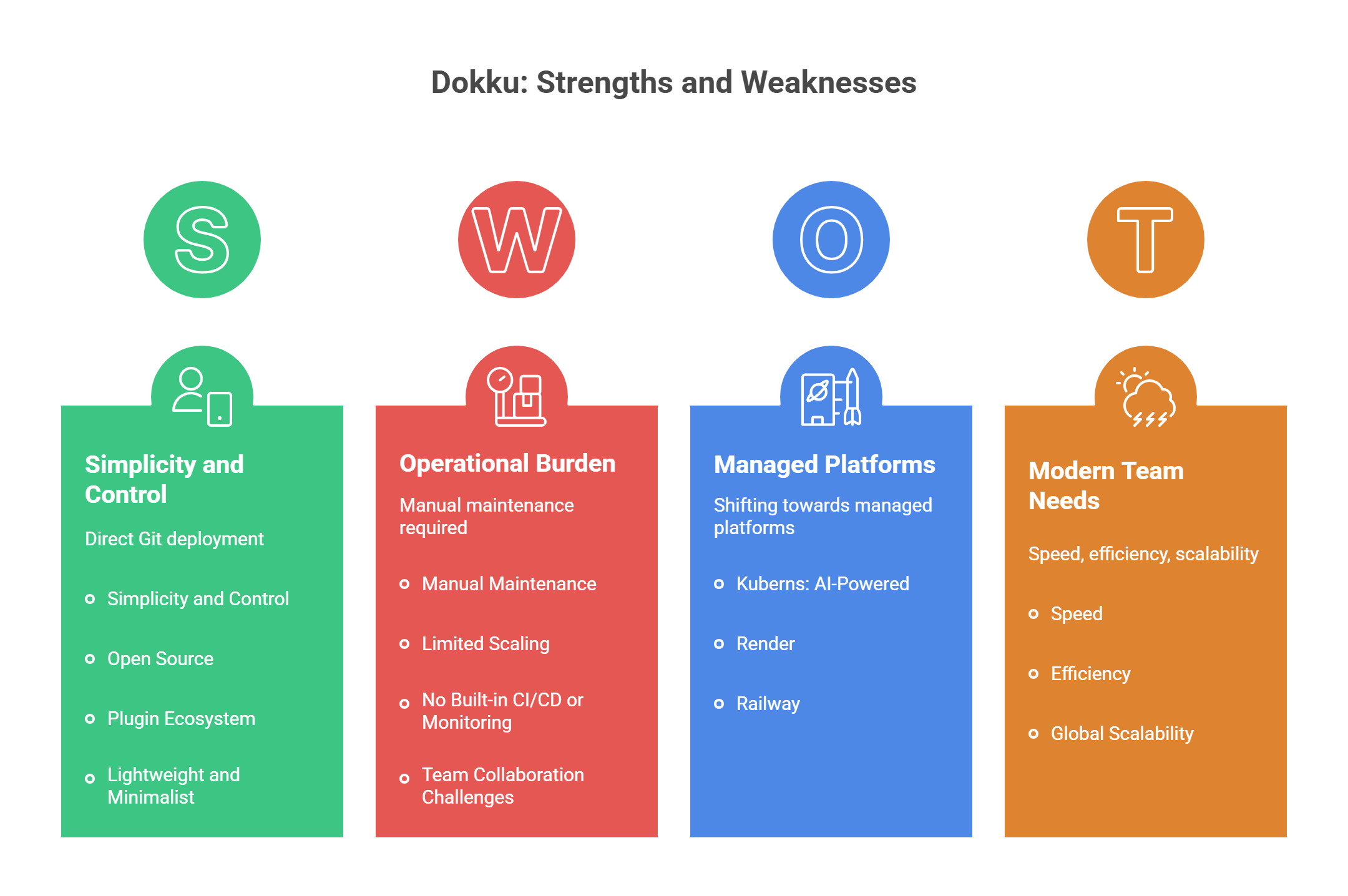
- Simplicity and Control: You can deploy directly from Git without relying on third-party services. Everything runs on your own server, giving you full control over configuration.
- Open Source and Free: Dokku doesn’t charge for usage. You only pay for your infrastructure, perfect for developers who love the DIY approach.
- Plugin Ecosystem: With community plugins, you can add databases, SSL, domains, and monitoring to extend functionality.
- Lightweight and Minimalist: Dokku is fast to set up and runs well even on small VPS instances.
These strengths make Dokku an excellent choice for small projects, prototypes, or individual developers managing simple apps.
Where Dokku Falls Short
As projects grow, the limitations start to show:
- Manual Maintenance: You’re responsible for updates, server management, and backups. Over time, this becomes a major operational burden.
- Limited Scaling: Dokku doesn’t natively support autoscaling or multi-region deployment. Handling increased traffic or distributed workloads requires manual configuration.
- No Built-in CI/CD or Monitoring: You’ll need to integrate external tools for pipelines, logs, and performance tracking.
- Team Collaboration Challenges: Managing multi-developer workflows and environment isolation is tricky without dedicated tools.
Dokku’s self-hosted design gives you freedom, but it also gives you responsibility. And for modern teams focused on speed, efficiency, and global scalability, that’s a tradeoff they can no longer afford.
That’s why more developers are shifting toward managed platforms like Kuberns, Render, and Railway, which keep the developer-friendly simplicity but eliminate manual server management entirely.
Top 10 Dokku Alternatives
Here are the first five platforms that stand out in 2025, ranging from AI-powered managed platforms to user-friendly PaaS options that help you move beyond manual infrastructure management.
1. Kuberns: The AI-Powered Alternative to Dokku
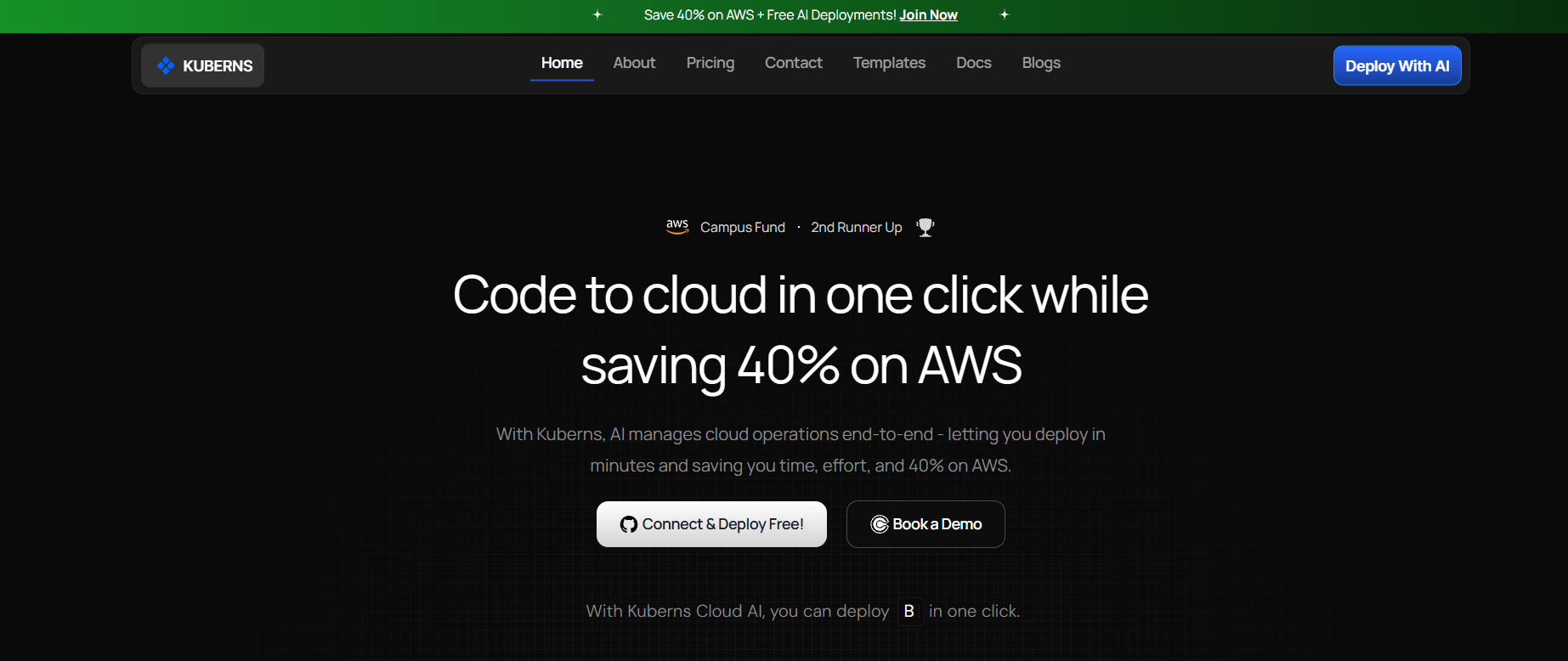 If Dokku represents the era of “build your own PaaS,” Kuberns represents what comes next: AI-driven cloud automation.
Kuberns runs on AWS infrastructure and simplifies deployment from end to end. You connect your Git repository, click deploy, and Kuberns automatically handles containerization, CI/CD, scaling, SSL, and monitoring, all without requiring manual configuration.
Key Highlights:
- One-click deployment directly from GitHub or GitLab
- AI-optimised scaling for cost and performance
- Built-in CI/CD pipelines, logs, and metrics
- Up to 40% lower AWS costs compared to manual hosting
- No DevOps setup required, everything runs from a clean, intuitive dashboard
Why It’s Better Than Dokku:
Dokku expects you to manage servers, plugins, and scaling policies manually. Kuberns automates all of that, giving you the same flexibility with zero maintenance and faster time to production.
Ideal For:
Startups, development teams, and enterprises that want full-stack automation, predictable costs, and enterprise-grade scalability.
2. Render: Easy Managed Hosting for Developers
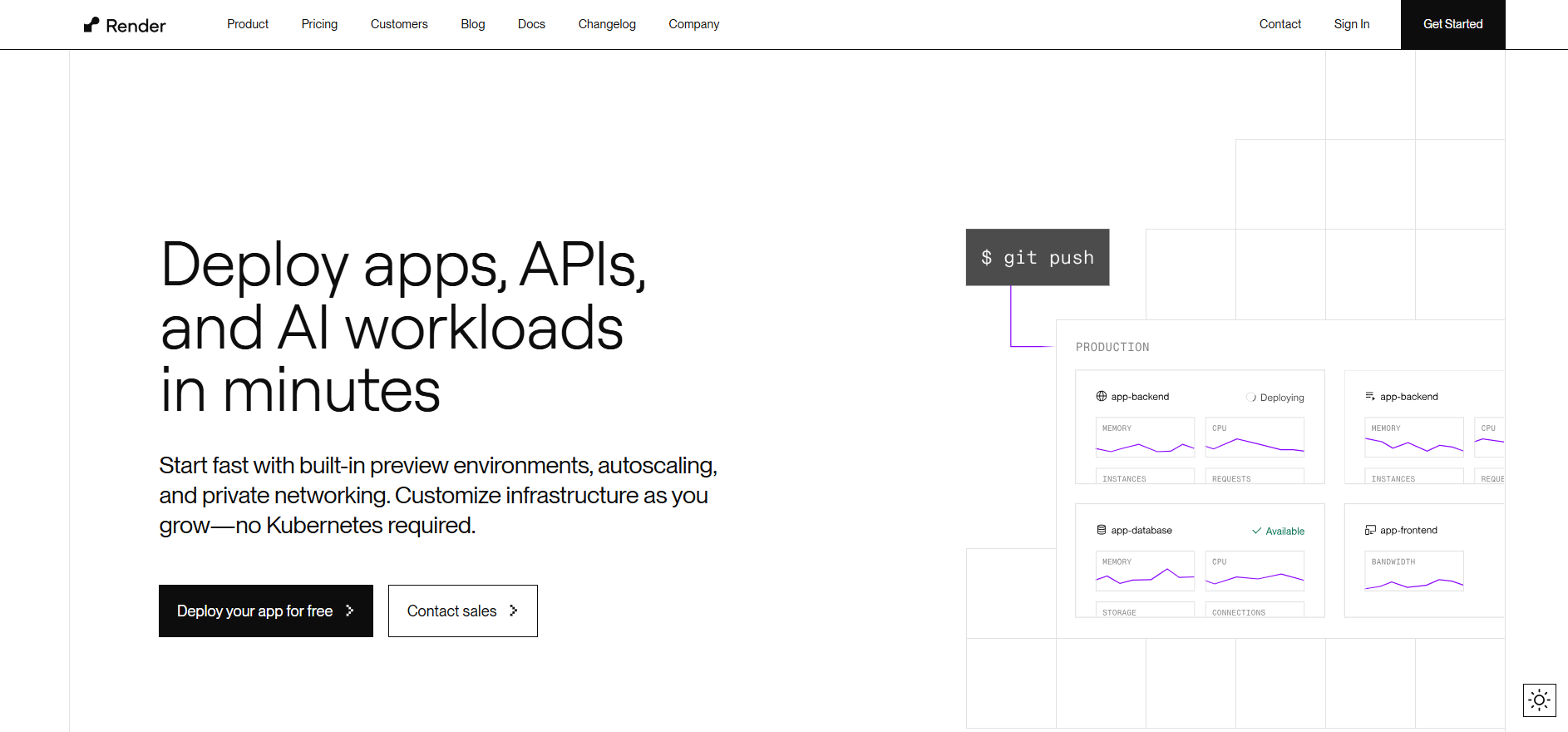 Render is a popular choice for developers looking for a simple, managed alternative to Dokku.
It offers Git-based deployments, free SSL, cron jobs, and databases, with a cleaner UI than most legacy PaaS tools.
Key Highlights:
- Automatic builds and deploys from Git
- Custom domains and SSL included
- Free tier for small projects
Limitations:
While Render removes the need to manage your own server, its scaling visibility is limited, and teams often report higher costs at scale. It’s great for small projects but less ideal for complex applications requiring custom orchestration or advanced monitoring.
Ideal For:
Developers deploying small to mid-sized applications that prioritise simplicity over deep infrastructure control.
3. Railway: Simple Deployments with Developer-Friendly Design
 Railway has gained traction for being one of the easiest platforms to use, especially for developers deploying small web apps or APIs.
Its interface feels modern, and setup takes only a few clicks.
Key Highlights:
- Fast GitHub integration for instant deploys
- Built-in database provisioning
- Ideal for quick prototyping and side projects
Limitations:
Railway is beginner-friendly but lacks the granular control and observability needed for production-scale projects. Its pricing model also becomes expensive for persistent, high-traffic apps.
Ideal For:
Freelancers, indie developers, and small teams launching lightweight applications.
4. CapRover: The Self-Hosted Upgrade to Dokku
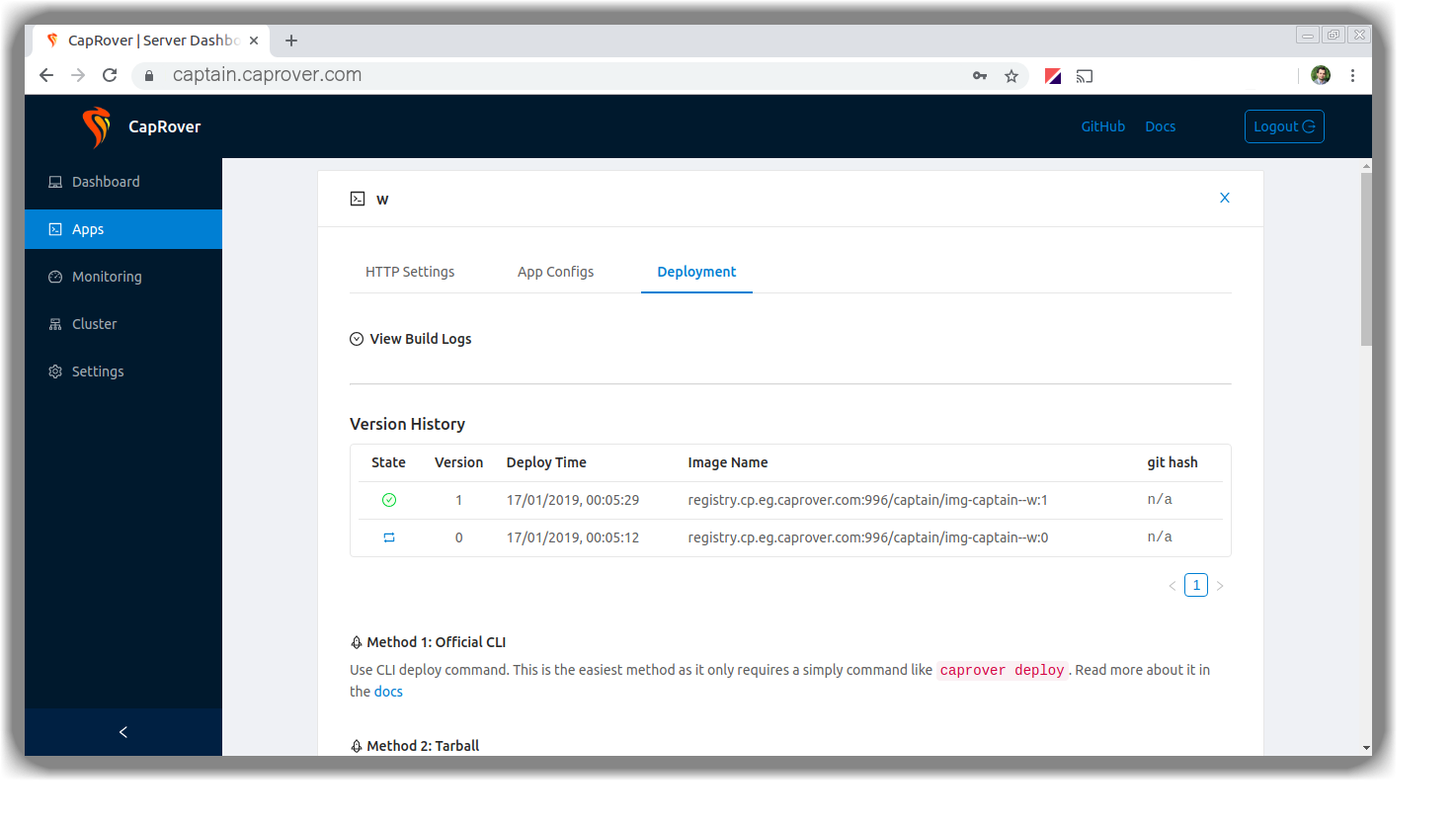 If you like the freedom Dokku gives but want a bit more structure, CapRover might be the closest alternative.
It’s open-source and self-hosted, but it comes with a graphical dashboard and easier app management.
Key Highlights:
- Deploy containers through a visual dashboard
- Supports Node.js, Python, Go, and more
- Simple one-line installation on VPS
Limitations:
Like Dokku, it still requires manual server maintenance, scaling setup, and security management. It’s not ideal for teams that want to avoid DevOps altogether.
Ideal For:
Developers who prefer self-hosting but want better UI, Docker support, and faster deployments.
5. Fly.io: Global Edge Deployments, But Manual Setup
 Fly.io focuses on running applications close to users with edge-based deployments. It’s designed for latency-sensitive apps and offers global scaling across multiple regions.
Key Highlights:
- Deploy apps closer to end users automatically
- Built-in DNS, TLS, and load balancing
- Global network powered by Fly infrastructure
Limitations:
Setting up and managing Fly.io can feel complex for developers unfamiliar with networking or edge infrastructure. It requires more manual configuration than most managed PaaS options.
Ideal For:
Teams building latency-critical apps that serve users worldwide, if you have the technical expertise to manage it.
6. DigitalOcean App Platform: Reliable, Developer-Friendly Hosting
 DigitalOcean App Platform offers an easy way to deploy, manage, and scale applications without directly managing infrastructure. It’s built on top of DigitalOcean’s robust cloud ecosystem and is a logical next step for teams moving beyond self-hosting.
Key Highlights:
- Simple Git-based deployment with automatic scaling
- Built-in SSL, backups, and horizontal scaling
- Affordable entry pricing with predictable billing
Limitations:
While App Platform provides a clean UI, it lacks AI-based cost optimisation and fine-grained performance insights. Scaling larger workloads often requires manual tuning.
Ideal For:
Small to mid-sized teams that want reliability and an easy transition from VPS hosting to managed deployment.
7. Heroku: Still the Easiest, But Expensive for Scale
 Heroku remains one of the most recognisable names in cloud deployment. It pioneered the PaaS model, making deployment simple with a single git push. However, many developers find that convenience comes with a high cost as projects scale.
Key Highlights:
- Extremely easy setup and Git workflow
- A vast ecosystem of add-ons and integrations
- Great for prototypes and early-stage products
Limitations:
Heroku’s pricing scales steeply, and it lacks deep cost visibility. Limited configuration options can also make it difficult to optimise infrastructure performance.
Ideal For:
Startups and small teams that value simplicity and don’t mind paying more for it.
8. Qovery: Advanced Automation, Built on Kubernetes
 Qovery blends the power of Kubernetes with a developer-friendly interface. It’s ideal for teams that want enterprise-level control with simplified deployment workflows.
Key Highlights:
- Multi-cloud support across AWS, GCP, and Azure
- Environment isolation for dev, staging, and production
- Strong integration with Terraform and Helm
Limitations:
Qovery is feature-rich but comes with a learning curve. Managing environments at scale still requires some DevOps expertise.
Ideal For:
Mid-size to enterprise teams that want to use Kubernetes power without building from scratch.
9. Google Cloud Run: Serverless Power, Technical Setup
 Google Cloud Run provides a fully managed, serverless platform that automatically scales your containerised applications based on traffic.
It’s powerful, but developers need to understand Google Cloud’s IAM and networking configurations to use it effectively.
Key Highlights:
- Fully managed container deployment
- Pay-per-request billing model
- Seamless integration with other Google Cloud services
Limitations:
Requires familiarity with GCP tooling. Limited visibility into performance tuning and cost management for larger-scale applications.
Ideal For:
Teams already using GCP or those building event-driven or microservice architectures.
10. AWS Elastic Beanstalk: Scalable but Complex
 AWS Elastic Beanstalk is one of the oldest managed services from AWS, designed to simplify application deployment while retaining AWS’s power and flexibility.
It automatically provisions resources like EC2, load balancers, and databases.
Key Highlights:
- Deep integration with the AWS ecosystem
- Auto-scaling and health monitoring included
- Support for major frameworks and languages
Limitations:
Configuration complexity remains high, especially for non-DevOps teams. Managing environments requires AWS expertise, and cost visibility can be difficult without additional monitoring tools.
Ideal For:
Enterprises and teams already invested in AWS who want more control, but not the complexity of raw EC2 management.
Quick Feature Breakdown
Before choosing between Dokku and its alternatives, it’s important to compare them on key factors like automation, scalability, and pricing transparency.
Dokku gives developers full control, but that control comes with the cost of manual maintenance. Modern managed platforms focus on simplicity, collaboration, and intelligent automation.
Here’s a side-by-side comparison:
| Platform | Hosting Type | Ease of Use | Built-in CI/CD | Auto Scaling | Cost Transparency | Ideal For |
|---|---|---|---|---|---|---|
| Dokku | Self-hosted | Moderate | No | No | High | Individual developers, side projects |
| Kuberns | Managed (AI-powered) | Very Easy | Yes | Yes | High | Teams and enterprises |
| Render | Managed | Easy | Yes | Partial | Medium | Small to mid-sized apps |
| Railway | Managed | Easy | Yes | Partial | Medium | Startups and prototypes |
| CapRover | Self-hosted | Moderate | Partial | No | High | Developers who prefer self-hosting |
| Fly.io | Managed (Edge) | Moderate | Partial | Yes | Medium | Global, latency-sensitive apps |
| DigitalOcean App Platform | Managed | Easy | Partial | Yes | High | Small to mid-sized businesses |
| Heroku | Managed | Easy | Yes | Yes | Low | Startups and small teams |
| Qovery | Managed (Kubernetes-based) | Moderate | Yes | Yes | Medium | Mid to large teams |
| AWS Elastic Beanstalk | Managed (AWS-native) | Complex | Partial | Yes | Medium | Enterprises using AWS |
| Google Cloud Run | Serverless | Moderate | Partial | Yes | Medium | Event-driven or microservice apps |
Why Kuberns Is the Ideal Dokku Alternative for Modern Teams?
 The reason developers loved Dokku was simple: it gave them control.
They could deploy their own applications without depending on third-party services. But over time, that control came with a cost: time, maintenance, and scalability challenges.
That’s exactly where Kuberns changes the game.
It delivers the same freedom of deployment as Dokku but removes every repetitive, manual, or time-consuming task that slows teams down.
Instead of managing servers and scaling rules, teams get a fully automated environment that handles it all intelligently.
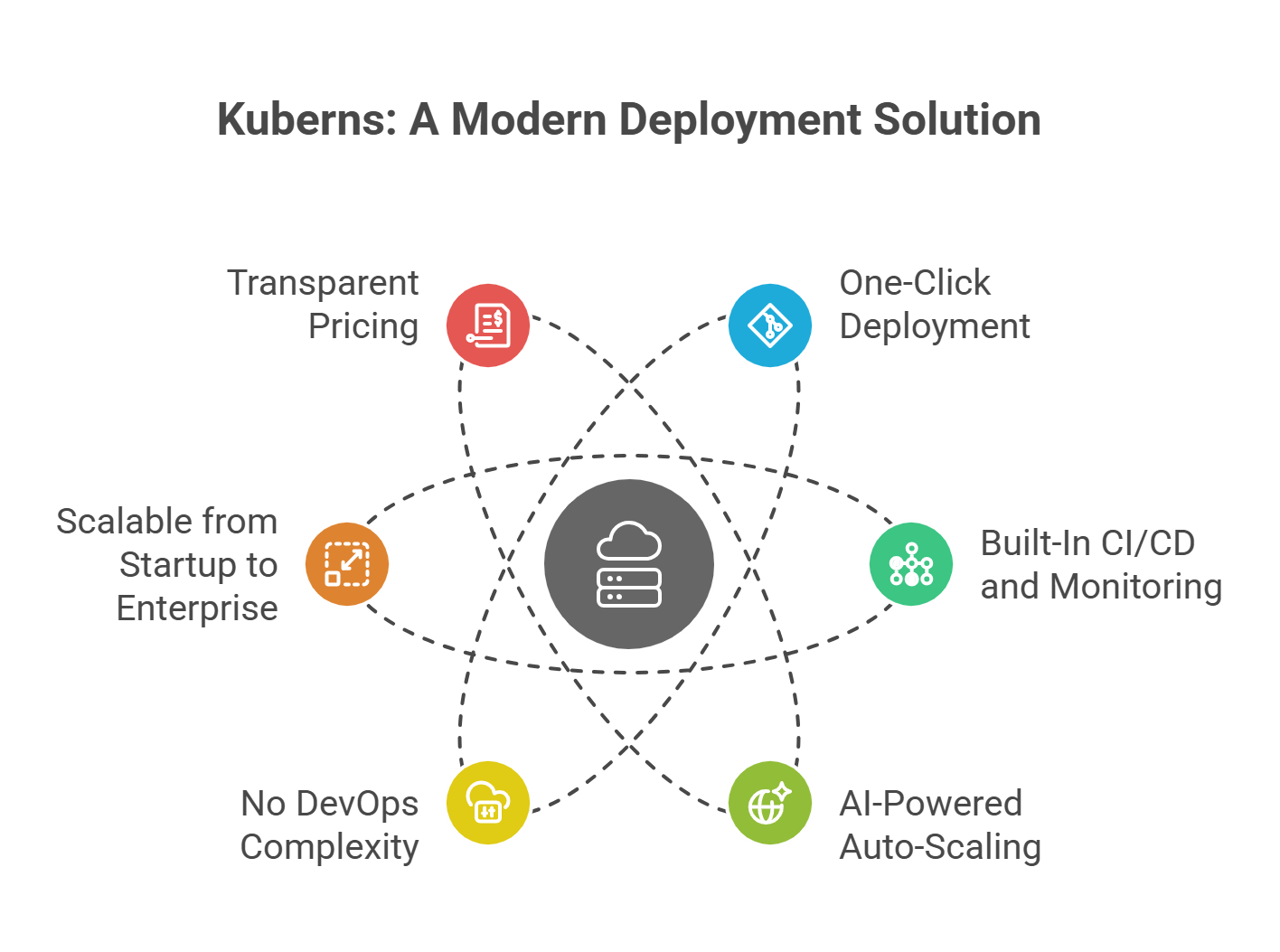
1. One-Click Deployment from Git
With Kuberns, you don’t need to configure Dockerfiles, set up pipelines, or manually deploy containers. Just connect your Git repository and hit deploy, and the platform automatically builds, tests, and deploys your application.
For full-stack teams, it means both backend and frontend code can be deployed from the same interface, saving hours of setup time compared to Dokku’s command-line process.
2. Built-In CI/CD and Monitoring
While Dokku requires external integrations for CI/CD and log management, Kuberns provides these features out of the box. You can view real-time logs, performance insights, and error traces directly in the dashboard, no plugins or third-party tools required.
This unified visibility helps developers debug faster and maintain uptime without context switching between multiple services.
3. AI-Powered Auto-Scaling and Cost Optimisation
Scaling is one of the biggest gaps in self-hosted tools like Dokku. Kuberns uses AI-driven scaling to automatically balance workloads based on traffic. Kuberns right-sizes compute, storage, and memory, ensuring teams get up to 40% lower AWS costs without compromising performance.
For growing teams or SaaS products, this means you scale efficiently, not expensively.
4. No DevOps Complexity
Dokku offers flexibility, but it also expects you to be your own DevOps engineer, managing updates, certificates, scaling rules, and more. Kuberns replaces that with intelligent automation. You get full control over environments, but without the daily infrastructure maintenance.
It’s designed for developers who want to build, not babysit servers.
5. Scalable from Startup to Enterprise
Kuberns isn’t built for a single use case. It grows with your needs. Startups can deploy instantly without setup time, while enterprises can manage multi-environment workflows, global scaling, and custom integrations with complete transparency.
Because it runs on AWS infrastructure, you get the reliability, security, and compliance that modern teams demand, but at a fraction of the operational overhead.
6. Transparent Pricing and Predictable Costs
Unlike traditional PaaS tools with hidden add-on fees or per-user pricing, Kuberns follows a usage-based model. You pay only for the resources consumed, not for the number of developers on your team.
This makes it easier for companies to plan infrastructure expenses like they plan sprint budgets, predictable, efficient, and transparent.
In Short
If Dokku was about self-hosted independence, Kuberns is about intelligent automation. It gives developers full-stack flexibility with none of the friction, deploying from Git, scaling automatically, and optimising cost behind the scenes.
For teams ready to move from manual ops to smart infrastructure, Kuberns is simply the next logical step.
Why Teams Move from Self-Hosted to Managed Platforms?
Self-hosting tools like Dokku began as a way to give developers more control and freedom.
For small applications, that model works beautifully. You deploy on your own server, manage updates manually, and tune performance as needed.
But when teams grow, deployments become frequent, and uptime starts to matter, the cracks begin to show.
Infrastructure suddenly turns into a full-time job. What used to be empowering starts slowing down product delivery.
1. The Time Cost of Maintenance
Every self-hosted setup eventually hits the same wall: maintenance. Servers need updates, SSL certificates expire, logs fill up disks, and scaling rules have to be tuned manually.
These tasks don’t just take time. They take focus away from development. In fast-moving startups or SaaS teams, every hour spent maintaining infrastructure is an hour not spent building features or serving users.
Managed platforms remove that layer entirely. They handle maintenance silently in the background while teams focus on shipping code.
2. Scaling Beyond a Single Server
Dokku and similar tools are perfect for single-node deployments, but scaling across multiple regions or handling variable workloads is another story. As soon as traffic spikes, developers need to spin up new instances, configure load balancers, and monitor resource limits.
Platforms like Kuberns, Render, and Railway simplify this process by introducing auto-scaling and intelligent orchestration. Applications adjust in real time, scaling up when usage increases and scaling down when idle, ensuring both performance and cost efficiency.
3. Collaboration and Workflow Complexity
Once more than one developer joins a project, the limitations of self-hosting become obvious. Managing multiple environments, user roles, and version rollbacks manually can quickly become error-prone.
Managed solutions integrate CI/CD pipelines, team access controls, and environment isolation right into the platform. This means less time coordinating and more time shipping.
4. Security and Reliability
Running your own infrastructure means you’re also responsible for patching vulnerabilities, updating packages, and monitoring uptime. That’s manageable for small apps but risky at scale.
Managed platforms come with built-in redundancy, DDoS protection, and automated updates, ensuring your applications stay secure and compliant without manual oversight.
5. Predictable Costs, Not Surprises
Self-hosting may seem cheaper initially, but hidden costs appear fast. Developer hours, downtime, third-party add-ons, and unexpected resource spikes. Managed platforms, on the other hand, offer predictable, usage-based pricing that scales with your actual traffic.
This transparency helps startups plan budgets accurately and keeps enterprise teams aligned on cost and performance expectations.
From Self-Hosting to Smart Automation
The journey from Dokku to more advanced deployment platforms reflects how modern development has evolved.
What started as a do-it-yourself era, where developers set up their own servers, pipelines, and scaling rules, is now being replaced by automation and intelligence.
Teams no longer want to spend time managing infrastructure. They want to deploy, scale, and monitor applications with the same ease they push code.
That’s exactly why Dokku alternatives are becoming essential. They simplify everything developers once had to do manually.
Teams looking for a complete balance of simplicity, automation, and cost efficiency, Kuberns offers the most forward-looking experience.
It keeps the freedom developers love about open platforms like Dokku but eliminates the repetitive maintenance and unpredictable costs that come with self-hosting.
Whether you’re deploying your first app or managing production workloads across regions, the smartest approach is clear.
Automate everything that slows you down, and keep your focus where it matters most: building great products.

Frequently Asked Questions
1. What are the best Dokku alternatives in 2025?
The best Dokku alternatives in 2025 include Kuberns, Render, Railway, CapRover, Fly.io, Heroku, Qovery, DigitalOcean App Platform, Google Cloud Run, and AWS Elastic Beanstalk. These platforms simplify deployment, automate scaling, and reduce maintenance overhead for modern teams.
2. Why do developers move away from Dokku?
Developers move away from Dokku because self-hosting becomes difficult to scale and maintain as projects grow. Tasks like updates, backups, and CI/CD setup require manual work. Managed platforms automate these processes, offering more reliability and faster development cycles.
3. Which Dokku alternative is easiest for teams to use?
For small teams and startups, Railway and Render are easy to start with due to their simple Git-based deployment. For scaling teams, Kuberns provides an all-in-one experience, combining simplicity with built-in CI/CD, AI scaling, and transparent cost management.
4. Is Dokku still a good choice for developers?
Yes, Dokku remains a good choice for developers who prefer complete control over their infrastructure and enjoy configuring servers manually. However, for production workloads or fast-growing startups, managed alternatives save considerable time and cost.
5. Can I migrate from Dokku to Kuberns easily?
Yes. Migrating from Dokku to Kuberns is straightforward. You can connect your Git repository directly to Kuberns, deploy your app automatically, and import your environment variables. The entire process takes just a few minutes and doesn’t require manual server setup.
6. Which Dokku alternative offers the best cost efficiency?
Kuberns offers some of the best cost efficiency by optimising AWS infrastructure automatically. Its AI-based scaling engine adjusts compute and storage usage in real time, helping teams save up to 40% on AWS costs compared to manual deployments.
7. What is the main difference between Dokku and managed platforms?
The biggest difference is maintenance. Dokku is self-hosted. You manage servers, scaling, and security. Managed platforms like Kuberns automate these operations, letting developers focus on code instead of infrastructure management.
8. Which Dokku alternative is best for enterprises?
For enterprise teams, Kuberns, Qovery, and AWS Elastic Beanstalk stand out. They provide multi-environment support, compliance-ready infrastructure, and performance optimisation at scale. Kuberns adds AI-based cost and deployment automation, making it ideal for large-scale operations.