# 10 Best Northflank Alternatives for Developers in 2026
> Compare 10 Northflank alternatives by pricing, BYOC, CI/CD, databases, scaling, and deployment workflows to find the right platform for your team in 2026.
- **Author**: parth-kanpariya
- **Published**: 2025-10-21
- **Modified**: 2026-07-15
- **Category**: Alternatives
- **URL**: https://kuberns.com/blogs/top-northflank-alternatives/
---
Northflank combines application deployment, CI/CD, jobs, managed databases, and container infrastructure in one developer platform. It supports both Northflank-managed compute and bring-your-own-cloud deployments, so the right alternative is not simply the platform with the longest feature list. It is the one whose deployment model, operational responsibility, and pricing fit your team.
The best Northflank alternatives in 2026 include Kuberns for automated full-stack deployment, Render and Railway for managed PaaS workflows, Qovery and Porter for BYOC, Fly.io for globally distributed applications, Google Cloud Run for serverless containers on GCP, and Coolify for open-source self-hosting.
This comparison evaluates ten platforms using their deployment model, CI/CD workflow, database support, scaling, BYOC availability, operational effort, and current pricing model. Kuberns publishes this comparison and is included as one of the evaluated products. Product details and pricing were checked in July 2026; verify current provider documentation before making a purchase decision.
Related read: [What Is Kuberns and How Does It Work?](https://kuberns.com/blogs/what-is-kuberns-the-simplest-way-to-build-deploy-and-scale-full-stack-apps/)
## TL;DR: Which Northflank Alternative Should You Choose?
* **Kuberns:** Best for teams that want automated full-stack deployment with minimal infrastructure work.
* **Qovery:** Best for established teams that want a Kubernetes platform in their own cloud account.
* **Render:** Best for a conventional managed PaaS with web services, workers, and databases.
* **Railway:** Best for prototypes and teams that prioritize a fast developer workflow.
* **DigitalOcean App Platform:** Best for applications already using the DigitalOcean ecosystem.
* **Fly.io:** Best for container applications that need regional placement close to users.
* **Heroku:** Best for teams that value a mature PaaS and extensive add-on marketplace.
* **Porter:** Best for teams that want a PaaS workflow over their own cloud infrastructure.
* **Google Cloud Run:** Best for stateless, serverless containers in Google Cloud.
* **Coolify:** Best for teams seeking an open-source, self-hosted platform.
## Northflank Alternatives Comparison Table
| Platform | Best for | Deployment model | BYOC | Managed databases | Pricing model | Main tradeoff |
| --- | --- | --- | --- | --- | --- | --- |
| **Kuberns** | Automated full-stack deployments | Managed platform | No | Platform integrations | Usage based | Less infrastructure-level control than BYOC tools |
| Qovery | Kubernetes teams | Platform on your cloud | Yes | Cloud-provider services | Subscription plus cloud costs | Higher entry cost and Kubernetes-oriented setup |
| Render | General managed PaaS | Managed platform | No | Yes | Instance and usage based | Limited infrastructure control |
| Railway | Prototypes and small teams | Managed platform | Plan dependent | Yes | Subscription plus usage | Costs can be harder to forecast as usage grows |
| DigitalOcean App Platform | DigitalOcean users | Managed platform | No | Via DigitalOcean | Component and usage based | Workloads remain on DigitalOcean infrastructure |
| Fly.io | Globally distributed apps | Managed Machines platform | No | Available services and integrations | Usage based | More hands-on networking and operations |
| Heroku | Mature PaaS workflows | Managed platform | No | Add-ons | Dyno and add-on based | Costs can rise with service and add-on count |
| Porter | BYOC application delivery | Platform on your cloud | Yes | Cloud-provider services | Platform plus cloud costs | Your team retains cloud ownership and responsibility |
| Google Cloud Run | Serverless containers on GCP | Managed serverless runtime | No | Via Google Cloud | Request and resource based | Requires GCP IAM and networking knowledge |
| Coolify | Open-source self-hosting | Self-hosted or managed service | Yes | Self-managed services | Software free; server and support costs apply | Your team operates the infrastructure |
The table provides a decision snapshot, not a performance benchmark. Final cost depends on traffic, build usage, databases, storage, data transfer, team size, and support requirements.
## 10 Best Northflank Alternatives in 2026
### 1. Kuberns: Best for Automated Full-Stack Deployment
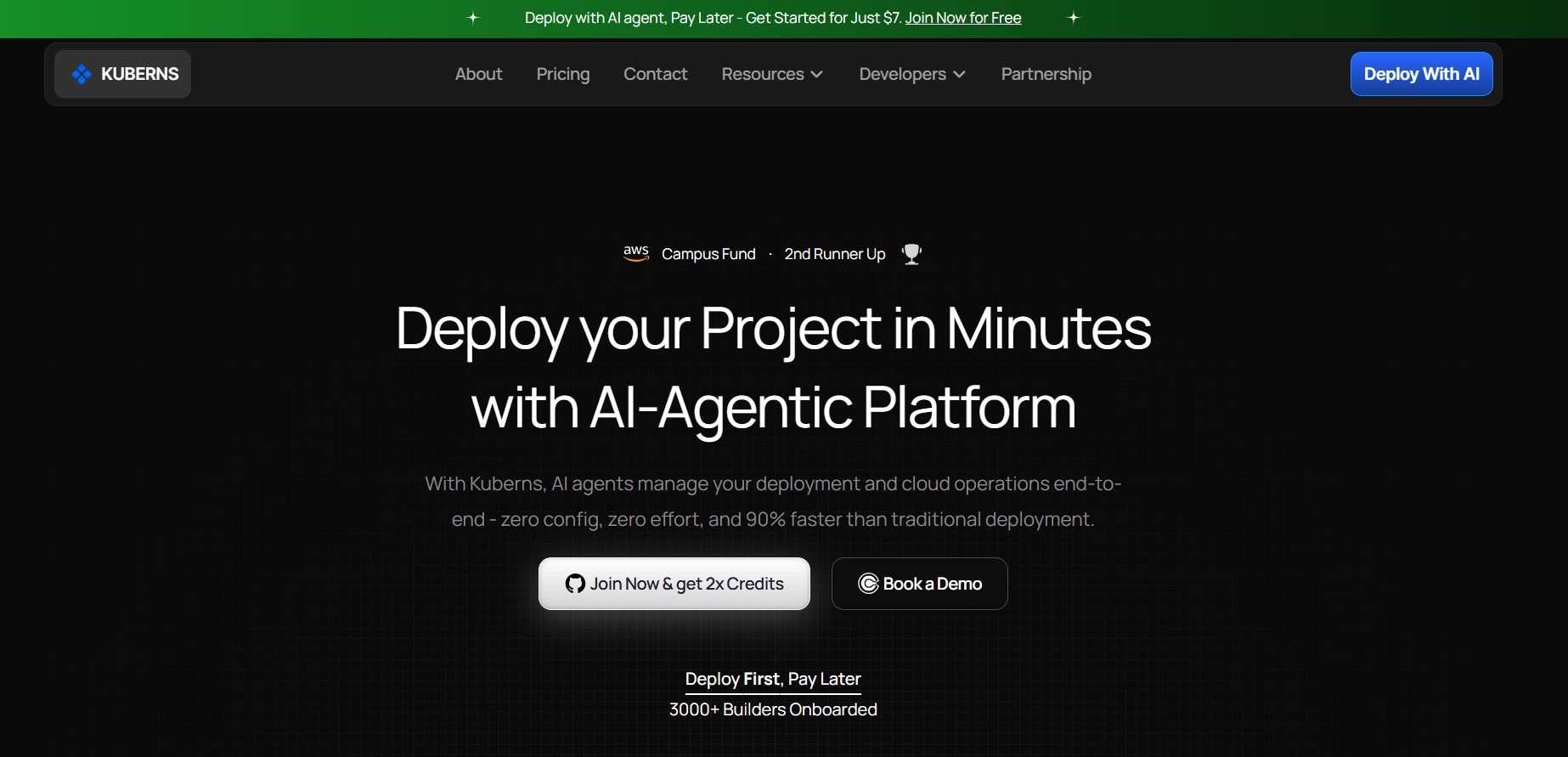
**Best for:** Startups, agencies, and product teams that want to deploy applications without maintaining Kubernetes or assembling a separate DevOps toolchain.
[Kuberns](https://kuberns.com/) connects to a GitHub repository and automates application build, deployment, scaling, logs, monitoring, domains, and deployment lifecycle tasks. Its key difference from Northflank is the level of control exposed to the user. Northflank offers a broad platform for teams that want to configure services, pipelines, jobs, and infrastructure choices. Kuberns is designed for teams that prefer the platform to make more of those infrastructure decisions automatically.
Kuberns can suit full-stack web applications, APIs, workers, and multi-service products where the team values delivery speed over low-level cluster control. Teams that require Kubernetes manifests, custom cluster policies, or direct BYOC administration should also evaluate Qovery or Porter.
**Advantages**
* GitHub-connected deployment with automatic stack detection
* Built-in CI/CD, logs, monitoring, domains, SSL, and rollback workflows
* No Kubernetes manifests required for standard application deployments
* Designed for frontend, backend, API, and worker services
* Usage-oriented pricing without a separate DevOps toolchain
**Limitations**
* Not intended for teams that want to administer Kubernetes directly
* BYOC and infrastructure-level customization are not its primary use cases
* Teams should validate support for specialized runtimes and architecture requirements
Choose Kuberns when deployment automation and reduced operational work matter more than direct infrastructure control. See [how Kuberns works](https://kuberns.com/blogs/what-is-kuberns-the-simplest-way-to-build-deploy-and-scale-full-stack-apps/) before comparing the workflow with your current Northflank setup.
### 2. Qovery: Best for Kubernetes and BYOC Teams

**Best for:** Platform and DevOps teams that want a developer-facing deployment layer over Kubernetes in their own cloud accounts.
[Qovery](https://www.qovery.com/) provides application deployment, environments, infrastructure management, and Kubernetes automation for AWS, Google Cloud, and Azure workflows. It is one of the closest alternatives when Northflank users want to retain ownership of the cloud account while providing developers with a higher-level platform.
Qovery's current commercial plans should be checked on its [official pricing page](https://www.qovery.com/pricing). The old claim that its free tier includes 100 monthly deployments is no longer a reliable description of the current offer.
**Advantages**
* BYOC model across major cloud providers
* Kubernetes, Terraform, and environment automation
* Preview and ephemeral environment workflows
* Centralized controls for development and platform teams
**Limitations**
* Subscription costs can be high for small teams
* The team still owns the cloud account and underlying cloud bill
* Better suited to Kubernetes-aware organizations than first-time deployers
Choose Qovery when cloud ownership and Kubernetes flexibility are requirements, not when the primary goal is the lowest-complexity managed PaaS.
### 3. Render: Best General-Purpose Managed PaaS
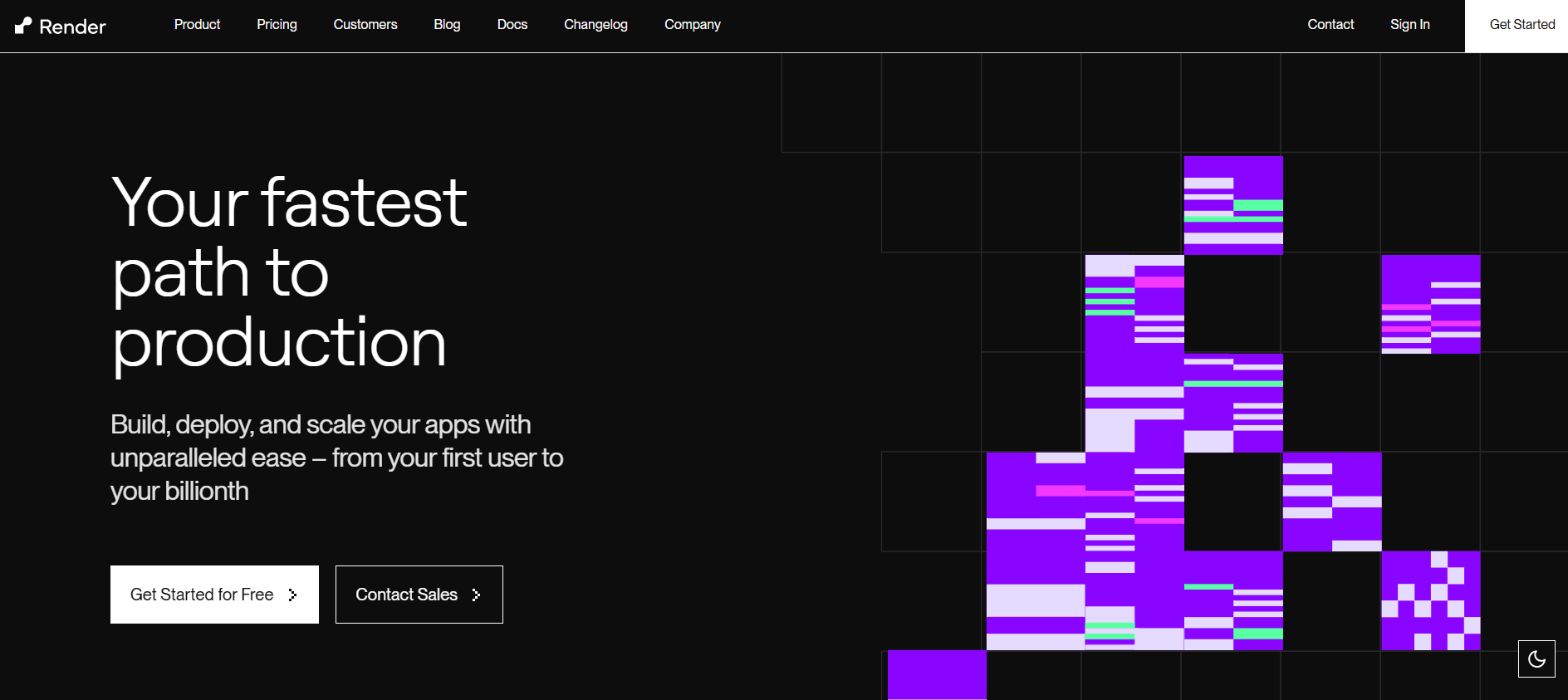
**Best for:** Teams that want a managed platform for web services, private services, workers, cron jobs, static sites, and PostgreSQL.
[Render](https://render.com/) offers Git-based deployments, managed runtimes, Docker support, private networking, preview environments, and managed data services. Compared with Northflank, it presents a more conventional managed PaaS model. The tradeoff is less control over the underlying infrastructure and fewer BYOC-oriented workflows.
Render prices services by instance type and also offers workspace plans. Free resources have operational limits and should be treated as evaluation or non-production options. Check [Render pricing](https://render.com/pricing) for current service, database, bandwidth, and workspace costs.
**Advantages**
* Straightforward Git-based deployment
* Web services, workers, cron jobs, and private services
* Managed PostgreSQL and Key Value services
* Preview environments and infrastructure definitions
**Limitations**
* No general BYOC deployment model
* Production cost grows with each service and database instance
* Less infrastructure customization than Northflank, Qovery, or Porter
Choose Render when your team wants a familiar managed PaaS and does not need to place workloads in its own cloud account. Compare additional options in our [Render alternatives guide](https://kuberns.com/blogs/best-render-alternatives/).
### 4. Railway: Best for Rapid Prototypes and Developer Experience

**Best for:** Developers and small teams that want to deploy applications and databases quickly with minimal initial configuration.
[Railway](https://railway.com/) combines Git deployments, services, environment variables, templates, networking, and managed database templates in a project-oriented interface. Its current plans include Free, Hobby, Pro, and Enterprise options, with usage charges and included credits varying by plan. The Free plan currently includes a small monthly usage credit, while Hobby and Pro have monthly subscription fees. Verify details in the [official Railway pricing documentation](https://docs.railway.com/pricing/plans).
**Advantages**
* Fast onboarding and clean project workflow
* GitHub deployment and reusable templates
* Convenient database provisioning
* Usage visibility and service-level controls
**Limitations**
* Usage-based bills can become difficult to predict across many services
* Less infrastructure ownership than a BYOC platform
* Complex production architectures may require more cost and governance planning
Choose Railway for speed and developer experience. Choose Northflank, Qovery, or Porter when you need deeper infrastructure and platform controls. Our [Railway alternatives comparison](https://kuberns.com/blogs/best-railway-alternatives/) covers the tradeoffs in more detail.
### 5. DigitalOcean App Platform: Best for DigitalOcean Users
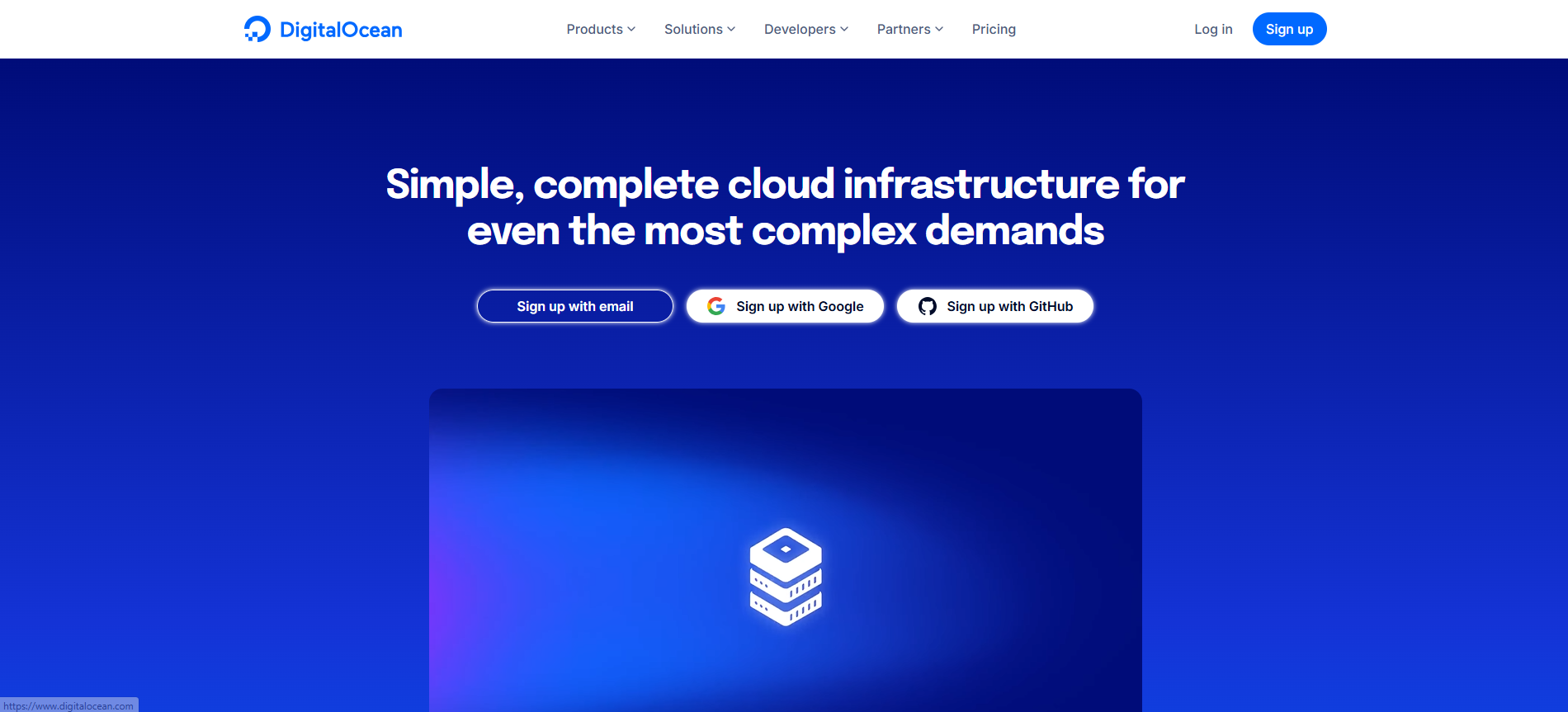
**Best for:** Teams already using DigitalOcean databases, storage, networking, or Kubernetes services.
[DigitalOcean App Platform](https://www.digitalocean.com/products/app-platform) is a fully managed application platform. It builds and deploys code from Git repositories or container images and manages the underlying application infrastructure. Customers do not own App Platform's underlying infrastructure, although they can connect applications to other DigitalOcean services in their account.
This makes it simpler than operating Droplets or Kubernetes directly, but it is not a BYOC alternative. Pricing is based on application components and associated services. Review the [App Platform pricing](https://www.digitalocean.com/pricing/app-platform) before comparing monthly costs.
**Advantages**
* Managed builds and deployments
* Integration with DigitalOcean databases and services
* Straightforward interface and documentation
* Static sites, web services, workers, and jobs
**Limitations**
* Limited to DigitalOcean's platform and regions
* No ownership of the underlying App Platform infrastructure
* Less platform-engineering depth than Northflank or BYOC tools
Choose it when DigitalOcean is already your preferred cloud. See more options in our [DigitalOcean alternatives guide](https://kuberns.com/blogs/digitalocean-alternatives/).
### 6. Fly.io: Best for Regionally Distributed Applications

**Best for:** Containerized applications that need to run in selected regions close to users.
[Fly.io](https://fly.io/) runs applications on Fly Machines and gives developers control over regions, machine sizes, volumes, networking, and scaling behavior. It is a strong option for latency-sensitive APIs and applications that benefit from regional placement, but it usually requires more infrastructure knowledge than Render or Railway.
Fly.io no longer offers the old permanent free allowances often mentioned in comparison posts. Eligible new users receive a limited trial, currently ending after two VM hours or seven days, whichever comes first. Check the [Fly.io trial documentation](https://fly.io/docs/about/free-trial/) and pricing calculator for current costs.
**Advantages**
* Broad regional deployment choices
* Docker and machine-based workload flexibility
* Private networking and volume support
* Useful controls for distributed architectures
**Limitations**
* No permanent general-purpose free tier for new users
* More hands-on networking, storage, and regional planning
* Managed database choices and operational models differ from a traditional PaaS
Choose Fly.io when regional placement is a core requirement. Explore simpler and more managed choices in our [Fly.io alternatives guide](https://kuberns.com/blogs/fly-io-alternatives-2025/).
### 7. Heroku: Best for a Mature PaaS Ecosystem
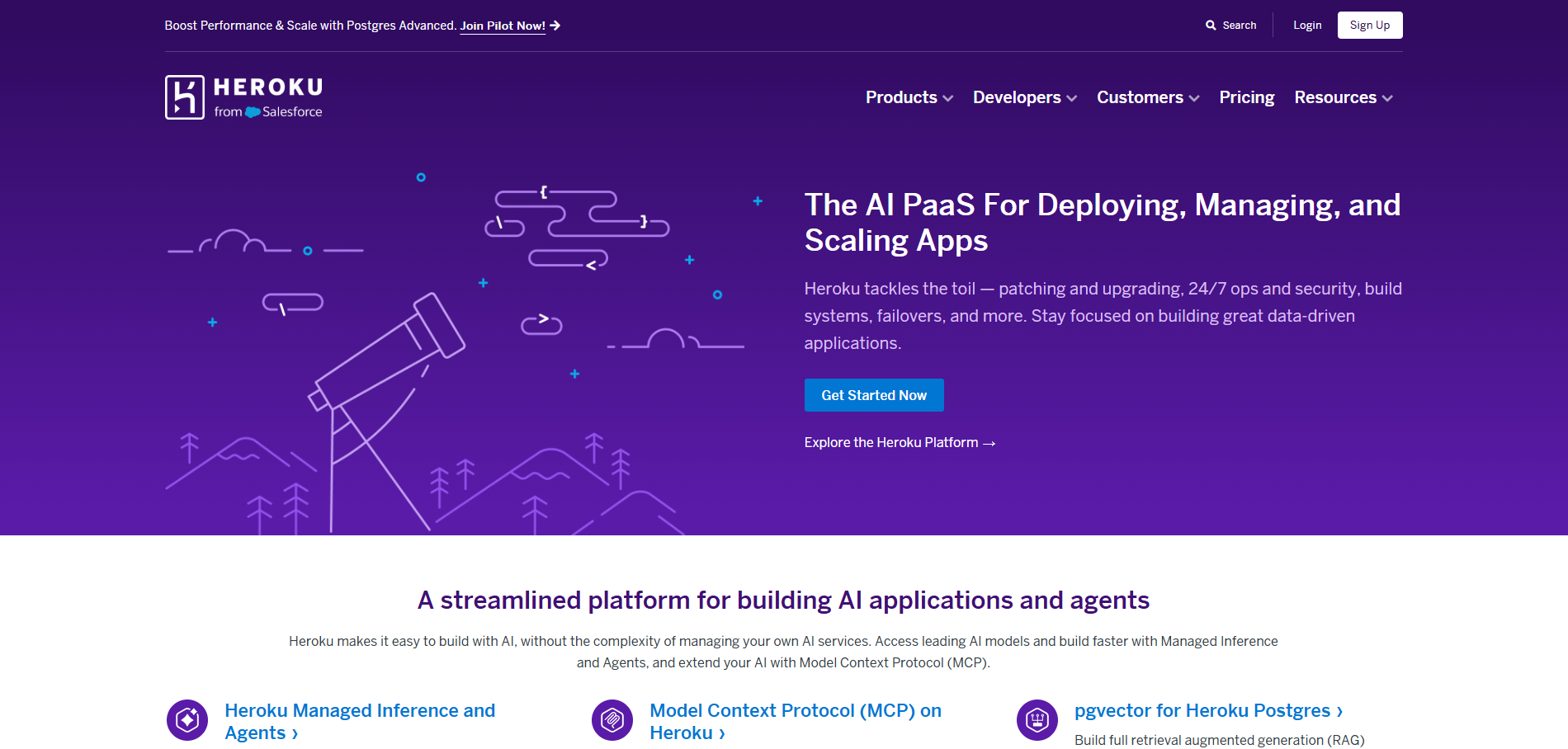
**Best for:** Teams that value a proven Git deployment model and a large marketplace of managed add-ons.
[Heroku](https://www.heroku.com/) remains one of the most recognizable managed PaaS products. Applications run in dynos, and teams can add databases, caching, observability, messaging, and other services through its marketplace. Review Apps and pipelines support common delivery workflows.
Heroku does not offer the former general free tier. Entry-level Eco and Basic dynos can suit small projects, while production dynos, databases, support, and add-ons raise the total cost. Check [Heroku pricing](https://www.heroku.com/pricing) for current plan details.
**Advantages**
* Familiar Git-based deployment workflow
* Extensive add-on marketplace
* Review Apps and pipeline support
* Mature documentation and ecosystem
**Limitations**
* No general free compute tier
* Multiple dynos and add-ons can become expensive
* Less infrastructure control than Northflank and BYOC platforms
Choose Heroku when ecosystem maturity and operational familiarity justify the cost. Compare modern alternatives in our [Heroku alternatives guide](https://kuberns.com/blogs/heroku-alternatives/).
### 8. Porter: Best for a PaaS Experience on Your Cloud

**Best for:** Teams that want developers to deploy through a platform while production infrastructure remains in the team's cloud account.
[Porter](https://www.porter.run/) provides an application delivery layer for workloads running in a customer's cloud. It is closer to Northflank's BYOC use case than frontend-first platforms such as Vercel or AWS Amplify. Teams can use it to standardize deployments while retaining cloud-level access and ownership.
Porter is best evaluated against the cloud providers, regions, cluster model, security requirements, and support included in the plan your team needs. Review [Porter documentation](https://docs.porter.run/) and request current commercial pricing for an accurate comparison.
**Advantages**
* Workloads run in infrastructure connected to your cloud account
* Developer-focused deployment experience
* Suitable for teams moving beyond a fully hosted PaaS
* Provides an exit path to underlying cloud infrastructure
**Limitations**
* Your organization retains the underlying cloud bill and responsibilities
* More setup and cloud knowledge than a fully managed PaaS
* Total cost includes both platform and infrastructure expenses
Choose Porter when cloud ownership is non-negotiable and your team can support the additional operational responsibility.
### 9. Google Cloud Run: Best for Serverless Containers on GCP

**Best for:** Teams using Google Cloud that need stateless containers, request-based autoscaling, and scale-to-zero behavior.
[Google Cloud Run](https://cloud.google.com/run) is a managed serverless container runtime. It deploys containers without requiring users to operate a Kubernetes cluster, but it is not a BYOC Kubernetes platform. Teams configure services, revisions, identity, networking, scaling, and integrations within Google Cloud.
Cloud Run offers request-based and instance-based billing with a free usage allowance subject to Google Cloud's terms. Actual cost also depends on builds, image storage, networking, logging, databases, and other GCP services. Use the [Cloud Run pricing page](https://cloud.google.com/run/pricing) for current rates.
**Advantages**
* Automatic scaling, including scale to zero for eligible workloads
* Deploys standard container images
* Strong integration with Google Cloud services
* Suitable for APIs, web services, jobs, and event-driven workloads
**Limitations**
* Requires GCP IAM, networking, and billing knowledge
* Not a complete all-in-one PaaS in the same way as Northflank
* Persistent state and multi-service systems require additional GCP products
Choose Cloud Run when your organization is committed to GCP and your services fit a serverless container model. See our [Google Cloud alternatives](https://kuberns.com/blogs/google-cloud-alternatives/) for broader cloud options.
### 10. Coolify: Best Open-Source and Self-Hosted Alternative

**Best for:** Teams that want an open-source deployment platform and are willing to operate their own servers.
[Coolify](https://coolify.io/) is a self-hostable platform for deploying applications, databases, and services to servers you control. It offers Git integration, automatic deployments, domains, certificates, and service templates. The software can reduce platform subscription costs, but self-hosting does not eliminate infrastructure, maintenance, backup, monitoring, or security work.
Coolify also offers hosted commercial options. Check its [official pricing](https://coolify.io/pricing/) for current cloud and support plans.
**Advantages**
* Open-source and self-hostable
* Works with servers from different infrastructure providers
* Supports Docker-based applications and service templates
* Greater control and portability than a closed managed PaaS
**Limitations**
* Your team manages server security, updates, backups, and capacity
* Availability and incident response depend on your infrastructure practices
* Enterprise governance may require additional tooling and support
Choose Coolify when self-hosting and control outweigh the convenience of a managed platform.
Vercel and AWS Amplify remain useful specialized options. Vercel is strongest for frontend and Next.js workflows, while Amplify suits frontend-centric applications built around AWS services. They are not included in the primary ten because they do not replace Northflank's complete container, job, database, and multi-service workflow for every team.
## Ready to Choose Your Northflank Alternative?
Northflank remains a capable option for teams that need managed compute, BYOC, CI/CD, jobs, databases, and detailed deployment controls in one platform. Switching makes sense when another product matches your operating model more closely.
Choose Kuberns when your priority is automated full-stack deployment with minimal infrastructure work. Choose Render or Railway for a conventional managed PaaS, Qovery or Porter for BYOC, Fly.io for regional workloads, Cloud Run for GCP serverless containers, or Coolify for self-hosting.
 ## How to Choose a Northflank Alternative
### 1. Choose Managed Infrastructure, BYOC, or Self-Hosting
A managed PaaS such as Render or Railway removes most infrastructure administration. BYOC platforms such as Qovery and Porter give the organization more cloud ownership but require cloud expertise. Coolify provides software control through self-hosting, while your team becomes responsible for the servers.
This decision narrows the list faster than comparing isolated features.
### 2. Map Every Workload Before Comparing Platforms
Inventory web services, private services, background workers, scheduled jobs, databases, volumes, domains, secrets, and preview environments. Confirm whether each alternative supports those workloads directly or requires another service.
A platform that is inexpensive for one web service can become costly or operationally fragmented when databases, workers, observability, and data transfer are included.
### 3. Compare the Complete Monthly Cost
Estimate compute, memory, databases, storage, build minutes, bandwidth, team seats, support, and third-party monitoring. Use a representative production month instead of comparing only advertised starting prices.
For BYOC and self-hosted options, include the engineering time required for upgrades, security, backups, cluster maintenance, and incident response.
### 4. Evaluate Scaling and Regional Requirements
Check minimum and maximum instance sizes, scale-to-zero behavior, horizontal scaling, deployment regions, private networking, health checks, and rollback support. A globally distributed application has different requirements from an internal API or regional SaaS product.
### 5. Check CI/CD and Preview Workflows
Determine whether the platform builds directly from Git, accepts container images, supports monorepos, creates pull-request environments, and handles migrations safely. Also evaluate whether your team needs Terraform, Helm, Docker Compose, API access, or a CLI.
### 6. Validate Security, Compliance, and Support
Review identity management, role-based access, audit logs, secrets, data location, certifications, support channels, and incident-response commitments. Use the provider's security and legal documentation rather than relying only on marketing comparisons or individual reviews.
### 7. Test Migration and Rollback Before Committing
Run a representative service on the shortlisted platform. Measure deployment time, cold starts, build reliability, observability, and estimated cost. For migration, run both environments in parallel, verify data transfer, test workers and scheduled jobs, lower DNS TTL, and retain a rollback route until the new environment is stable.
## Final Verdict
There is no single Northflank alternative that is best for every architecture. The strongest choice is the platform whose operating model matches your team.
Kuberns is a strong option for teams that want full-stack deployment automation without managing Kubernetes. Render and Railway offer approachable managed PaaS workflows. Qovery and Porter prioritize BYOC. Fly.io and Cloud Run suit more specialized regional or serverless container requirements. Coolify gives self-hosting teams the most control, together with the most operational responsibility.
Shortlist two or three platforms, deploy the same representative service on each, and compare the complete workflow and monthly cost before migrating production.
## How to Choose a Northflank Alternative
### 1. Choose Managed Infrastructure, BYOC, or Self-Hosting
A managed PaaS such as Render or Railway removes most infrastructure administration. BYOC platforms such as Qovery and Porter give the organization more cloud ownership but require cloud expertise. Coolify provides software control through self-hosting, while your team becomes responsible for the servers.
This decision narrows the list faster than comparing isolated features.
### 2. Map Every Workload Before Comparing Platforms
Inventory web services, private services, background workers, scheduled jobs, databases, volumes, domains, secrets, and preview environments. Confirm whether each alternative supports those workloads directly or requires another service.
A platform that is inexpensive for one web service can become costly or operationally fragmented when databases, workers, observability, and data transfer are included.
### 3. Compare the Complete Monthly Cost
Estimate compute, memory, databases, storage, build minutes, bandwidth, team seats, support, and third-party monitoring. Use a representative production month instead of comparing only advertised starting prices.
For BYOC and self-hosted options, include the engineering time required for upgrades, security, backups, cluster maintenance, and incident response.
### 4. Evaluate Scaling and Regional Requirements
Check minimum and maximum instance sizes, scale-to-zero behavior, horizontal scaling, deployment regions, private networking, health checks, and rollback support. A globally distributed application has different requirements from an internal API or regional SaaS product.
### 5. Check CI/CD and Preview Workflows
Determine whether the platform builds directly from Git, accepts container images, supports monorepos, creates pull-request environments, and handles migrations safely. Also evaluate whether your team needs Terraform, Helm, Docker Compose, API access, or a CLI.
### 6. Validate Security, Compliance, and Support
Review identity management, role-based access, audit logs, secrets, data location, certifications, support channels, and incident-response commitments. Use the provider's security and legal documentation rather than relying only on marketing comparisons or individual reviews.
### 7. Test Migration and Rollback Before Committing
Run a representative service on the shortlisted platform. Measure deployment time, cold starts, build reliability, observability, and estimated cost. For migration, run both environments in parallel, verify data transfer, test workers and scheduled jobs, lower DNS TTL, and retain a rollback route until the new environment is stable.
## Final Verdict
There is no single Northflank alternative that is best for every architecture. The strongest choice is the platform whose operating model matches your team.
Kuberns is a strong option for teams that want full-stack deployment automation without managing Kubernetes. Render and Railway offer approachable managed PaaS workflows. Qovery and Porter prioritize BYOC. Fly.io and Cloud Run suit more specialized regional or serverless container requirements. Coolify gives self-hosting teams the most control, together with the most operational responsibility.
Shortlist two or three platforms, deploy the same representative service on each, and compare the complete workflow and monthly cost before migrating production.
 ## Frequently Asked Questions
### 1. What is the best Northflank alternative in 2026?
The best Northflank alternative depends on your deployment model. Kuberns is a strong choice for teams that want automated full-stack deployment, Render and Railway suit managed PaaS workflows, Qovery and Porter suit BYOC teams, and Coolify is a leading open-source, self-hosted option.
### 2. Is there a free alternative to Northflank?
Yes. Coolify is free to self-host, although you pay for and manage the server. Some managed platforms also offer free plans, trials, or usage credits, but limits and eligibility change, so check each provider's current pricing page.
### 3. Which Northflank alternative is best for startups?
Kuberns, Render, and Railway are practical startup options. Kuberns focuses on automated full-stack deployment, Render provides a conventional managed PaaS, and Railway is convenient for prototypes and small services. The right choice depends on workload, budget, and required operational control.
### 4. Which Northflank alternatives support BYOC?
Qovery and Porter are the clearest BYOC-focused choices in this comparison. They provide a developer platform experience while workloads run in infrastructure connected to your own cloud account. Verify supported providers and plan requirements before migrating.
### 5. What is the best open-source Northflank alternative?
Coolify is a strong open-source Northflank alternative for teams willing to operate their own servers. It provides Git-based deployment and support for applications, databases, and services, but infrastructure maintenance remains your responsibility.
### 6. Is Railway or Render better than Northflank?
Railway and Render can be simpler for managed application hosting, while Northflank offers deeper platform capabilities, including managed and BYOC deployment options. Railway is attractive for fast iteration, and Render is a good fit for teams wanting a conventional managed PaaS.
### 7. Which Northflank alternatives support managed databases?
Northflank, Render, Railway, DigitalOcean App Platform, Heroku, and several other platforms in this comparison provide managed database options or integrations. Engine availability, backups, high availability, and pricing differ by provider.
### 8. How do I choose the right Northflank alternative?
Start by choosing between managed infrastructure, BYOC, and self-hosting. Then compare supported workloads, databases, preview environments, regions, scaling behavior, compliance, operational effort, and the estimated monthly cost of your actual application.
### 9. Can I migrate from Northflank without downtime?
A low-downtime migration is possible when you run both environments in parallel, replicate or carefully transfer data, test background jobs and networking, lower DNS TTL before cutover, monitor the new deployment, and retain a rollback path.
---
- [More Alternatives articles](https://kuberns.com/blogs/category/alternatives/1/)
- [All articles](https://kuberns.com/blogs/)
## Frequently Asked Questions
### 1. What is the best Northflank alternative in 2026?
The best Northflank alternative depends on your deployment model. Kuberns is a strong choice for teams that want automated full-stack deployment, Render and Railway suit managed PaaS workflows, Qovery and Porter suit BYOC teams, and Coolify is a leading open-source, self-hosted option.
### 2. Is there a free alternative to Northflank?
Yes. Coolify is free to self-host, although you pay for and manage the server. Some managed platforms also offer free plans, trials, or usage credits, but limits and eligibility change, so check each provider's current pricing page.
### 3. Which Northflank alternative is best for startups?
Kuberns, Render, and Railway are practical startup options. Kuberns focuses on automated full-stack deployment, Render provides a conventional managed PaaS, and Railway is convenient for prototypes and small services. The right choice depends on workload, budget, and required operational control.
### 4. Which Northflank alternatives support BYOC?
Qovery and Porter are the clearest BYOC-focused choices in this comparison. They provide a developer platform experience while workloads run in infrastructure connected to your own cloud account. Verify supported providers and plan requirements before migrating.
### 5. What is the best open-source Northflank alternative?
Coolify is a strong open-source Northflank alternative for teams willing to operate their own servers. It provides Git-based deployment and support for applications, databases, and services, but infrastructure maintenance remains your responsibility.
### 6. Is Railway or Render better than Northflank?
Railway and Render can be simpler for managed application hosting, while Northflank offers deeper platform capabilities, including managed and BYOC deployment options. Railway is attractive for fast iteration, and Render is a good fit for teams wanting a conventional managed PaaS.
### 7. Which Northflank alternatives support managed databases?
Northflank, Render, Railway, DigitalOcean App Platform, Heroku, and several other platforms in this comparison provide managed database options or integrations. Engine availability, backups, high availability, and pricing differ by provider.
### 8. How do I choose the right Northflank alternative?
Start by choosing between managed infrastructure, BYOC, and self-hosting. Then compare supported workloads, databases, preview environments, regions, scaling behavior, compliance, operational effort, and the estimated monthly cost of your actual application.
### 9. Can I migrate from Northflank without downtime?
A low-downtime migration is possible when you run both environments in parallel, replicate or carefully transfer data, test background jobs and networking, lower DNS TTL before cutover, monitor the new deployment, and retain a rollback path.
---
- [More Alternatives articles](https://kuberns.com/blogs/category/alternatives/1/)
- [All articles](https://kuberns.com/blogs/)