Published
- 9 min read
How to Deploy Microservices Without Managing Multiple Tools?

Deploying microservices doesn’t have to be complicated. In today’s world, teams often rely on multiple tools to manage container orchestration, CI/CD pipelines, observability, and security. While each tool solves a specific problem, stitching them together can create overhead, slow down deployments, and increase the risk of errors.
Imagine a workflow where your code goes from development to production without juggling separate platforms or manually configuring multiple systems. That’s the promise of using a single, all-in-one platform for microservices deployment.
In this guide, we’ll show how you can simplify deploying microservices, streamline monitoring, and manage scaling, all from one platform. Teams achieve this efficiently, without the usual complexity of multi-tool setups.
For those interested in optimising your CI/CD workflows while deploying microservices, you can also explore How to Eliminate Manual Steps in CI/CD Workflow and The Ultimate Guide to CI/CD Tools in 2025.
These resources highlight how automation reduces errors and accelerates deployment, a critical step in microservices adoption.
Why Microservices Deployment Is Hard Today
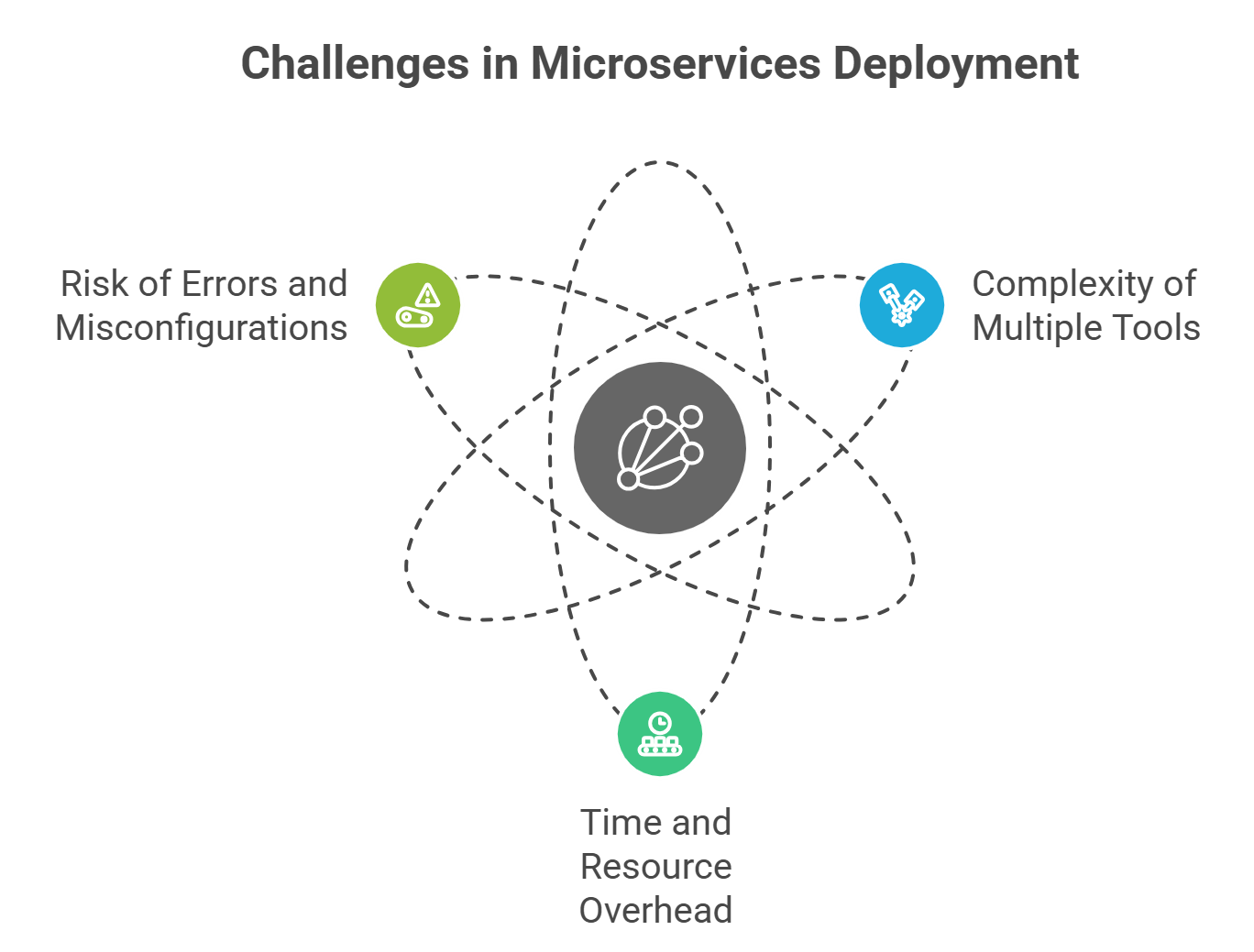 Deploying microservices is powerful, but it comes with its own set of challenges. Most teams rely on multiple tools to manage different parts of the process, from container orchestration and CI/CD pipelines to observability and security.
This fragmented setup often leads to:
1. Complexity of Multiple Tools
Managing separate tools for orchestration (like Kubernetes), CI/CD, monitoring, and secrets management can be overwhelming. Each system requires configuration, maintenance, and updates. Without a unified approach, teams spend more time connecting tools than building features.
For example, understanding which CI/CD tool works best for your microservices can be confusing, but even then, juggling multiple platforms adds overhead.
2. Time and Resource Overhead
Maintaining multiple tools consumes valuable engineering time. Configuring orchestrators, updating pipelines, setting up monitoring dashboards, and managing secrets across services can slow down the deployment of microservices.
Automation can help reduce some of this overhead.
3. Risk of Errors and Misconfigurations
Every additional tool increases the chances of misconfigurations. A missing secret, misaligned CI/CD pipeline, or incorrectly configured orchestrator can lead to deployment failures, downtime, or security vulnerabilities.
Using too many platforms also complicates troubleshooting. Teams often spend hours identifying which tool or configuration caused a deployment issue, delaying delivery.
This Guide highlights these pitfalls and emphasises the need for a simpler approach.
Key Takeaway: The modern microservices ecosystem is powerful but fragmented. Managing multiple tools increases complexity, consumes time, and raises the risk of errors. This is why a single, all-in-one platform can dramatically simplify microservices deployment and make your workflow faster, more reliable, and easier to maintain.
Core Capabilities Every Microservices Platform Should Have
 To simplify microservices deployment, the right platform should integrate multiple functions that developers typically handle with separate tools. This reduces complexity, minimises errors, and accelerates delivery.
Here are the essential capabilities:
1. Containerization Support
A microservices platform must provide robust containerization, allowing services to run consistently across environments. While Docker is widely used, integrating it directly into your platform saves configuration time.
For insights on how automation can improve containerised deployments, check out How AI Tools Are Revolutionising Deployment.
2. Orchestration & Scaling
Automated orchestration ensures microservices are deployed reliably and can scale based on demand. Rolling updates, service discovery, and traffic management should be built-in, reducing the need for separate orchestration tools.
This guide is all you need to discuss options for simpler orchestration, highlighting why an integrated platform is often more efficient for teams.
3. CI/CD Automation
Continuous Integration and Continuous Deployment are critical for microservices. A platform with built-in CI/CD lets you automate builds, tests, and deployments without juggling multiple pipelines.
Explore CI/CD Comparison: Jenkins, GitHub, Kuberns to see how different tools compare and why an all-in-one platform can simplify the workflow.
4. Observability & Monitoring
Monitoring metrics, logs, and traces is essential for microservices’ health and performance. Integrated observability eliminates the need to connect multiple monitoring systems, giving developers real-time insights in one place.
For practical tips, see How to Eliminate Manual Steps in CI/CD Workflow.
5. Security & Secrets Management
Managing secrets, encryption, and role-based access control across microservices is often a headache when using multiple tools. A platform that handles security natively simplifies deployment and reduces risk.
In short, The ideal platform for deploying microservices combines containerization, orchestration, CI/CD, monitoring, and security into a single, unified solution. This eliminates the friction of managing multiple tools, making deployment faster, safer, and more reliable.
How Using One Platform For Microservice Deployment Eliminates Complexity?
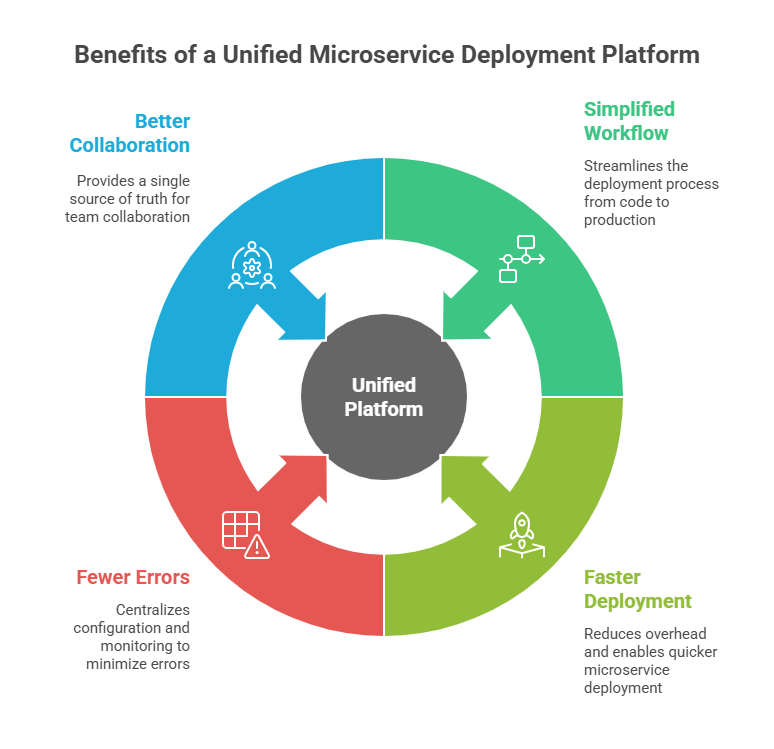 Managing multiple tools for microservices deployment can be time-consuming and error-prone.
By using a single, all-in-one platform, teams can streamline the entire process, from code to production, without juggling configurations, pipelines, and monitoring dashboards.
1. Simplified Workflow
With one platform, the deployment workflow becomes straightforward: Code → Platform → Deployed Microservices → Monitoring & Scaling
Everything happens within a unified system, reducing manual steps and eliminating the risk of misconfigurations that arise when connecting different tools.
2. Faster Deployment
An all-in-one platform reduces overhead, enabling developers to deploy microservices faster. CI/CD, container orchestration, scaling, and monitoring work out of the box.
Instead of spending hours configuring separate systems, teams can focus on building features.
For guidance on streamlining CI/CD while deploying microservices, see Top Continuous Deployment Tools: How to Set Up Under 10 Minutes.
3. Fewer Errors and Misconfigurations
Every additional tool introduces a potential point of failure. One platform centralises configuration, security, and monitoring, drastically reducing errors.
As discussed in The Ultimate Guide to CI/CD Tools in 2025, automation and unified systems significantly decrease deployment failures.
4. Better Collaboration
Teams benefit from a single source of truth for deployments, logs, and metrics. Developers, DevOps, and operations can collaborate more effectively without context-switching across multiple tools.
By consolidating orchestration, CI/CD, monitoring, and security into one platform, teams can eliminate the complexity of managing multiple tools, deploy microservices faster, reduce errors, and improve collaboration, all while keeping the workflow efficient and transparent.
Introducing Kuberns: The All-in-One Deployment Platform
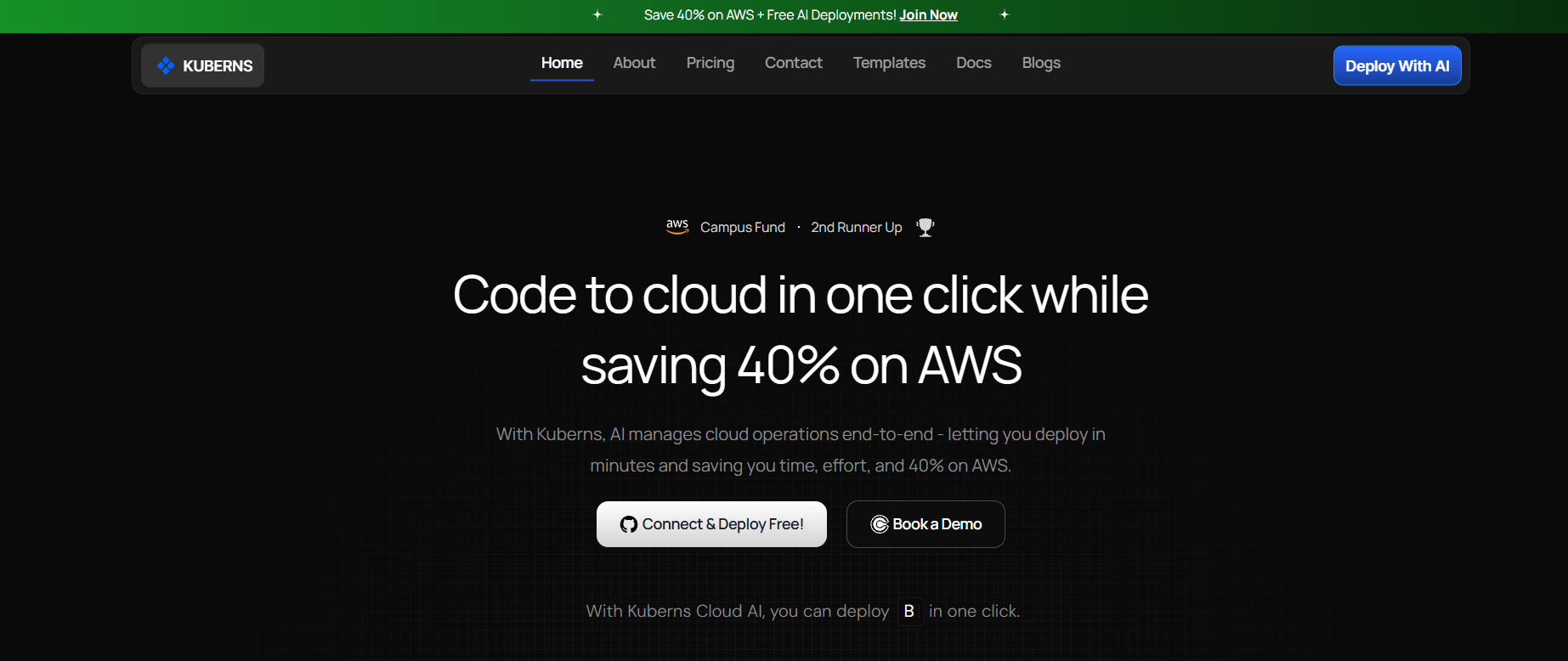 After exploring the challenges of managing multiple tools, it’s clear that teams need a unified solution for microservices deployment. That’s where Kuberns comes in.
Designed to simplify deployment, scaling, monitoring, and security, Kuberns integrates all essential functions into a single platform.
Key Features of Kuberns
One-Click Deployment:
Kuberns allows developers to deploy microservices with a single click, eliminating the need to configure multiple CI/CD pipelines manually. For more on automation, check out How to Implement One-Click Automated Software Deployment.
Automated Scaling & Orchestration:
Kuberns handles container orchestration and scaling automatically, ensuring that services remain responsive under varying loads. Unlike traditional multi-tool setups, you don’t need to configure Kubernetes clusters or scaling rules separately. Learn more in Kubernetes Alternatives You Need.
Integrated CI/CD:
Continuous Integration and Deployment are built in, so your code moves from development to production without juggling separate pipelines.
Observability & Monitoring:
Kuberns provides real-time metrics, logs, and traces directly within the platform. This eliminates the need to connect multiple monitoring tools, giving teams a unified view of application health. Reference: How to Eliminate Manual Steps in CI/CD Workflow.
Security & Secrets Management:
Built-in encryption, role-based access control (RBAC), and secure secrets management ensure deployments are safe and compliant without additional tools.
Comparison With Traditional Toolchains
| Feature | Traditional Multi-Tool Setup | Kubernetes All-in-One |
|---|---|---|
| CI/CD | Separate tools, manual configuration | Integrated, one-click automation |
| Orchestration | Kubernetes setup required | Automated, built-in |
| Monitoring | Multiple dashboards | Unified observability |
| Security | Multiple tools, manual secrets | Built-in RBAC & encryption |
| Setup Time | Hours to days | Minutes to deploy |
Key Takeaway: Kuberns replaces the complexity of multiple tools with a single, unified platform. For teams looking to simplify microservices deployment, Kuberns provides automation, monitoring, security, and scaling, all in one place.
Deploy Microservices the Easy Way
Let’s see how deploying microservices works in practice using an all-in-one platform like Kuberns.
This example highlights the simplicity compared to a traditional multi-tool setup.
Traditional Multi-Tool Deployment
In a typical workflow, deploying microservices involves multiple steps across several tools:
- Configure Kubernetes clusters for orchestration.
- Set up separate CI/CD pipelines (Jenkins, GitHub Actions, etc.).
- Connect monitoring tools for logs, metrics, and tracing.
- Manage secrets and permissions manually across services.
- Handle scaling and load balancing with additional configurations.
This approach is prone to errors, time-consuming, and requires constant maintenance.
With Kuberns
With Kuberns, the workflow is streamlined:
Step 1: Connect Your Code
Connect your code from GitHub and select the repo. No need to configure separate pipelines or tools.
See How to Auto-Deploy Your Apps from GitHub in One Click for a step-by-step guide.
Step 2: One-Click Deployment
Deploy your microservices instantly. Kuberns handles containerization, orchestration, and scaling automatically.
Step 3: Integrated Monitoring & Observability
All metrics, logs, and traces are available in a single dashboard. No extra monitoring tools are needed.
Next Steps
Deploying microservices doesn’t have to be complicated or fragmented across multiple tools.
As we’ve seen, managing separate orchestration, CI/CD, monitoring, and security tools creates overhead, increases the risk of errors, and slows down development.
By consolidating all these capabilities into a single platform, teams can deploy microservices faster, reduce errors, and streamline collaboration.
Start deploying microservices effortlessly with Kuberns today

Frequently Asked Questions
1. What is microservices deployment?
Microservices deployment is the process of deploying multiple small, independent services that make up an application. Each service can be deployed, scaled, and updated individually, allowing teams to work faster and more efficiently.
2. Why is deploying microservices difficult?
Deploying microservices is challenging because it typically involves multiple tools for orchestration, CI/CD, monitoring, and security. Teams need to manage configurations, updates, and integrations across these tools, which increases the risk of errors and slows down delivery.
3. Can I deploy microservices without managing multiple tools?
Yes. Using an <dashboard.kuberns.com> allows you to handle containerization, orchestration, CI/CD, monitoring, and security in one place. This eliminates the need to configure and maintain separate tools, reducing complexity and speeding up deployment.
4. How does Kuberns simplify microservices deployment?
Kuberns integrates all key capabilities into a single platform: one-click deployment, automated scaling, integrated CI/CD, built-in monitoring, and secure secrets management. This reduces manual work, prevents errors, and allows developers to focus on building features rather than managing infrastructure.
5. Is Kuberns suitable for startups and small teams?
Absolutely. Kuberns is designed to simplify deployments for teams of all sizes. Startups and small teams benefit the most, as they can avoid investing time in configuring multiple tools while still gaining enterprise-grade automation and security.
6. How can I start deploying microservices with Kuberns?
Getting started is easy: connect your code repository, configure basic deployment settings, and deploy with one click. Kuberns handles orchestration, scaling, monitoring, and security automatically.