Published
- 15 min read
How to Deploy a Node.js App in 2025: Beginner’s Guide

Introduction: Why Node.js Deployment Still Confuses Developers
Node.js has remained one of the most popular and flexible back-end runtimes for over a decade. It powers everything from personal projects and APIs to full-scale enterprise platforms. Developers love it for its speed, scalability, and massive ecosystem of open-source packages.
However, when it comes to deployment, even experienced developers often run into challenges. Moving from a local setup to a production environment involves multiple steps — configuring servers, managing dependencies, setting environment variables, setting up SSL certificates, monitoring performance, and planning for scaling. Each of these steps requires different tools, services, and configurations that can quickly become complex to manage.
Traditional deployment methods also come with hidden overhead. Developers often need to create and maintain scripts for CI/CD pipelines, handle security updates, and troubleshoot issues that occur only in production. For beginners, this complexity can feel like a major barrier to launching their app online.
Modern platforms like Kuberns simplify this entire process. Instead of setting up servers manually, you can connect your GitHub repository, click deploy, and let the platform handle everything else. Kuberns automates the build, scaling, and monitoring steps, ensuring that your Node.js app runs efficiently on secure AWS-backed infrastructure.
In short, what once required multiple tools, hours of setup, and server management can now be done in just a few clicks with intelligent automation.
Getting Started with Node.js Deployment
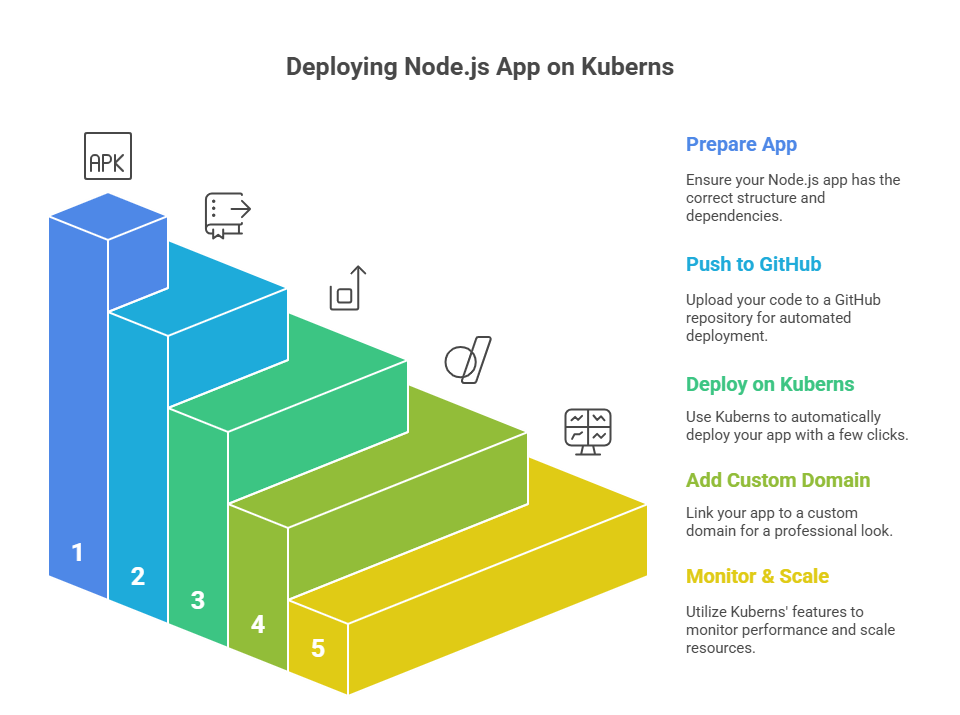 Now that you understand the challenges behind traditional deployment, let’s walk through how you can deploy your Node.js app the easy way using Kuberns. The following steps will guide you from preparing your code to launching your app live on a secure, scalable environment.
Step 1: Prepare Your Node.js App for Deployment
Before deploying, make sure your Node.js project has a standard structure.
Check these essentials:
- The package.json file includes your dependencies and a start script
- Your app listens on a port defined in an environment variables
These two small details ensure that any platform (including Kuberns, Render, or Heroku) can automatically detect and run your app.
Step 2: Push Your Code to GitHub
If your project isn’t already on GitHub, create a repository.
Kuberns directly integrates with GitHub, so your app can be deployed automatically from your repo.
Step 3: Deploy Node.js App on Kuberns (Easiest Way)
Once your code is ready, you can deploy it on Kuberns in just one click. The process is fully automated and beginner-friendly.
- Go to Kuberns.com and sign in.
- Click “Deploy from GitHub.”
- Choose your repository and branch.
- Kuberns automatically detects your Node.js runtime and sets up the build configuration.
- Add your environment variables such as PORT, DB_URL, or API_KEY.
- Click Deploy.
That’s it. Your Node.js app will be live in less than a minute.
Kuberns handles containerization, build setup, scaling, and monitoring automatically while running on optimized AWS infrastructure. This setup ensures up to 40% lower hosting costs compared to traditional platforms.
You can also read our related guide on how continuous deployment works on Kuberns to understand how Git-based automation helps your app redeploy automatically on every push.
For more details on how Kuberns manages your runtime and builds, visit: How Kuberns Automates Application Deployment
Step 4: Add a Custom Domain and Free SSL
After deployment, you can link your custom domain directly from the Kuberns dashboard.
- Go to the Domains section in your project settings.
- Add your domain, for example: www.myapp.com.
- Update your DNS CNAME in GoDaddy, Namecheap, or your DNS provider to point to the Kuberns hostname.
- Enable Free SSL with a single click to secure your app instantly.
For a detailed walkthrough, you can refer to the guide inside our docs: How to add a custom domain on Kuberns
Once DNS is updated, your Node.js app becomes live and secure over HTTPS.
Step 5: Monitor, Scale, and Automate
After deployment, Kuberns automatically provides real time logging, performance tracking, and scaling features designed to help your application stay healthy and efficient.
- Auto scaling: Your Node.js app automatically scales up during traffic spikes and scales down when traffic is low, helping control cost.
- Live logs and monitoring: View application logs, resource usage, and live events directly from the dashboard without using SSH or CLI tools.
- Auto redeploy: Every push to your Git repository triggers an automated build and deployment. You can also manually redeploy from the dashboard when needed.
If you want to go deeper into scaling and monitoring, refer to this guide: Scaling and Monitoring on Kuberns
With automated deployments, real time logs, and smart scaling, you do not need manual restarts or server tuning. Kuberns ensures your Node.js app stays fast, stable, and production ready at all times.
Common Deployment Problems (and How to Fix Them)
| Problem | Cause | Fix |
|---|---|---|
| App crashes after deploy | Missing environment variable | Add .env values in Kuberns dashboard |
| Port already in use | Hardcoded port in code | Use process.env.PORT |
| Build fails | Missing start script | Add “start”: “node server.js” to package.json |
| Static files not loading | Wrong path setup | Use express.static(‘public’) for static assets |
Deploying Node.js with Databases
You can connect your Node.js app to a database in just a few clicks.
- MongoDB / PostgreSQL / MySQL: Use managed DB URLs and store them as environment variables.
- Redis / RabbitMQ: Kuberns supports connecting to external caching or messaging services.
Example:
const mongoose = require(“mongoose”); mongoose.connect(process.env.MONGO_URL);
Learn more about deployment pipelines on Kuberns here: Continuous Deployment on Kuberns
Comparing Node.js Hosting Options
Choosing the right platform to deploy your Node.js app depends on your goals, technical experience, and scaling needs. Some platforms focus on simplicity, while others provide deeper infrastructure control.
Here’s a closer look at the most popular Node.js hosting options and how they compare in 2025.
Kuberns
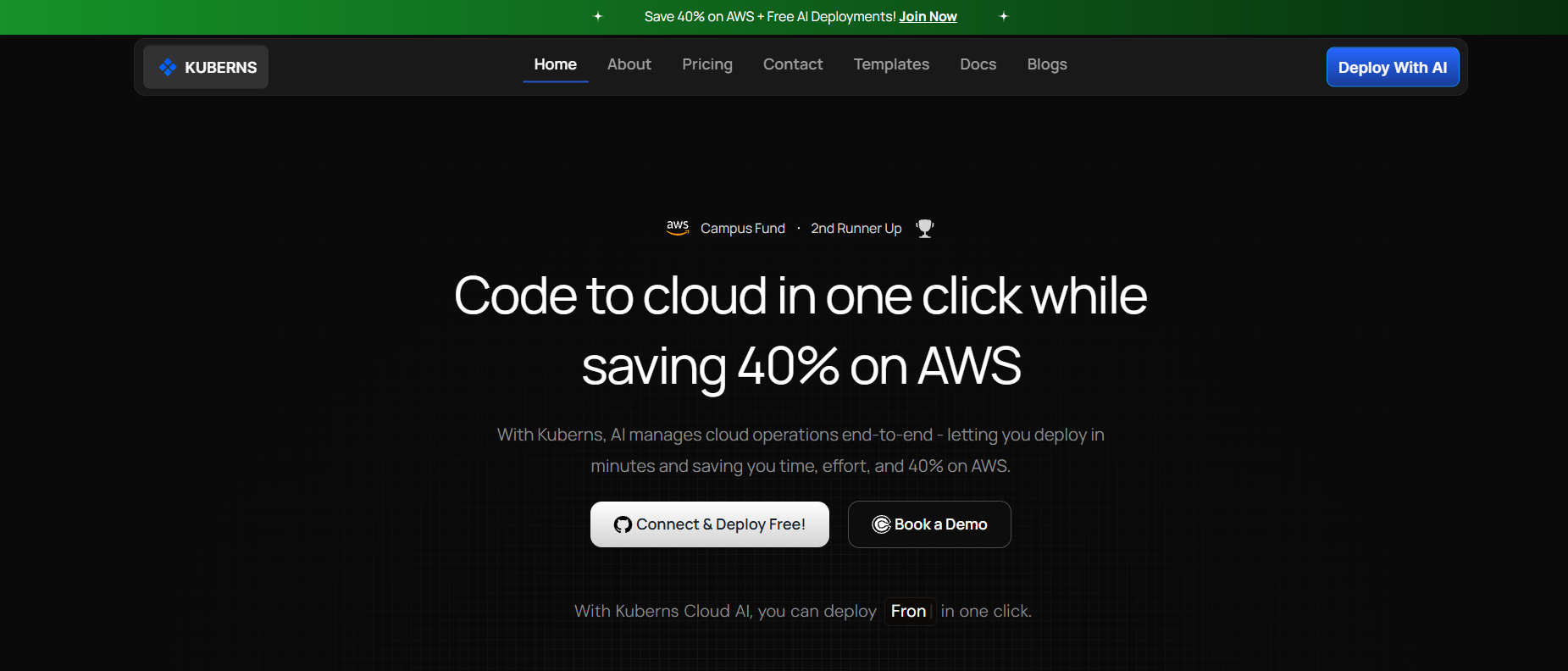 Kuberns is an AI-powered deployment platform designed to make Node.js hosting effortless. You can connect your GitHub repository, deploy in one click, and let Kuberns handle the entire lifecycle, including build automation, scaling, monitoring, and SSL setup, all on reliable AWS-backed infrastructure.
It automatically adjusts server resources based on real-time traffic, ensuring optimal performance and cost efficiency. On average, developers save up to 40 percent on AWS costs while gaining enterprise-grade reliability.
Kuberns is perfect for developers, startups, and growing teams who want production-ready deployments without managing infrastructure. You can learn more about its intelligent automation in .
Heroku
 Heroku made cloud deployment accessible to developers long before platforms like Render or Kuberns existed. It allows developers to push code via Git and see their app live within minutes.
While Heroku is ideal for learning and small-scale projects, its pricing quickly increases as apps scale. Developers also face limited control over configurations and resource tuning.
If you are currently on Heroku and exploring modern alternatives, see our detailed comparison in Heroku vs Kuberns.
Render
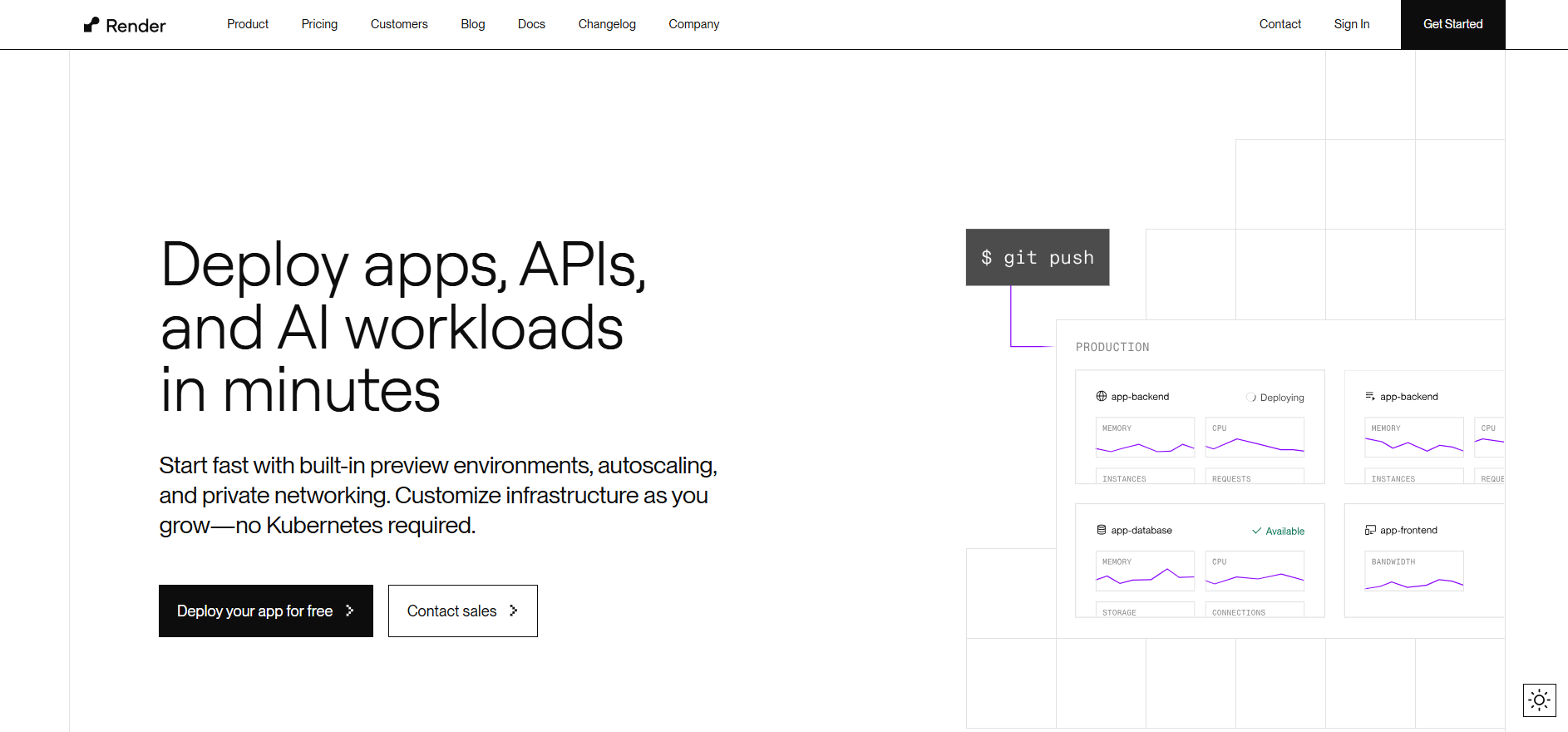 Render is a straightforward PaaS platform similar to Heroku. It supports static sites, backend apps, and databases with Git-based deployments. Developers appreciate its clean UI and ease of setup, but larger applications can face longer build times and limited autoscaling options.
Render is a great choice for small SaaS projects or MVPs that need simple, low-maintenance hosting. For teams that outgrow Render, Kuberns offers faster build performance and smarter resource allocation.
Explore the full breakdown in Render vs Kuberns.
Vercel
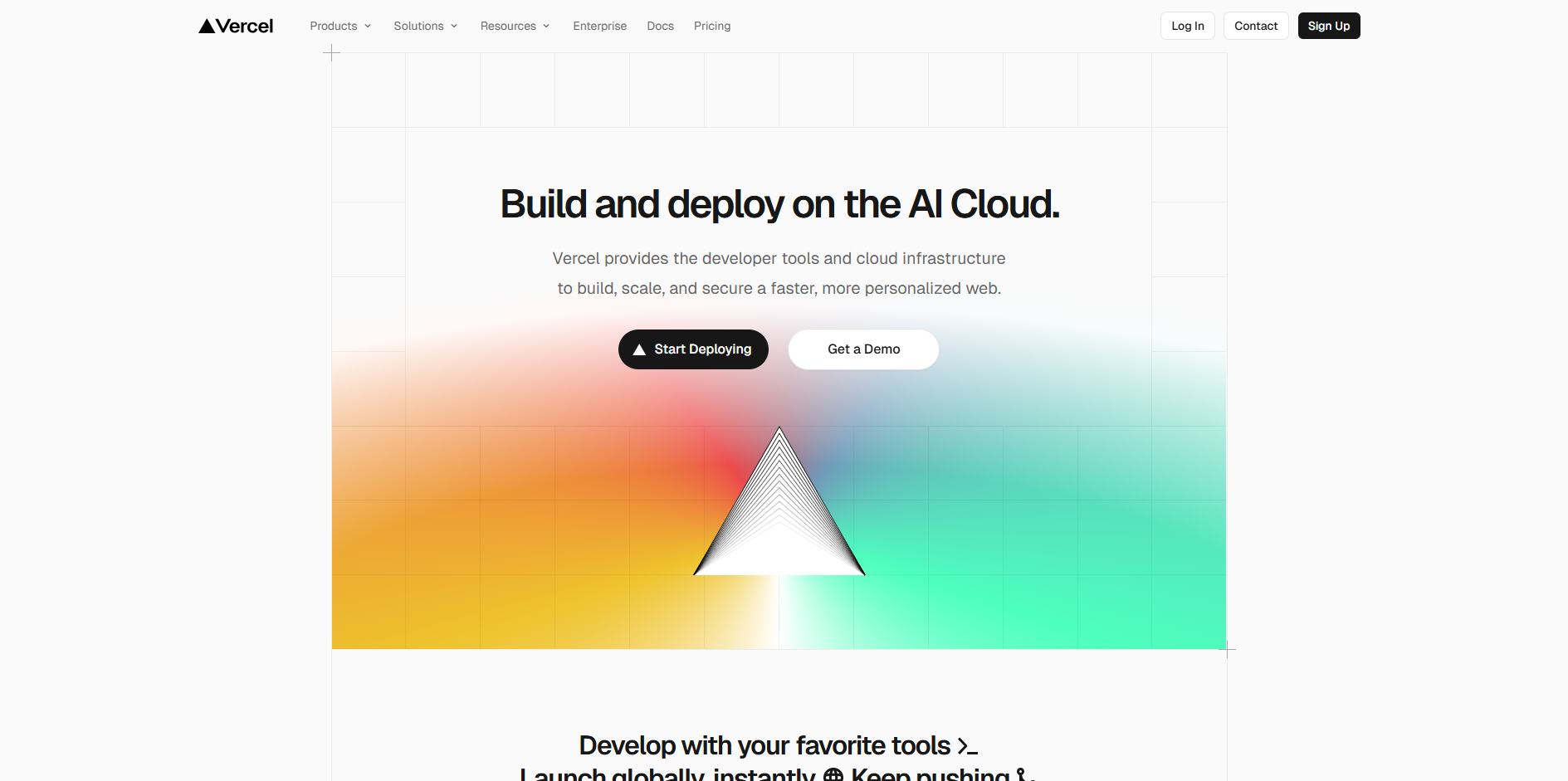 Vercel is optimized for frontend frameworks like Next.js, React, and Svelte. It provides serverless functions for lightweight APIs and excels at fast, global static content delivery.
However, it is not designed for heavy backend workloads or applications that require persistent connections such as WebSockets or background jobs. Developers building full-stack apps often complement Vercel with another backend host, or choose Kuberns for an all-in-one deployment experience.
For a full comparison of backend capabilities, see Vercel vs Kuberns.
Railway
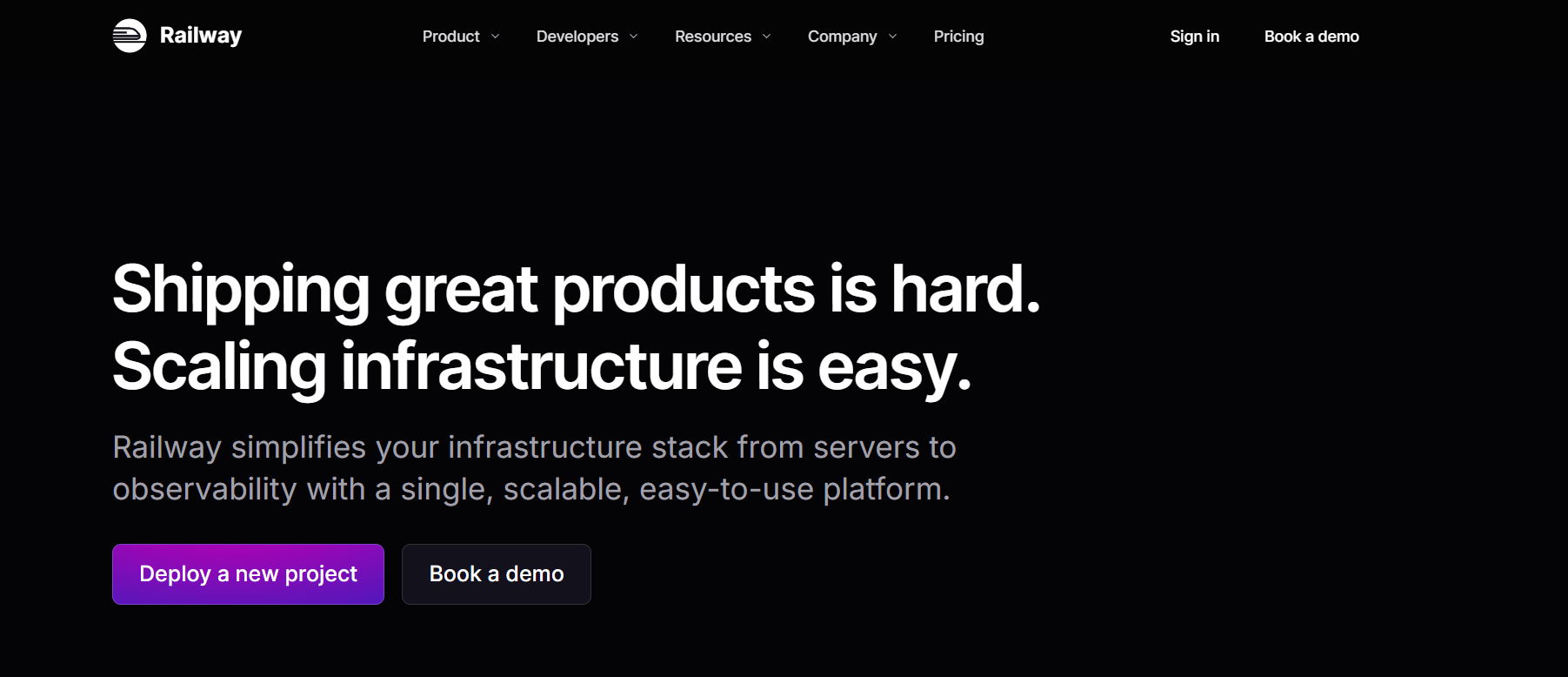 Railway offers a lightweight deployment experience and integrates databases directly into its platform. It is particularly popular among indie developers and students for quick API prototypes.
Its main limitation is scalability. Pricing increases rapidly with usage, and resource customization is minimal. Kuberns offers a similar simplicity while providing scalable infrastructure for production-ready apps.
You can read more in Railway vs Kuberns.
AWS Elastic Beanstalk
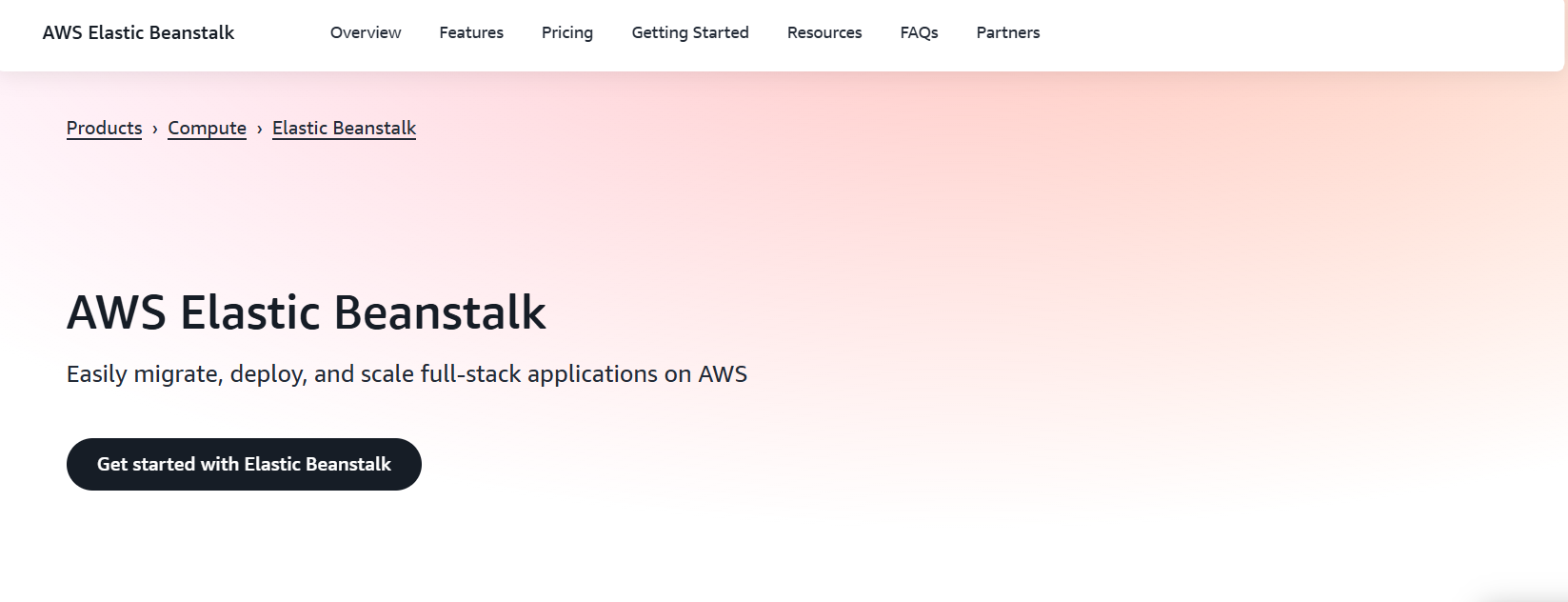 AWS Elastic Beanstalk gives developers full control over their Node.js environment. It is highly customizable and integrates deeply with other AWS services, making it suitable for enterprise-grade workloads.
However, the tradeoff is complexity. Configuring environments, managing scaling policies, and updating deployments require hands-on DevOps expertise. For teams that prefer automation over manual setup, Kuberns offers the same AWS reliability with a no-configuration approach.
Quick Comparison Table
| Platform | Key Features | Ideal For | Limitations |
|---|---|---|---|
| Kuberns | One-click GitHub deploy, AI-based scaling, 40 percent AWS savings, built-in monitoring | Full-stack apps and growing teams | Fully managed, minimal manual setup |
| Heroku | Git-based deployment, simple setup | Small apps, prototypes | High cost and limited scaling |
| Render | Full-stack support, clean UI | MVPs, SaaS apps | Slow builds and limited scaling |
| Vercel | Frontend hosting, serverless functions | Static and frontend apps | Not ideal for backend-heavy workloads |
| Railway | Database integration, quick setup | Indie and student projects | Limited scalability, higher cost at scale |
| AWS Elastic Beanstalk | Customizable AWS infrastructure | Enterprise teams | Complex setup and maintenance |
Why Developers Prefer Deploying Node.js on Kuberns
 Kuberns is designed to make Node.js deployment simple, scalable, and affordable for developers who want powerful automation without DevOps complexity.
Here’s why developers choose Kuberns for their Node.js projects:
1. One-Click GitHub Deployment
Kuberns connects directly to your GitHub repository, detects your Node.js environment, installs dependencies, and runs your build automatically. You can deploy a complete backend or API in just a few clicks, saving hours of manual setup.
2. AI-Based Auto Scaling
Instead of manually adjusting server sizes, Kuberns uses AI to monitor your app’s CPU, memory, and traffic patterns. It scales resources up during high traffic and scales down when demand is low, ensuring your app stays fast and cost-efficient.
3. Free SSL and Custom Domains
Every Node.js app deployed on Kuberns includes free SSL certificates. You can connect your own domain directly from the dashboard, with no external tools required. This keeps your app secure and available over HTTPS by default.
4. 40% Lower AWS-Backed Costs
Kuberns runs on optimized AWS infrastructure and automatically allocates the most efficient resources. This results in up to 40% savings compared to traditional cloud hosting while maintaining the reliability and performance of AWS.
5. Built-in Monitoring and Logs
You can view real-time logs and performance metrics directly from the Kuberns dashboard. This helps you troubleshoot errors, track deployments, and understand how your Node.js app performs under different workloads.
6. Zero DevOps Setup
Kuberns handles containerization, scaling, and deployment automatically. You do not need Docker files, NGINX configurations, or build scripts. Just connect your repo and deploy your code.
In short, Kuberns combines the simplicity of Heroku with the reliability and scale of AWS, giving developers a faster and more cost-effective way to deploy Node.js applications in 2025.
Final Thoughts
Deploying a Node.js app is often seen as a complex process that involves configuring servers, managing dependencies, and setting up continuous deployment pipelines. With Kuberns, that complexity is completely removed.
You can connect your GitHub repository, define your environment variables, and deploy your application in just a few clicks. The platform handles everything from build automation to scaling and monitoring, ensuring that your app runs efficiently and securely on AWS-backed infrastructure.
Whether you are launching a simple API, a full-stack web app, or a growing SaaS product, Kuberns gives you all the tools to deploy, manage, and scale without touching a single server. It is a complete solution for developers who want reliability, speed, and control without the manual overhead of traditional DevOps.
Start deploying your Node.js app today with Kuberns

Frequently Asked Questions (FAQ’s)
1. Can I deploy a full-stack Node.js app (with React or Vue frontend)?
Yes. Kuberns supports multi-service deployments so you can deploy both frontend and backend from the same repository. You can define separate build commands for each service, and Kuberns will handle the configuration automatically.
2. How long does deployment take?
Usually under one minute. Kuberns handles the build, containerization, and deployment steps automatically from your GitHub repository.
3. Does Kuberns support WebSocket apps?
Yes. Node.js WebSocket servers run smoothly on Kuberns. The platform maintains persistent connections and automatically scales to handle real-time traffic.
4. Can I scale manually if I prefer?
Yes. You can choose between AI-based auto-scaling or manually set your own instance size and resource limits directly from the Kuberns dashboard.
5. Is SSL free on Kuberns?
Yes. Every custom domain you add to your app comes with a free SSL certificate. You can enable it with a single click.
6. Does Kuberns support environment variables and secrets?
Yes. You can securely manage environment variables from the Kuberns dashboard. These values are encrypted and injected into your Node.js runtime during deployment.
7. Can I connect a database like MongoDB or PostgreSQL to my Node.js app?
Yes. Kuberns supports external databases and managed services. You can connect your app to MongoDB, PostgreSQL, MySQL, or Redis by adding the database URL as an environment variable.
8. How are updates and redeployments handled?
Every time you push a new commit to your GitHub repository, Kuberns automatically rebuilds and redeploys your app. You can also trigger manual redeploys from the dashboard if needed.
9. Does Kuberns support background jobs or APIs that run on schedules?
Yes. You can configure cron jobs and background worker services within Kuberns. It supports asynchronous workloads like email queues, scheduled reports, or batch processing alongside your main Node.js app.
10. What if my build fails during deployment?
Kuberns shows detailed build logs in real time so you can identify what went wrong. Most build failures occur due to missing dependencies or incorrect start scripts, which can be easily fixed in your package.json file.