Published
- 19 min read
Portainer Alternatives That Developers Prefer in 2025
Introduction
Portainer is widely known for making container management easier to handle. Instead of operating entirely through terminal commands, developers can use Portainer’s graphical interface to manage Docker environments, Kubernetes clusters, containers, access controls, and stack deployments. This makes it useful for small teams, prototypes, and side projects where simplicity matters more than large-scale automation.
However, once applications grow and move into production, teams begin to face a new set of challenges. Maintaining Kubernetes clusters, tuning container resources, managing deployments, and keeping observability systems running often requires a more integrated workflow. In these cases, Portainer starts to show limitations:
- Scaling containers and workloads requires manual configuration
- Kubernetes clusters still need to be managed and maintained
- CI/CD, logging, and monitoring often rely on separate external tools
- Infrastructure costs and maintenance effort increase over time
This is usually when developers start exploring Portainer alternatives that can handle not just container management, but the entire deployment and scaling lifecycle automatically.
Modern teams prefer platforms that offer automated builds, one-click deployments, built-in monitoring, and intelligent resource scaling without needing to assemble multiple tools manually.
One of the most notable platforms in this category is Kuberns, which focuses on simplifying how developers build, deploy, and scale applications while removing the complexity of Kubernetes setup and ongoing DevOps overhead.
If you want a clearer understanding of how Kuberns works, see What is Kuberns, and how it simplifies full-stack deployments: What is Kuberns: The Simplest Way to Build, Deploy, and Scale Full Stack Apps
In this guide, we will compare the best Portainer alternatives in 2025, starting with Kuberns as the top choice for anyone who wants faster deployments, lower cloud costs, and less operational friction.
Top Portainer Alternatives in 2025
Below is a quick comparison of the best alternatives before we dive deeper.
| Platform | Best For | Key Strengths | Pricing Approach |
|---|---|---|---|
| Kuberns (Best Overall) | Teams that want full-stack deployment with automation | One-click deploy, AI scaling, built-in logging + monitoring, AWS-level reliability | Predictable, 40% lower cloud cost |
| Render | Full-stack apps with simple Git-based deploys | Managed services, easy setup, scaling presets | Usage-based |
| Railway | Rapid prototyping and indie SaaS | Instant deploys, minimal config | Usage credits |
| Fly.io | Global apps with edge deployment needs | Distributed environments, low latency routing | Region-based |
| Coolify | Self-hosted alternative | Local control, open source | Infrastructure cost + management overhead |
| Portainer Business Edition | On-prem teams | Kubernetes dashboard and access controls | Per node |
1. Kuberns: The All-in-One Alternative to Portainer
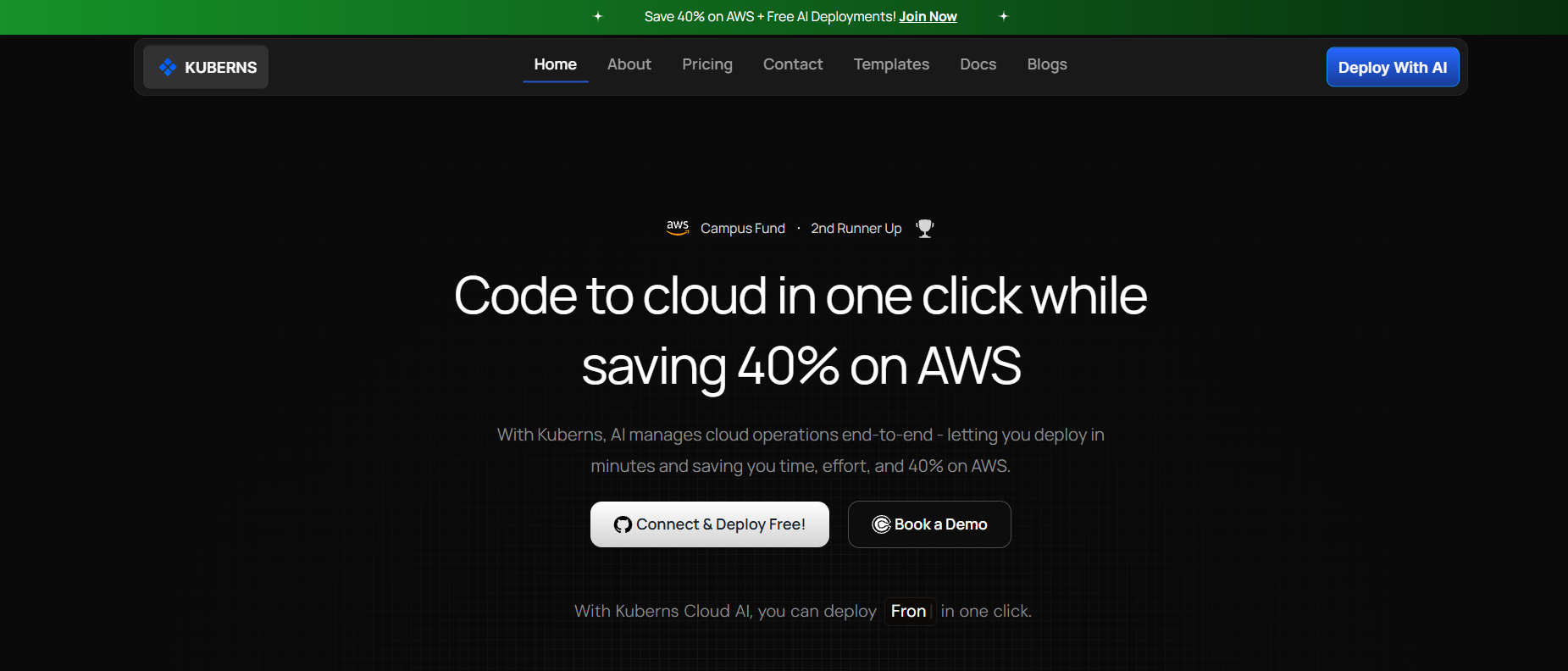 Kuberns focuses on simplifying how modern applications are deployed and managed. Instead of requiring you to configure Docker, Kubernetes clusters, or monitoring systems manually, Kuberns automates the entire lifecycle. You connect your GitHub repository and deploy instantly, similar to platforms like Render or Railway, but with deeper automation and scaling intelligence. If you want a clear view of how Kuberns works, you can refer to the article What Is Kuberns and how it simplifies full stack deployments, which explains the platform in detail.
Why Teams Prefer Kuberns Over Portainer
| Feature | Portainer | Kuberns |
|---|---|---|
| Deployment Flow | Manual | One-click Git deployment |
| Scaling | Depends on cluster config | AI-powered automatic scaling |
| Infrastructure | Self-managed | Fully managed on AWS-grade cloud |
| Logs + Monitoring | Requires external tools | Built-in and real-time |
| Kubernetes Setup | Required | Abstracted away |
| Cost Efficiency | Depends on hosting | Up to 40% lower cloud cost |
Key Benefits
1. One-click deploy from GitHub Kuberns automatically builds, containers, configures environments, and deploys your application directly from your repository without needing manual CI/CD pipelines.
2. No manual Docker or Kubernetes configuration There is no need to manage clusters, kubeconfig files, Helm charts, or Docker networking. Kuberns abstracts the infrastructure layer completely.
3. AI-based automatic scaling Resource usage is analyzed continuously and compute is scaled up or down automatically, ensuring performance stability while reducing unnecessary cloud spending.
4. Built-in observability and debugging tools Kuberns provides real-time logs, performance metrics, deployment history, and service health in one place, eliminating the need to integrate external monitoring tools.
5. Secure and production-ready cloud infrastructure Apps run on stable AWS-grade environments with SSL, autoscaled networking, security isolation, and high availability baked in.
If you want to understand how Kuberns compares with other deployment platforms, including Render, see Kuberns vs Render for a side-by-side breakdown of features, performance, and scalability.
Who Should Choose Kuberns Kuberns is ideal for SaaS founders, growing teams, and developers who want to ship features quickly without managing servers or Kubernetes setups.
It is especially useful if you are scaling beyond VPS hosting and want to automate deployments, monitoring, and scaling without hiring a full DevOps team.
2. Render
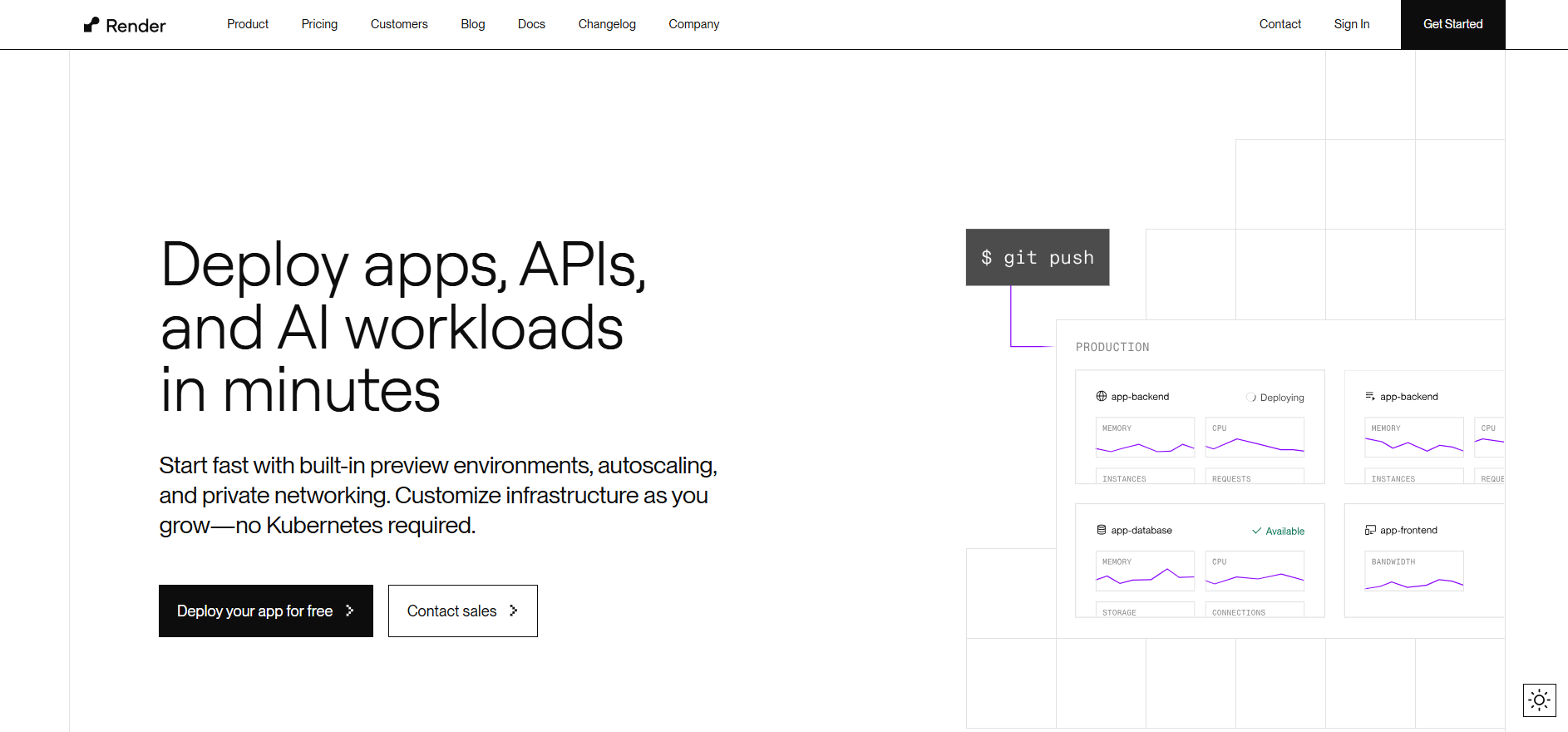 Render is a managed PaaS that lets you deploy web services, databases, background workers, and static sites directly from your Git repo. It is designed for teams that want quick deployment without self-hosting or dealing with servers.
The developer experience is friendly, and the platform handles SSL, autoscaling policies, and build pipelines for you.
Pros
- Direct Git-based deployment workflow
- Built-in support for databases, cron jobs, and background services
- Clean UI and a smooth onboarding experience
Limitations Compared to Kuberns:
As applications grow, Render can become costly and less flexible. Scaling is not automated based on usage intelligence, so teams must manually adjust resources. Observability tools are basic, which can make troubleshooting production issues harder at scale.
If you want a detailed breakdown of how these differences impact development workflows, you can refer to Kuberns vs Render for a complete comparison.
3. Railway
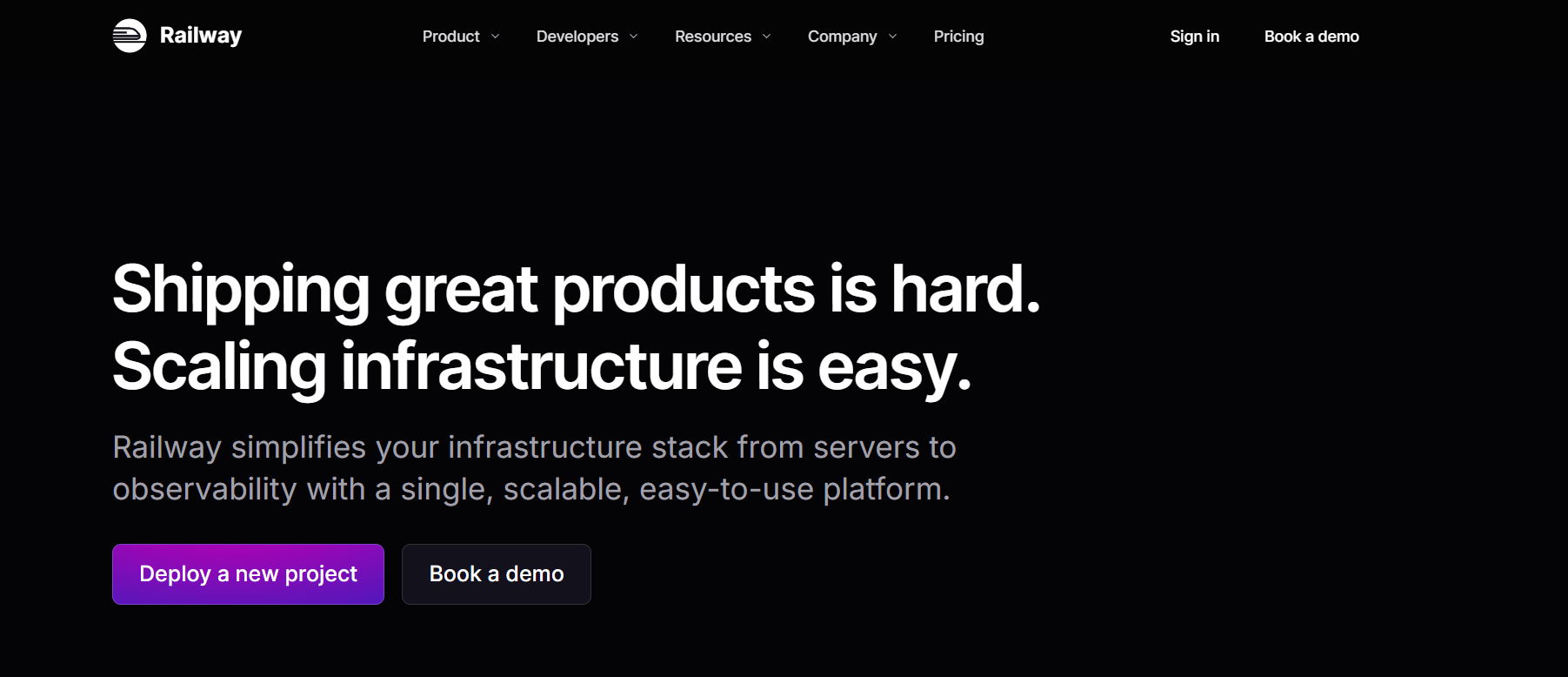 Railway is popular among solo developers and small teams because of its minimal setup process. It allows you to create and deploy applications rapidly, making it a great choice for prototypes, MVPs, and early SaaS experiments. Many developers use Railway to get their idea online without worrying about infrastructure during the initial build phase.
Pros
- Extremely fast and simple to start new services
- Usage-based pricing feels flexible for small workloads
- Very low configuration overhead
Cons When applications begin receiving production traffic, costs can rise quickly due to usage-based billing. Railway also provides limited observability features compared to platforms like Kuberns that offer built-in logs, metrics, and scaling automation. Teams typically migrate off Railway once they start looking for performance monitoring and long-term reliability. To learn how Kuberns handles scaling and lifecycle automation, see What is Kuberns and how it simplifies full stack deployment.
4. Fly.io
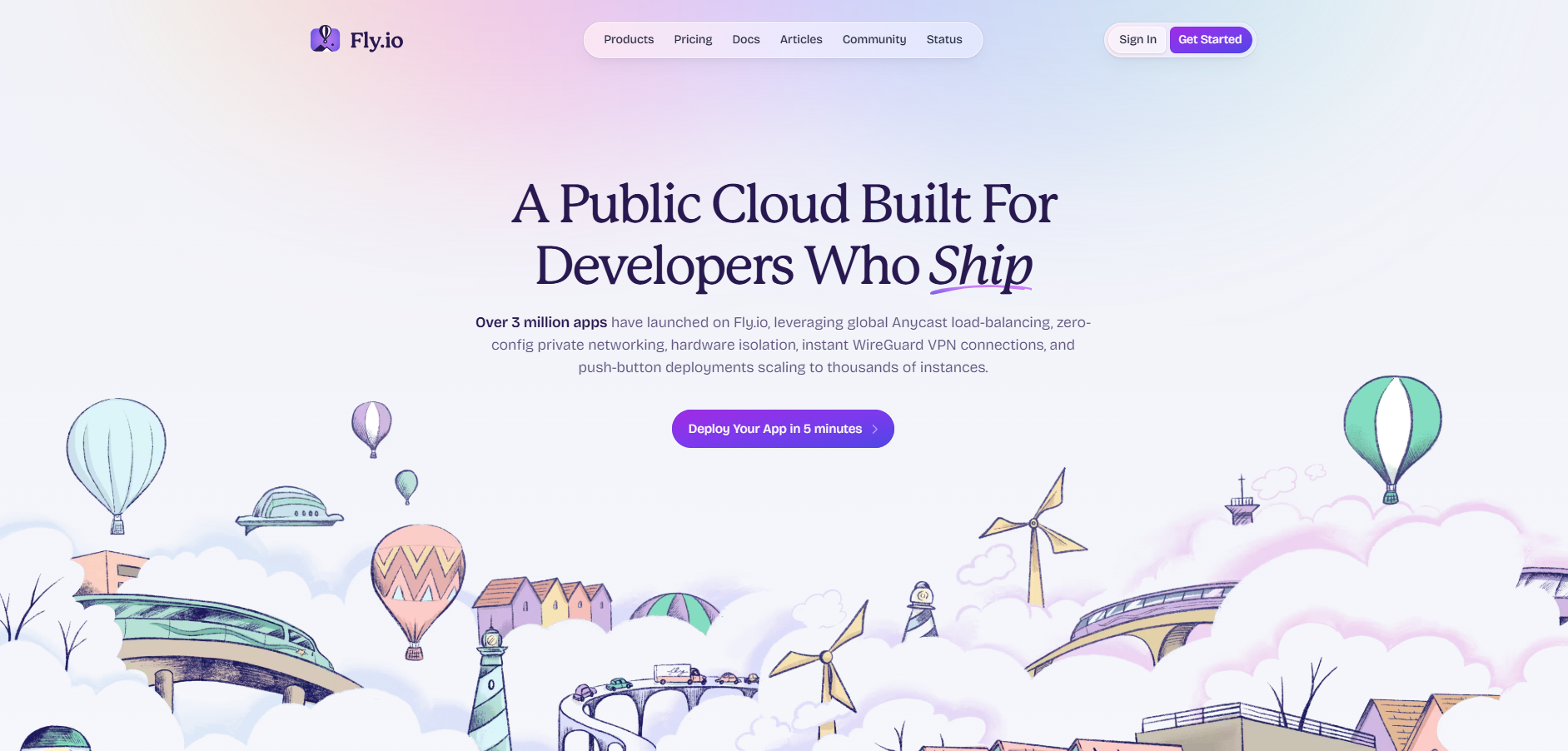 Fly.io specializes in running applications geographically closer to users by deploying workloads across multiple global regions. This reduces latency and is well suited for applications serving distributed user bases, such as chat apps, multiplayer systems, or real-time dashboards.
Pros
- Edge computing model for low-latency experiences
- Good fit for globally used SaaS platforms
Cons
To take full advantage of Fly.io, teams often need networking expertise and a deeper understanding of distributed architecture. As traffic and number of regions grow, managing consistency and deployments becomes more complex.
For teams that want global performance without network architecture overhead, Kuberns provides a simpler managed alternative where scaling and optimization are handled automatically.
5. Coolify (Self-Hosted Alternative)
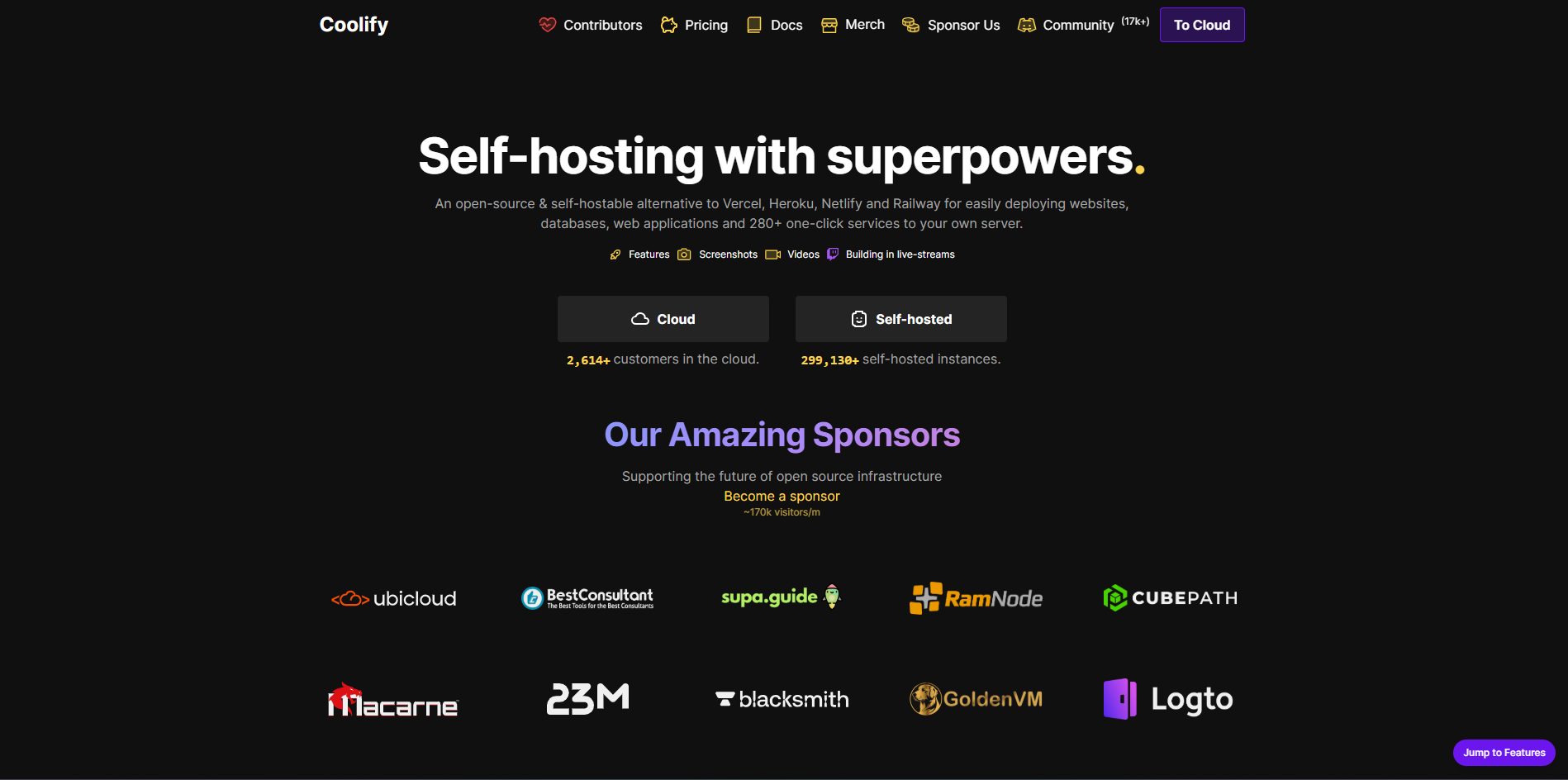 Coolify is an open-source, self-hosted platform that replicates the experience of managed PaaS but on infrastructure you control. This makes it attractive for teams that want full ownership and no vendor lock-in.
Coolify supports containerized workloads and works with Docker, making it flexible for developers familiar with container environments.
Pros
- Complete control over hosting environment
- No vendor lock-in concerns
- Works well with Docker-based workflows
Cons
Self-hosting comes with responsibilities. You must manage server security, patches, scaling rules, monitoring, backups, and failover strategies. Performance tuning and DevOps overhead grow quickly as applications scale.
This often leads teams to migrate toward platforms like Kuberns where infrastructure, scaling, optimization, and observability are automated. If your goal is to avoid maintaining servers and configuration pipelines, Kuberns provides a much simpler workflow.
6. Portainer Business Edition
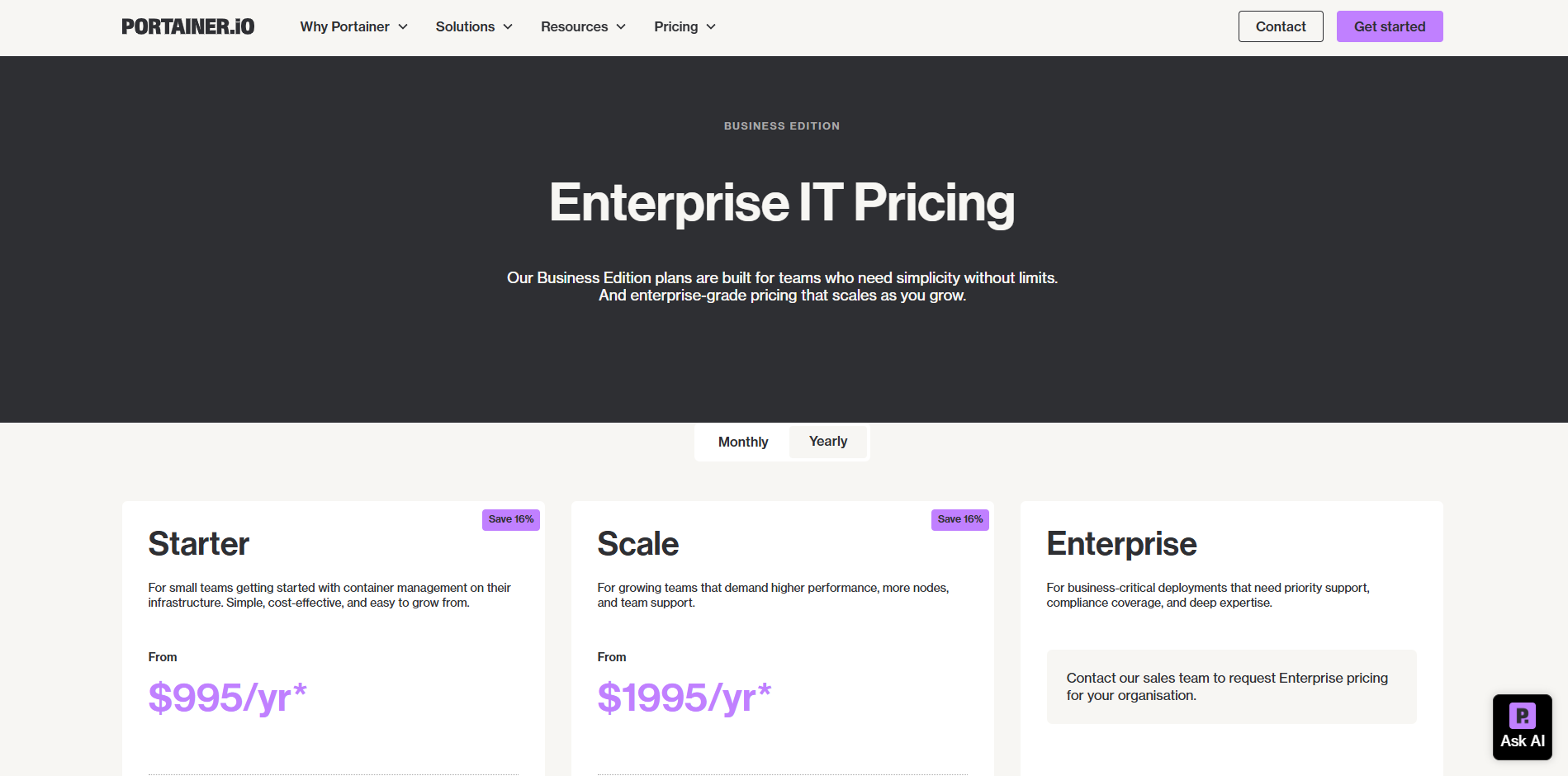 Portainer Business Edition is the commercial version of Portainer designed for organizations that already run containerized workloads at scale.
It provides RBAC (role-based access control), advanced cluster governance, secure access policies, and centralized management features across Kubernetes and Docker environments.
For companies that already maintain their own infrastructure and have in-house DevOps or SRE teams, the Business Edition offers operational visibility and standardized deployment controls.
Pros
- Centralized dashboard for Kubernetes and Docker management
- Strong access control and governance features for enterprise use
- Useful for teams that already maintain container infrastructure internally
- Supports multi-cluster visibility and permissions auditing
Cons Portainer Business Edition focuses on managing existing infrastructure, not replacing it. This means your team is still responsible for provisioning clusters, configuring networking, managing scaling strategies, monitoring workloads, and optimizing resource usage.
In environments that lack dedicated DevOps support, this can become time-consuming and expensive. For teams who want to avoid cluster maintenance entirely, platforms like Kuberns handle deployment, scaling, logging, and infrastructure operations automatically, allowing developers to build without worrying about Kubernetes administration.
How to Choose the Right Portainer Alternative
Choosing the right Portainer alternative depends on the level of automation, flexibility, and operational ownership your team wants.
Not every platform solves the same problem, so it is important to identify what stage your product is in and how much DevOps complexity you are willing to manage.
When evaluating alternatives, consider:
| Requirement | Best Match |
|---|---|
| Want zero DevOps overhead | Kuberns |
| Want simple Git deploy workflows | Render or Railway |
| Need global low-latency hosting | Fly.io |
| Need complete control | Coolify |
| Existing on-prem enterprise workloads | Portainer Business Edition |
Start by asking these questions:
1. Do you want to manage infrastructure or avoid it? If your team prefers to focus on building features instead of managing Kubernetes clusters, scaling rules, networking, and logs, then a fully managed platform like Kuberns is the most suitable option. It automates deployment, scaling, observability, and performance optimization out of the box.
2. Is your workload experimental or production-level? For prototypes, MVPs, and small apps, platforms like Railway or Render can feel convenient. Once your application needs consistent performance, stable uptime, and predictable scaling, you will likely benefit from a platform that provides more operational reliability.
3. Do you need global performance or region-specific hosting? If your users are distributed globally and low latency is a priority, a provider like Fly.io may be relevant. If your priority is simply deploying quickly without global network configuration, then Kuberns offers a more streamlined approach.
4. Do you want self-hosted control or lower operational effort? If complete control and on-premise deployment are essential, Coolify or Portainer Business Edition may fit your requirements. However, this also means owning server security, network configuration, backups, scaling, and monitoring. If reducing that workload matters more, a managed environment like Kuberns will be easier to maintain.
Portainer vs Fully Managed Platforms: Understanding the Shift
Portainer gives teams a visual and centralized way to manage Docker and Kubernetes environments, but it still relies on your team to provision, operate, and optimize the underlying infrastructure.
This means you are responsible for configuring clusters, scaling policies, networking, persistent storage, monitoring tools, and performance tuning.
For teams with strong DevOps capacity, this level of control can be beneficial. However, it also increases operational workload as applications grow.
Fully managed platforms such as Kuberns take a different approach. Instead of expecting teams to manage containers and clusters directly, they automate the deployment pipeline, workload scaling, resource optimization, observability, and infrastructure updates.
Developers push code, and the platform handles the runtime environment. This reduces the number of tools needed and minimizes the need for manual infrastructure decisions.
| Capability | Portainer | Fully Managed Platforms like Kuberns |
|---|---|---|
| Cluster provisioning | Performed manually | Fully automated |
| Scaling | Requires manual setup and tuning | Automatically adjusted based on usage |
| Logging and monitoring | Requires third-party integration | Built in and available in real time |
| CI/CD workflow | Must be configured separately | Deployment pipeline is integrated |
| Operational overhead | Higher, especially as systems scale | Significantly reduced |
The trend across many development teams is shifting from managing environments to managing products. Teams want to spend less time configuring their platforms and more time building features that move the business forward.
This is why many organizations that start with Portainer eventually transition to platforms that take on a greater share of operational responsibility.
Why Kuberns Is the Right Choice
Kuberns is built for teams that want the simplicity of one-click deploys with the reliability of production-ready cloud infrastructure.
Instead of manually configuring Docker, Kubernetes, scaling rules, or monitoring systems, Kuberns automates these steps so your team can focus on shipping features faster.
To understand the workflow difference in detail, you can refer to What Is Kuberns and how it simplifies full stack deployments.
What Makes Kuberns the Right Fit
- One-click deployments from GitHub Push code and deploy instantly, without maintaining CI pipelines or build scripts.
- No manual Kubernetes or Docker configuration No need to manage clusters, YAML files, Helm charts, or container networking.
- Automatic scaling backed by real-time resource intelligence Apps scale up during traffic spikes and scale down during low usage to reduce cost.
- Built-in observability and monitoring Logs, metrics, traces, deployment history, and service health all in one dashboard.
- Production-ready infrastructure without DevOps overhead Secure architecture, SSL support, autoscaling, and high availability included by default.
Who Benefits Most
Kuberns is ideal for teams that want a deployment platform that grows with product demands. If your priority is to build and launch features quickly without managing infrastructure complexity, Kuberns is a forward-focused, scalable choice.
Final Thoughts
The shift is clear across modern development teams. Instead of spending hours configuring servers, managing Kubernetes clusters, and stitching together CI/CD pipelines, developers want a workflow that lets them ship faster with less operational overhead.
Portainer works well when you already manage your own infrastructure, but as applications grow, the effort required to maintain and scale those environments increases significantly.
Kuberns removes that complexity. It automates deployment, scaling, performance optimization, logging, and monitoring, so your team stays focused on product development instead of infrastructure maintenance.
You write code, and Kuberns ensures it runs reliably in production.
If you are ready to simplify your deployment workflow and launch faster, you can explore the platform at Kuberns and start deploying your application with a single click.
Build. Push. Deploy. Let Kuberns handle everything after that.

Frequently Asked Questions (FAQs)
What is Portainer mainly used for?
Portainer is used to manage Docker containers and Kubernetes clusters through a visual dashboard. It helps developers control containers, images, stacks, networks, volumes, and basic access roles without depending fully on the terminal. It is mostly used for small scale environments, home labs, and lightweight projects.
Why do teams look for Portainer alternatives?
Teams look for alternatives when they move from simple container management to full application deployment workflows. Portainer does not include automated CI or CD, it does not handle scaling rules, and it requires manual Kubernetes upkeep. As apps grow, developers prefer platforms that automate builds, deployments, monitoring, and infrastructure decisions.
Which Portainer alternative is best for production workloads?
Platforms that bundle the entire deployment pipeline into one system are usually the best for production. Kuberns is a strong choice because it removes Kubernetes setup, automates containerization, handles scaling, and gives a full observability layer. This reduces DevOps complexity and helps teams deploy apps faster.
Can Portainer handle CI or CD workflows?
No. Portainer does not include built-in CI or CD functionality. You must integrate external tools like GitHub Actions, Jenkins, or GitLab CI. Most modern alternatives offer one click deployment, automatic builds, and integrated continuous deployment that reduce setup effort.
Is Kuberns better than Portainer for scaling applications?
Yes. Kuberns offers automatic scaling and AI based optimisation without requiring you to write autoscaling rules or manage Kubernetes nodes. Portainer still depends on manual configuration and cluster maintenance when you want to scale workloads.
Does Portainer support full stack deployments?
Portainer helps manage containers but does not manage end to end deployment workflows that cover frontend, backend, databases, environments, logs, and alerts. Full stack deployments usually need several separate tools. Platforms like Kuberns combine everything into a single workflow.
Is Portainer suitable for enterprise applications?
Portainer works well for small to medium setups. For enterprise scale applications, teams usually need integrated observability, CI or CD pipelines, cost optimisation, policy management, and automated cluster scaling. These are better supported by more complete deployment platforms.
What makes Kuberns a strong Portainer alternative?
Kuberns handles everything Portainer leaves out. It builds from GitHub, containerizes automatically, manages environments, scales apps, handles SSL, shows logs and metrics, and keeps deployments consistent. Developers do not need to configure Kubernetes or maintain the underlying cluster.
Can I migrate from Portainer to Kuberns easily?
Yes. If your application already runs in Docker or Kubernetes, you can deploy it on Kuberns by connecting your GitHub repository and confirming your build commands. Kuberns handles containerization and infrastructure behind the scenes so you do not need to migrate YAML files manually.
Does Kuberns reduce cloud costs compared to Portainer?
Yes. Kuberns optimizes resources on its AWS infrastructure and gives up to 40 percent cloud cost savings. Portainer depends completely on your own servers or cloud clusters, so you manage costs yourself. For most teams, Kuberns becomes more cost efficient as workloads grow.
Is Portainer still a good choice for beginners?
Yes. Portainer is simple for getting started with Docker or learning container basics. But once a team wants a real deployment pipeline, staging and production, automatic scaling, and built in monitoring, alternatives like Kuberns provide a more complete setup.
Do I need Kubernetes knowledge to use Kuberns?
No. Kuberns hides Kubernetes from the user. You do not write manifests or YAML files and you do not manage clusters. You deploy from GitHub and the platform handles containerization, networking, resources, and scaling.