Published on · Updated on: · By Jaikishan Singh Rajawat
- 17 min read
Best AI Tools That Deploy Apps to the Cloud in One Click (2026)
Every deployment platform in 2026 has the word AI somewhere on its homepage. Most of them mean something narrow: an AI that helps you write a vercel.json, or a smart build detector that recognises Next.js. A few mean something broader: a platform where AI actually runs the deployment so you do not have to configure it.
These are not the same thing. And the difference matters a lot when you are trying to get an app live quickly.
This post covers the 7 best AI tools for deploying apps to the cloud in 2026, ranked by how much they actually automate. Not by marketing copy. Not by feature lists. By what you still have to do manually after you connect your GitHub repository.
If you have already built your app and just need to get it live, what happens after vibe coding when it is time to get your app live covers the exact steps most developers skip. This post goes deeper on the platforms themselves.
What “One-Click Deploy” Actually Means in 2026
Why Most “One-Click” Tools Still Need You to Configure Things First
The phrase “one-click deploy” has been stretched far beyond its original meaning. In most cases, what platforms mean is: one click to trigger the deployment after you have already done the following:
- Connected your GitHub repository
- Set your build command (
npm run build,pip install -r requirements.txt) - Set your start command (
npm start,python app.py) - Declared your port number
- Added all environment variables
- Chosen a region
- Selected a plan tier
That is not one click. That is one click at the end of a 15-minute setup process.
For simple Next.js or static React apps, most of this gets auto-detected and the setup genuinely is fast. For anything else (a Node.js Express API, a Python FastAPI backend, a full-stack app with a database), you are configuring manually before that first deploy button appears.
Three Tiers of AI Involvement in Cloud Deployment
Not all “AI deployment tools” use AI the same way. Before comparing specific platforms, it helps to understand what tier of automation you are actually buying.
Tier 1: AI-Assisted AI helps you write configuration. You still execute everything manually. Tools like GitHub Copilot can generate a GitHub Actions YAML file for you. DeployHQ uses machine learning to analyse deployment logs. The human is still the operator. AI is a writing assistant.
Tier 2: AI-Automated Platforms detect your framework and automate the build and deploy pipeline once you have set it up. Vercel, Netlify, Railway, and Render live here. Push to GitHub and the platform deploys. But you still manually enter env vars, start commands, ports, and region preferences before the first run. The automation kicks in after the initial configuration is complete.
Tier 3: Agentic The AI reads your repository, reasons about your stack, sets the configuration, and deploys without waiting for you to fill anything in. You connect GitHub. The agent handles the rest. This is where Kuberns sits. It is the only deployment platform in this list that operates at Tier 3.
For a broader look at how automated deployment tools differ from traditional CI/CD pipelines, the distinction between Tier 2 and Tier 3 is where the real conversation starts.
Tier Comparison: What AI Does vs What You Still Do
| Tier | Example tools | What AI does | What you still do manually |
|---|---|---|---|
| Tier 1: Assisted | GitHub Copilot, DeployHQ | Writes config, analyses logs | Everything else |
| Tier 2: Automated | Vercel, Netlify, Railway, Render | Detects framework, runs builds | Env vars, ports, start commands, region |
| Tier 3: Agentic | Kuberns | Reads repo, detects stack, sets config, provisions infra, deploys | Connect GitHub |
The 7 Best AI Tools for Cloud Deployment in 2026
1. Kuberns: The Only Agentic AI Deployment Platform
Kuberns is the only platform in this list that operates at Tier 3. When you connect a GitHub repository, the Kuberns AI agent reads your project before asking you to configure anything.
Here is what the agent detects automatically:
- Language and runtime: Node.js, Python, Go, Ruby, Java, PHP, Rust, and more
- Framework: Express, NestJS, Fastify, Django, FastAPI, Flask, Next.js, Vue, React, and others
- Build command: detected from
package.json,Makefile, or framework conventions - Start command: detected from scripts, Procfile, or entrypoint files
- Port: read from your code or environment defaults
- Node version, Python version, dependency files
You do not fill in a configuration form. The agent fills it in before you see it. You review, adjust if needed, and click deploy.
Kuberns runs your app as a persistent container on AWS, not as a serverless function. This means no execution timeouts, no cold starts, no WebSocket restrictions, and no connection pool exhaustion from per-request function spawning. Your server runs continuously the way it runs locally.
Best for: Full-stack apps, backend APIs, vibe-coded apps, AI-built apps with mixed stacks, teams with no DevOps resource, freelancers deploying multiple client projects.
Honest limit: Not optimised for ML model inference workloads requiring GPU compute.
To understand what makes a DevOps AI agent different from a standard CI/CD runner, the mechanics behind Kuberns make more sense in that context.
2. Vercel: Best for Frontend and Next.js Apps
Vercel is the default deployment platform for Next.js and React applications. Its developer experience is polished, preview deployments per pull request work exceptionally well, and the global CDN is fast.
For Next.js apps specifically, Vercel is genuinely close to one-click. It auto-detects the framework, handles the build, and gives you a live URL quickly.
Where Vercel falls short is on the backend. Node.js apps on Vercel run as serverless functions, not as persistent servers. This means:
- 10-second execution timeout on the free tier
- No WebSocket support
- Database connection pool exhaustion under moderate traffic
- Cold starts on infrequently used routes
Best for: Next.js apps, React SPAs, static sites, frontend-heavy projects.
Honest limit: Not suitable for persistent Node.js backends, WebSocket apps, or long-running processes.
If Vercel’s serverless model is creating problems for your project, the best Vercel alternatives for backend and full-stack teams covers what developers move to and why.
3. Railway: Best for Backend Prototyping and Fast Iteration
Railway launched with a clear goal: modern infrastructure without DevOps expertise. It delivers on that for most solo developers and small teams.
The visual project canvas lets you see your API, database, and worker services side by side. One-click database provisioning for PostgreSQL, MySQL, Redis, and MongoDB is genuinely useful. Deploys from GitHub are fast, usually under two minutes.
Railway is Tier 2 automation. You still manually enter your start command, port, and environment variables before the first deploy. After that initial setup, subsequent deploys are automatic.
Usage-based pricing is Railway’s biggest double-edged feature. It keeps costs low for small projects but can produce unexpected bills as traffic grows.
Best for: Side projects, full-stack prototypes, backend APIs with databases, teams that want fast iteration without Kubernetes.
Honest limit: No agentic stack detection, usage-based billing surprises at scale, no built-in CDN.
If Railway is not the right fit for your project, the top Railway alternatives for solo developers and startups breaks down the options with honest trade-offs.
4. Render: Best Free Tier for Web Services
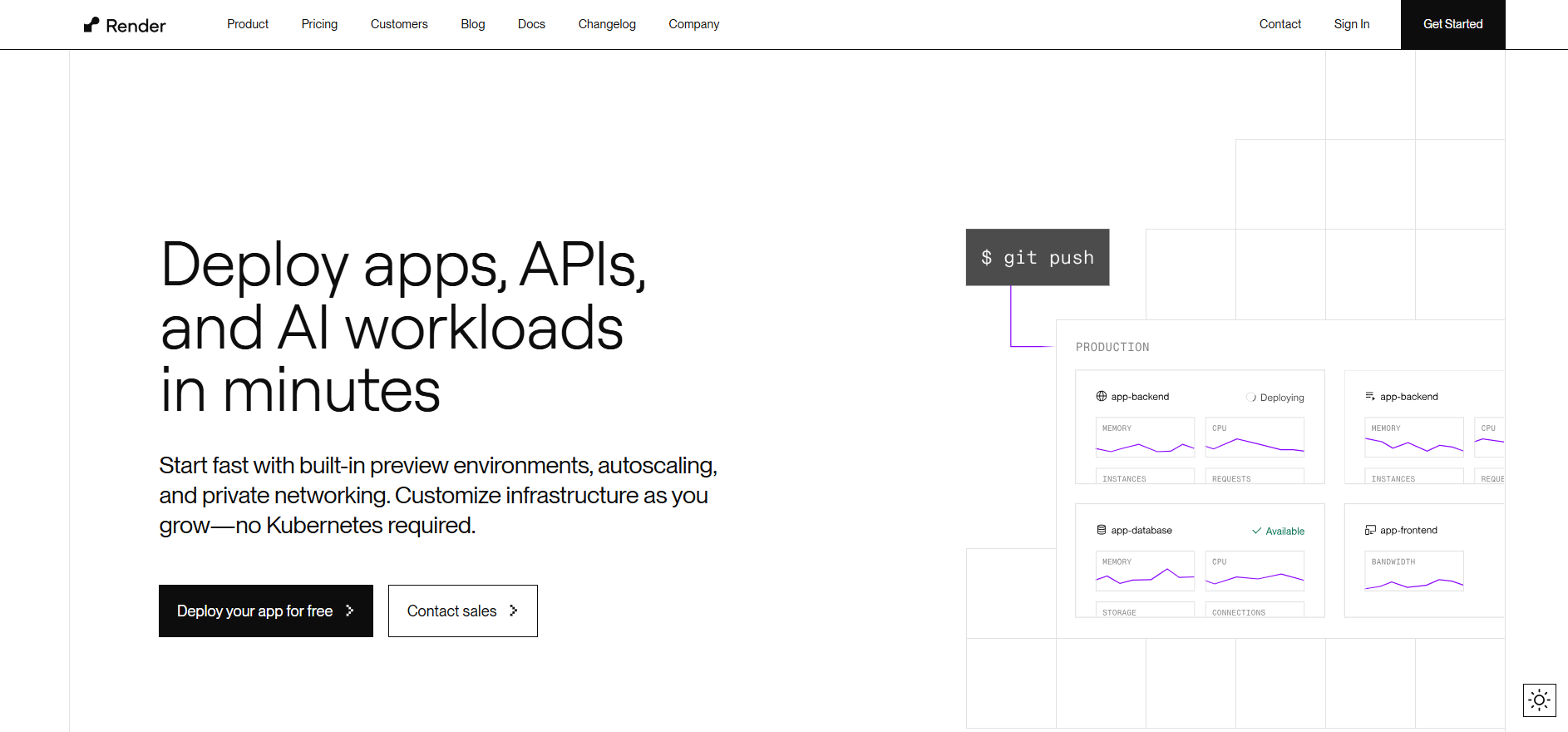
Render positioned itself as the modern Heroku after Heroku killed its free tier in 2022, and it executed well. The free tier for static sites is genuinely unlimited. Free web services exist but sleep after 15 minutes of inactivity, which means cold starts on the first request.
Render supports Node.js, Python, Docker, and static sites out of the box. GitHub-connected deploys are straightforward. The interface is clean and beginner-friendly.
Like Railway, Render is Tier 2. You set your build command, start command, and env vars on first deploy. After that, pushes trigger automatic redeployments.
Fixed pricing on paid plans makes budgeting predictable, but you may overpay compared to Railway’s usage-based model for low-traffic projects.
Best for: Early-stage projects, static sites, JAMstack apps, teams migrating from Heroku.
Honest limit: Free web services sleep and have slow cold starts, less polished UX than Railway.
For teams outgrowing Render, the best Render alternatives for developers and teams covers what to consider next.
5. Netlify: Best for Static Sites and Serverless Functions

Netlify pioneered the JAMstack deployment model and remains one of the best platforms for static sites, documentation, and marketing pages. Its global CDN is fast, the free tier is generous for static content, and the developer experience around frontend workflows is excellent.
For serverless functions, Netlify works well for simple API routes attached to a frontend. For actual backend services, it is not the right tool.
Best for: Static sites, documentation sites, marketing pages, React and Vue SPAs, JAMstack projects.
Honest limit: Not a backend hosting platform. If your app needs a persistent server, Netlify is not the answer.
Before assuming Netlify covers your deployment use case, whether you can actually deploy a backend on Netlify answers that directly with specific examples.
6. Fly.io: Best for Global Edge Deployment
Fly.io takes a different approach from every other platform in this list. It deploys your application as a container and runs it across multiple regions globally, placing your app close to your users wherever they are.
For latency-sensitive applications, multi-region APIs, or apps serving users across different geographies, Fly.io offers infrastructure control that no other developer-friendly platform matches.
The trade-off is complexity. Fly.io requires CLI proficiency. Deployments use flyctl deploy. Scaling, volume management, and multi-region configuration require understanding Fly.io-specific concepts. There is no simple GitHub integration without additional setup.
Best for: Latency-sensitive apps, multi-region backends, experienced developers who want maximum infrastructure control.
Honest limit: Steepest learning curve in this list, no agentic stack detection, not beginner-friendly.
For developers who want Fly.io’s container model without the CLI overhead, the top Fly.io alternatives for developers and startups covers platforms that offer similar control with less configuration.
7. GitHub Actions with Cloud Run: Best for Teams Who Want Full Control
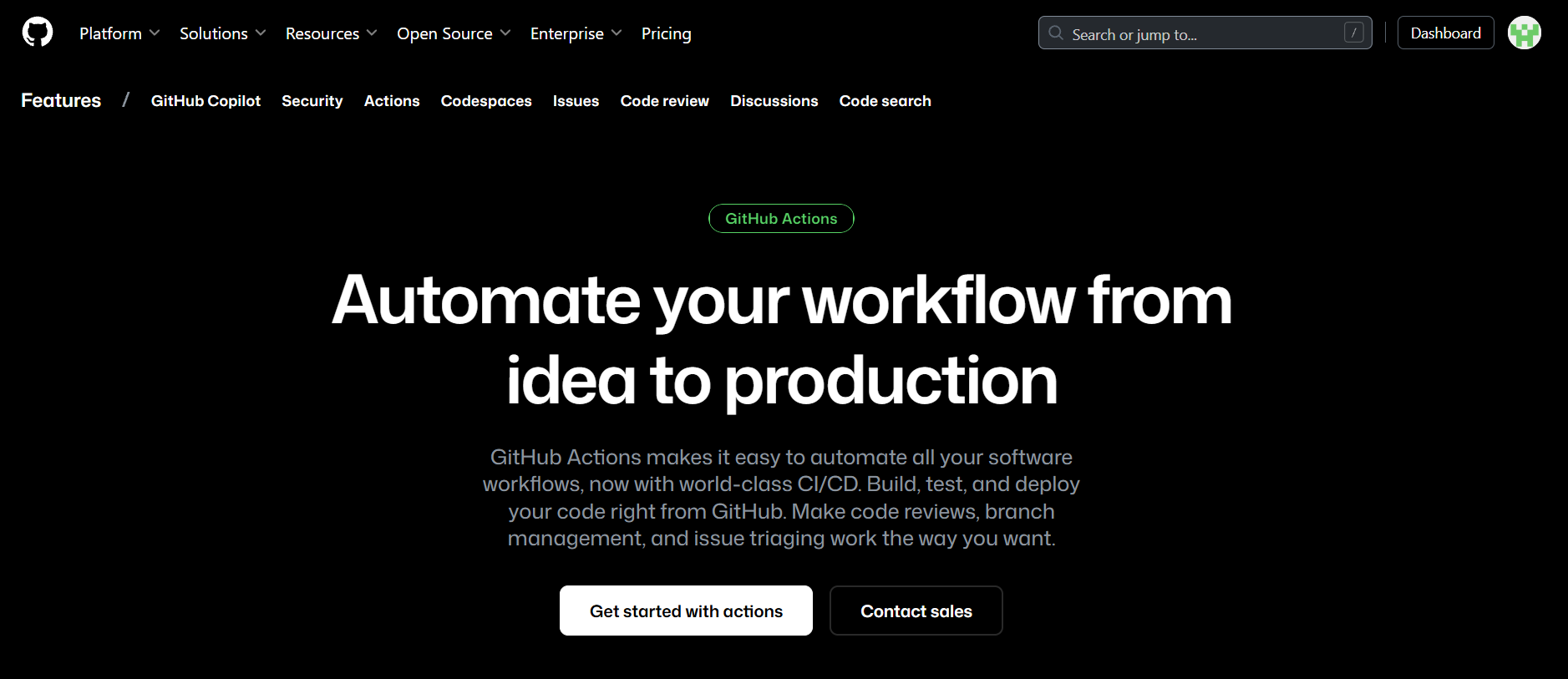
This is not a single product. It is a composable setup: GitHub Actions handles the CI pipeline (build, test, push Docker image) and Google Cloud Run handles the serverless container execution.
The appeal is total control. You define every step. You own every configuration file. Nothing is a black box.
The cost is maintenance. You author and maintain YAML workflow files. You manage IAM permissions in Google Cloud. You handle billing configuration, artifact registry, and Cloud Run service settings. When something breaks in the pipeline, you debug it.
GitHub Copilot can help write the Actions YAML, which is where the AI angle comes in. But writing YAML faster is still writing YAML.
Best for: Teams with DevOps expertise who want a fully auditable, customisable pipeline and do not mind maintaining it.
Honest limit: Not one-click in any real sense. Requires GCP knowledge, IAM setup, and ongoing pipeline maintenance.
If you want this level of control without writing and maintaining pipeline files yourself, how to eliminate manual steps in your CI/CD workflow covers where to automate and what to hand off.
How to Pick the Right Tool for Your App Type
Decision Framework by Stack and Team Size
The right deployment tool depends on two things: what your app actually is and how much configuration time you have.
| App type | Recommended tool | Why |
|---|---|---|
| Next.js or React SPA | Vercel | Native Next.js support, fast CDN, preview deploys |
| Static site or docs | Netlify | Unlimited free static hosting, excellent CDN |
| Node.js or Python backend | Kuberns | Persistent container, agentic setup, no timeouts |
| Full-stack app with database | Kuberns or Railway | Kuberns for zero config, Railway for visual canvas |
| Multi-region, latency-critical | Fly.io | Global container deployment close to users |
| Vibe-coded or AI-built app | Kuberns | Stack-agnostic agentic detection handles any output |
| Teams needing full pipeline control | GitHub Actions + Cloud Run | Fully auditable, no black boxes |
| Early-stage project, free tier first | Render | Best free tier for web services |
For full-stack apps specifically, deploying a full-stack app with AI from a single GitHub push shows the end-to-end flow with frontend, backend, and database all handled together.
When Agentic Deployment Actually Saves You Time
Tier 2 tools are fast for standard stacks. If you are deploying a Next.js app to Vercel for the tenth time, the setup takes two minutes because you already know every field to fill in.
Agentic deployment saves the most time in three situations:
When your stack is non-standard. A NestJS backend with a custom build step, a Python app using a non-common framework, a monorepo with a backend and frontend in the same repo. Tier 2 tools make you research the correct settings. Kuberns reads them.
When you are deploying someone else’s code. A vibe-coded app, a client’s project, an open-source tool you just cloned. You do not know the stack deeply. With Tier 2, you guess. With Tier 3, the agent reads the code.
When you are deploying frequently across multiple projects. A freelancer managing 10 client projects does not want to configure 10 separate deployments from scratch. Agentic detection removes that per-project overhead entirely.
Why Kuberns Is the Only Platform Where AI Runs the Deployment, Not Just Assists It
What the Kuberns AI Agent Actually Does When You Connect Your Repo
Most platforms call their build detection “AI.” What they mean is: a set of rules that recognise known framework signatures. If your package.json has a next dependency, it is a Next.js project. That is pattern matching, not reasoning.
Kuberns goes further. The agent reads your project the way a developer would before setting up a new environment:
- It opens
package.json,requirements.txt,go.mod,Gemfile, orpom.xmlto identify the language and dependencies - It identifies your framework from import patterns and directory structure, not just dependency names
- It finds your build command from scripts,
Makefiletargets, or framework conventions - It finds your start command from Procfile, entrypoint files, or the main script field
- It detects the port your app binds to from your source code or env defaults
- It reads your Node version from
.nvmrcor theenginesfield, Python version from.python-versionorruntime.txt
All of this happens before the configuration screen appears. When you see it, the fields are already filled. You review, override anything you want, and deploy.
Why a Persistent Container Beats Serverless for Real Backends
Every Tier 2 platform for backend apps either runs your code as a serverless function (Vercel) or as a process that may sleep under free tiers (Render). Kuberns runs your app as a persistent container on AWS.
Here is what that means in practice:
- Your server process starts once and keeps running between requests
- Database connections stay open and pooled, not opened fresh per request
- WebSocket connections work natively because the server is always listening
- No cold start latency on the first request after idle
- No 10-second or 300-second execution timeout cutting off long-running operations
- Background workers and scheduled jobs run continuously without cron-invocation workarounds
This is the same reason full-stack teams move off Vercel once their backend grows beyond simple stateless API calls. The Vercel GitHub integration and where it breaks for full-stack teams covers the specific point where serverless shows its ceiling for real applications.
Who Kuberns Is Built For (and Who It Is Not)
Kuberns is the right fit for:
- Backend developers deploying Node.js, Python, Go, Ruby, Java, or PHP APIs
- Full-stack developers who want frontend and backend deployed from the same GitHub repository
- Vibe coders and AI-app builders who do not know the exact stack their tool generated
- Freelancers and agencies managing multiple client deployments who cannot afford per-project configuration overhead
- Startups that want to move fast without hiring a DevOps engineer
Kuberns is not the right fit for:
- Teams deploying machine learning inference models that require GPU compute (right now)
- Projects where the entire app is a static site with no server component
- Teams with existing Kubernetes infrastructure they want to keep managing themselves
All 7 Tools Compared at a Glance
| Tool | AI tier | Backend support | Free tier | Cold starts | Config required | Best for |
|---|---|---|---|---|---|---|
| Kuberns | Agentic (Tier 3) | Yes, persistent containers | Yes (free credits) | No | None (AI detects) | Full-stack, backend, any stack |
| Vercel | Automated (Tier 2) | Serverless only | Yes (non-commercial) | Yes | Minimal for Next.js | Next.js, React, frontend |
| Railway | Automated (Tier 2) | Yes | Trial credits | No | Start cmd, port, env vars | Prototypes, backends, databases |
| Render | Automated (Tier 2) | Yes | Yes (with sleep) | Yes (free tier) | Start cmd, port, env vars | Early-stage apps, static sites |
| Netlify | Automated (Tier 2) | Serverless functions only | Yes | Yes | Minimal for static | Static sites, JAMstack, docs |
| Fly.io | Automated (Tier 2) | Yes, containers | Trial credits | No | CLI setup required | Multi-region, latency-sensitive |
| GitHub Actions + Cloud Run | Assisted (Tier 1) | Yes | GCP free tier | No | Full YAML + IAM config | Teams wanting full pipeline control |
Looking for a broader platform comparison? The best PaaS providers in 2026 ranked by features and pricing covers the full landscape including managed databases, scaling tiers, and enterprise options.
Conclusion
Not every tool that says AI in its deployment pitch is actually running your deployment with AI. Most platforms automate the execution of steps you configured. That is useful. It is just not the same as an agent that reads your code and figures out the configuration itself.
For Next.js apps and static frontends, Vercel and Netlify remain excellent choices. For prototypes and backend services with simple stacks, Railway and Render get you live quickly. For teams that need global edge distribution and do not mind a CLI-heavy workflow, Fly.io delivers serious infrastructure control.
For everything else (full-stack apps, backend APIs, vibe-coded projects, mixed stacks, and any situation where you do not want to configure the deployment yourself), Kuberns is in a different category. It is the only platform where the AI reads your repository, sets the configuration, and deploys without waiting for you to tell it what your app is.
The fastest path from code to production in 2026 is not a smarter build detector. It is an agent that does the thinking for you.

Frequently Asked Questions
What is the easiest AI tool to deploy a web app to the cloud?
Kuberns is the easiest AI tool for deploying a web app to the cloud in 2026. Its agentic AI reads your repository, detects your stack, framework, build command, and port automatically, then provisions infrastructure on AWS and gives you a live HTTPS URL in under 5 minutes. No configuration forms, no YAML files, no DevOps knowledge required.
Which AI deployment platform works best for vibe-coded or AI-built apps?
Kuberns works best for vibe-coded apps because it handles any stack the AI builder generates. Whether your app is React, Next.js, Node.js, Python, or a combination, Kuberns detects the stack from your repository and deploys it without requiring manual configuration. Other platforms like Vercel work well for Next.js specifically but struggle with backend-heavy or mixed-stack apps.
What is agentic AI deployment and how is it different from regular CI/CD?
Agentic AI deployment means an AI agent reads your codebase, makes decisions about how to configure and run it, and executes the deployment without human configuration input. Regular CI/CD tools automate the execution of steps you define. You still write the pipeline YAML, set environment variables, specify build commands, and configure routing. With agentic deployment, the AI does all of that reasoning for you.
Can I deploy a Node.js or Python backend with one click?
Yes, with Kuberns. Connect your GitHub repository and the AI agent detects whether you are running Node.js, Python, or another backend stack, reads your dependencies and start command, and deploys it as a persistent container on AWS. No serverless wrapping, no timeout limits, no manual port configuration.
Do any AI tools deploy apps without me configuring build commands or ports?
Kuberns is currently the only deployment platform that auto-detects build commands and ports from your repository before you configure anything. Other platforms like Railway and Render make deployment simple but still require you to manually enter your start command, port number, and environment variables before the first deploy. You can read more about how to auto-deploy your apps from GitHub in one click for the full step-by-step.
Is Kuberns free to use?
Kuberns offers free credits for new users to deploy and test their applications. Paid plans scale with usage and are priced competitively against Railway and Render. You can start without a credit card and deploy a real app during the free tier.
What happens to my deployment if I push a bad commit?
On most platforms including Kuberns, Railway, and Render, a failed build does not take down your live deployment. If the new build fails, the previous working version stays live. Kuberns keeps your last successful container running until a new build completes successfully, so a bad push does not cause downtime.